8 Best Rapid Prototyping Tools for Product Teams in 2026
A guide to the 8 best rapid prototyping tools for modern product teams, from AI-first platforms to high-fidelity interaction tools.
Insights, tutorials, and updates on the AI-native way of doing product design

A guide to the 8 best rapid prototyping tools for modern product teams, from AI-first platforms to high-fidelity interaction tools.

Discover why design systems are inseparable from AI generation. Learn the four maturity levels of design systems and how to build one that works with AI tools to eliminate manual cleanup.

Move beyond the hype. Learn the honest state of AI in product design, the five-stage maturity model, and how roles change when teams adopt AI design tools.

Most AI UI tools treat your design system as optional. Moonchild inverts this — your design system becomes the constraint that shapes generation from the start.

The latest AI critique tools evaluate designs against design systems, accessibility standards, and user goals. Here are the best options for product designers in 2026.

Most junior designers dread critique — not because the feedback is harsh, but because they lack a framework. Here are five practical frameworks that make critique actionable and learnable.
Before using AI to generate UI screens at scale, teams benefit from establishing a design system that defines their visual language. Learn how to build the foundation first with tokens, components, and patterns.

Learn how Moonchild and Figma complement each other. Discover the complete workflow from generation to refinement, design system integration, and multi-team patterns.

Most workflow guides describe an idealized process that doesn't survive contact with real projects. This guide focuses on what the work actually looks like — from brief to pixel-perfect screens.

Your product's design system already exists inside your Figma files. Moonchild can analyze existing screens to extract tokens, components, and documentation into a structured, production-ready system.

AI changes the product discovery equation by making visualization cheap and instant. Teams can now generate visual prototypes at the same moment they're writing requirements, shifting discovery from conversation to visual exploration.

AI hasn't replaced product designers — but it has made traditional workflows feel slower. Here's what's changed in research, ideation, prototyping, and critique, and what it means for your work.

As a PM, you define requirements — but visualizing them usually depends on a designer. Here's how to generate interactive UI prototypes directly from written requirements using AI.

In 2026, product design teams use AI-assisted critiques to evaluate work against design intent before human review. Learn how tools like Moonchild AI are changing the design crit workflow.

A practical guide showing how product teams can use Moonchild AI to accelerate the prototyping process from requirements to design handoff.

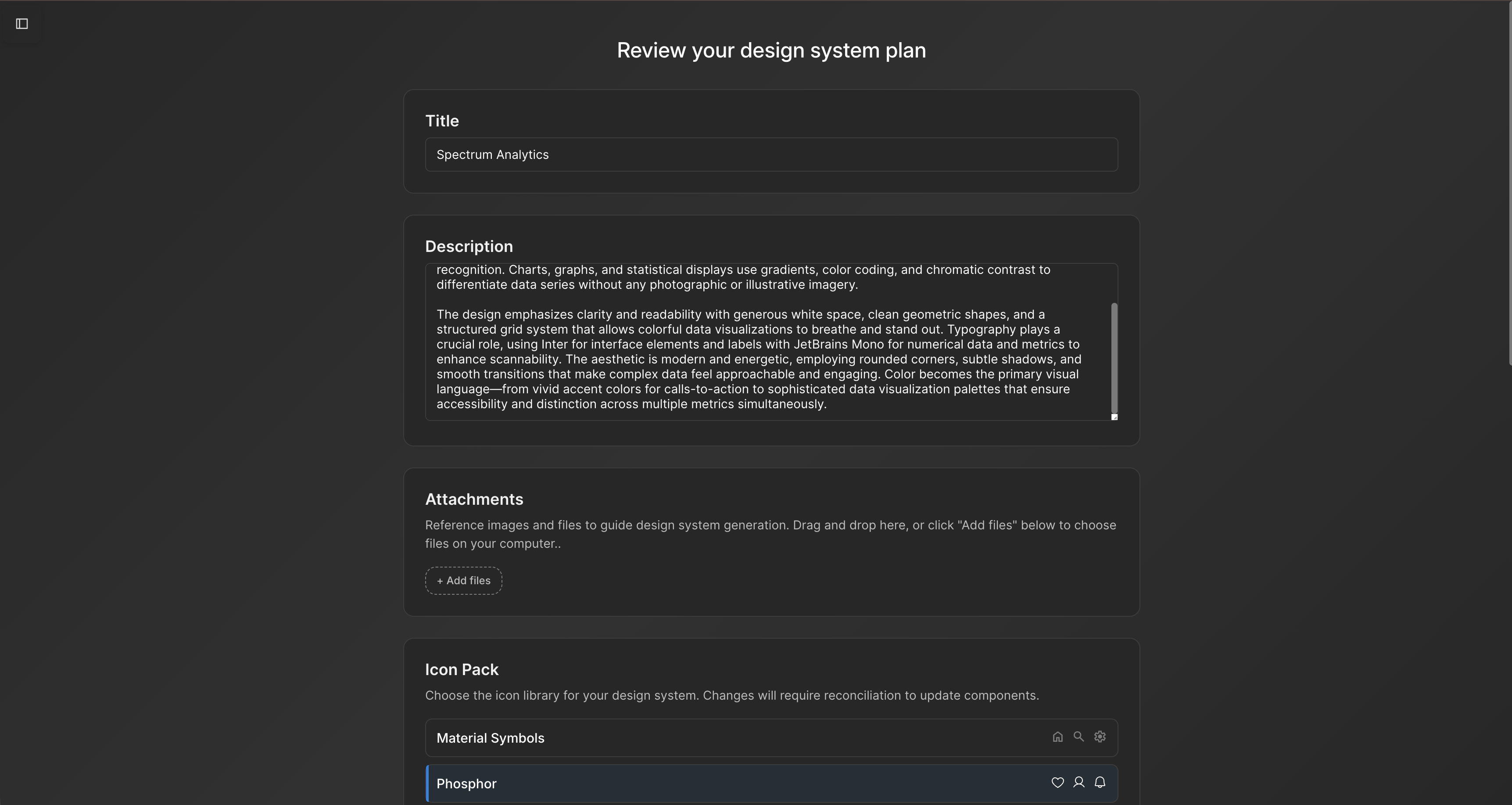
AI-assisted tools can generate a structured design system from brand guidelines and early design work, helping teams define tokens, components, and patterns before designing at scale.

Instead of reconciling AI-generated screens with your design system after the fact, define the system first and let it guide generation. Learn how to set up tokens, components, and patterns for AI-assisted UI workflows.
Many teams have implicit design systems scattered across Figma files. Here's how AI can analyze your screens, extract repeated patterns, and structure them into a formal design system.

A PRD often describes a feature that spans multiple screens. Here's how to translate those requirements into a connected UI flow using AI, before detailed design work begins.

Learn how to connect your existing Figma design system to Moonchild AI so that generated screens align with your components, tokens, and styles — reducing the gap between AI concepts and production-ready design.

Presenting a single design and defending it is the old way. Presenting multiple directions and facilitating a structured conversation is how high-performing design teams work.

Your product's design system already exists inside your screens. Learn how AI can analyze existing UI to extract tokens, components, and documentation into a formalized system.

A feature spec defines acceptance criteria in text. AI tools like Moonchild can turn that spec into a clickable prototype so your team can validate it visually against each criterion.

Magic Patterns and Moonchild AI both use AI to accelerate design, but they serve different workflows. This guide clarifies where each tool adds value for product designers.

MagicPath and Moonchild AI both leverage AI to accelerate UI design — but they solve different problems. This guide helps product designers understand where each tool excels.

A comprehensive guide to the 9 best AI prototyping tools in 2026, from design-first platforms to code-first full-stack solutions.

Paper and Moonchild AI both aim to accelerate the process from brief to design — but they serve different purposes. This guide breaks down their strengths, limitations, and ideal use cases.

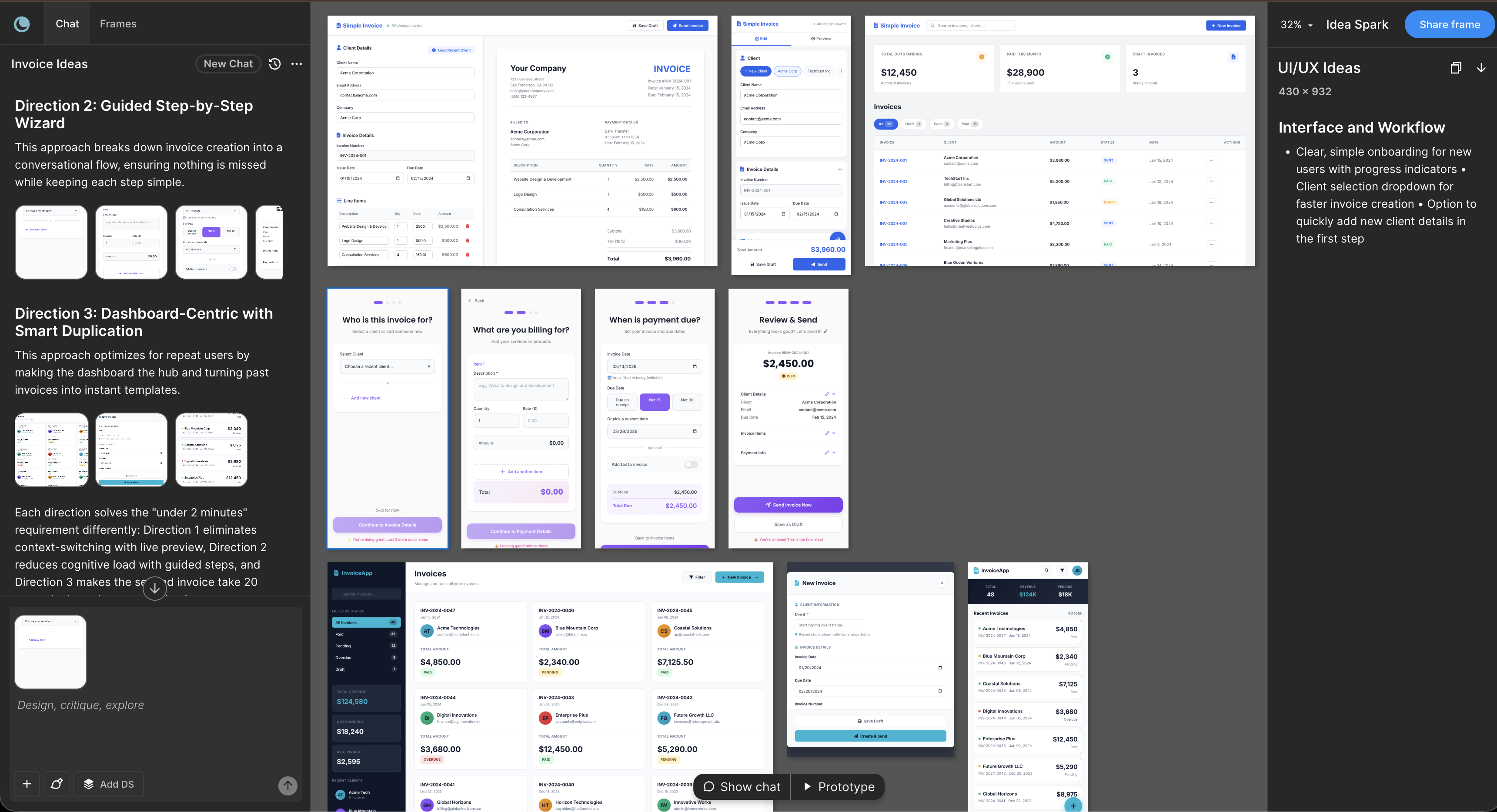
AI tools like Moonchild AI let designers go from brief to testable, multi-screen prototype in under a day. Here's a step-by-step guide to rapid prototyping with AI.

A practical guide to understanding AI UI design tools, evaluating them for your team, and using them effectively. Learn how these tools compress design cycles and what really matters when selecting one.

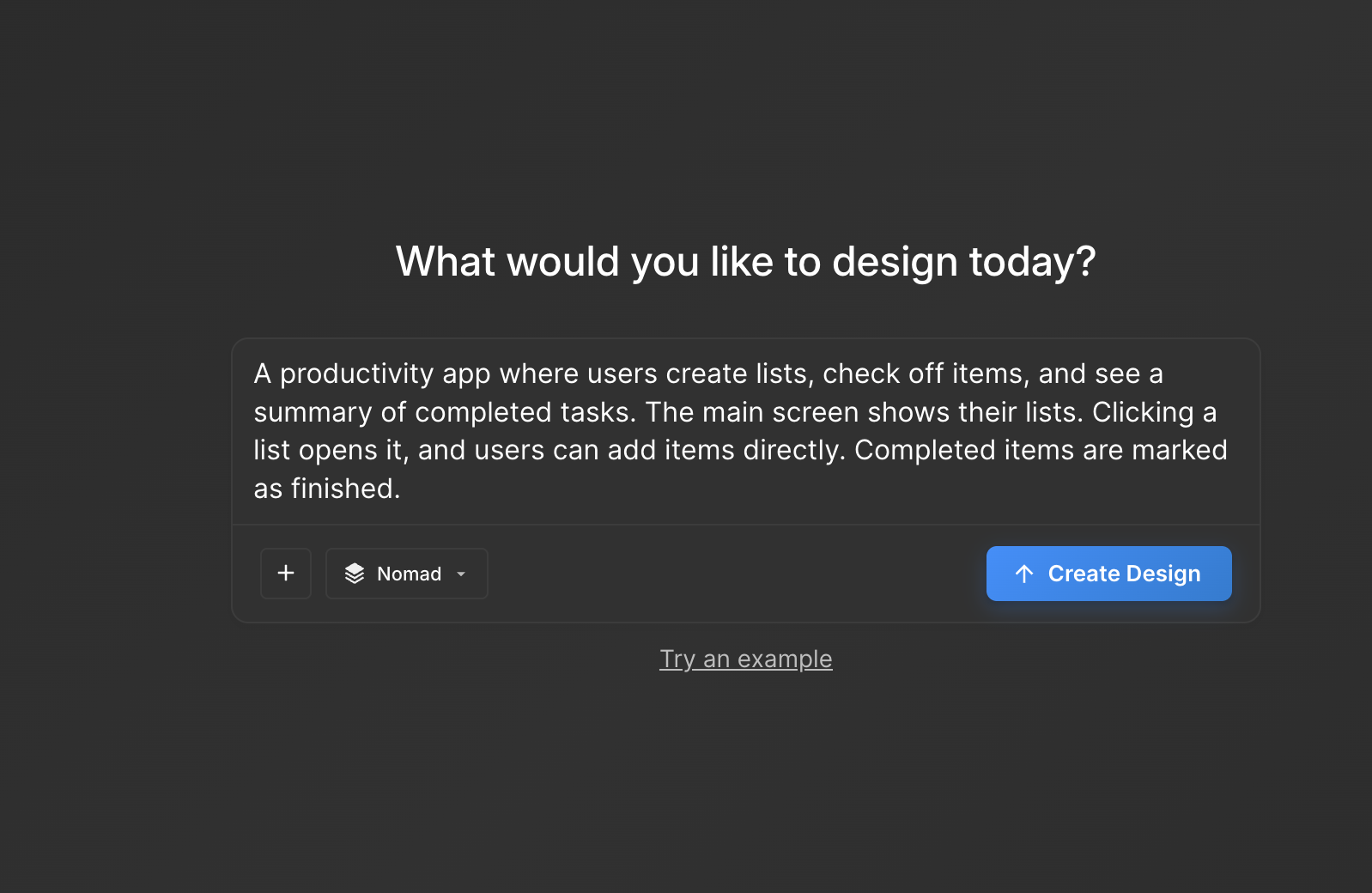
You have a product idea but no time to write a full spec. Here's how to go from a single written prompt to a visual prototype using AI design tools like Moonchild.

Learn how to use AI to generate complete, consistent user flows with multiple screens that maintain visual hierarchy, navigation patterns, and information architecture across the entire journey.

Product managers write detailed requirements, but translating them into visual flows usually requires design time. Here's how to turn requirements into UI flows using AI.

Explore Moonchild AI's pricing tiers from free to team plans. Understand what generation capacity and features you get at each level and find the right plan for your team's needs.

Turn written product requirements into a clickable prototype in minutes using Moonchild AI. This guide walks through the workflow from PRD to interactive screens.

Galileo works well for exploration and early concepts, but relying on it for production UI often introduces rework. Here's how different tools solve different phases of the design process.

A detailed comparison of Figma Make and Moonchild AI for UI generation, showing how they complement each other in design workflows.

Google Stitch is optimized for research and exploration. Moonchild is designed for consistent, production-focused interface design. Both use AI to generate UI, but they serve different stages of work.

Figma Make accelerates individual design tasks inside Figma. Moonchild generates multi-screen UI flows within design system constraints. They address different parts of the workflow.

Relume helps teams plan structure and page relationships. Moonchild generates interface screens that implement that structure in UI form. They address different stages of the same workflow.

Framer focuses on generating and publishing websites. Moonchild focuses on generating product interfaces. Both generate UI quickly, but they're designed for different contexts.

The difference between Motiff and Moonchild isn't about one being better. Motiff focuses on collaboration within the design process, while Moonchild focuses on maintaining consistency across generated UI at scale.

Mapping flows and designing the final interface are different stages. UX Pilot helps define what the flow should be. Moonchild helps design what each screen in the flow looks like.

The gap between Visily and Moonchild isn't speed — it's whether speed compounds or creates work later. Ideation speed is one metric. Production speed is another.

The difference between Moonchild AI and Uizard isn't about who generates screens faster. It's about whether your MVP UI becomes your product's foundation or technical debt you have to discard.

The split between Moonchild AI and Galileo AI isn't about speed — it's about what happens after generation. One optimizes for impressive output, the other for usable continuity.
SaaS products rely on specific UI patterns that generic tools miss. Here's how to turn SaaS PRDs into realistic prototypes using Moonchild AI and your design system.

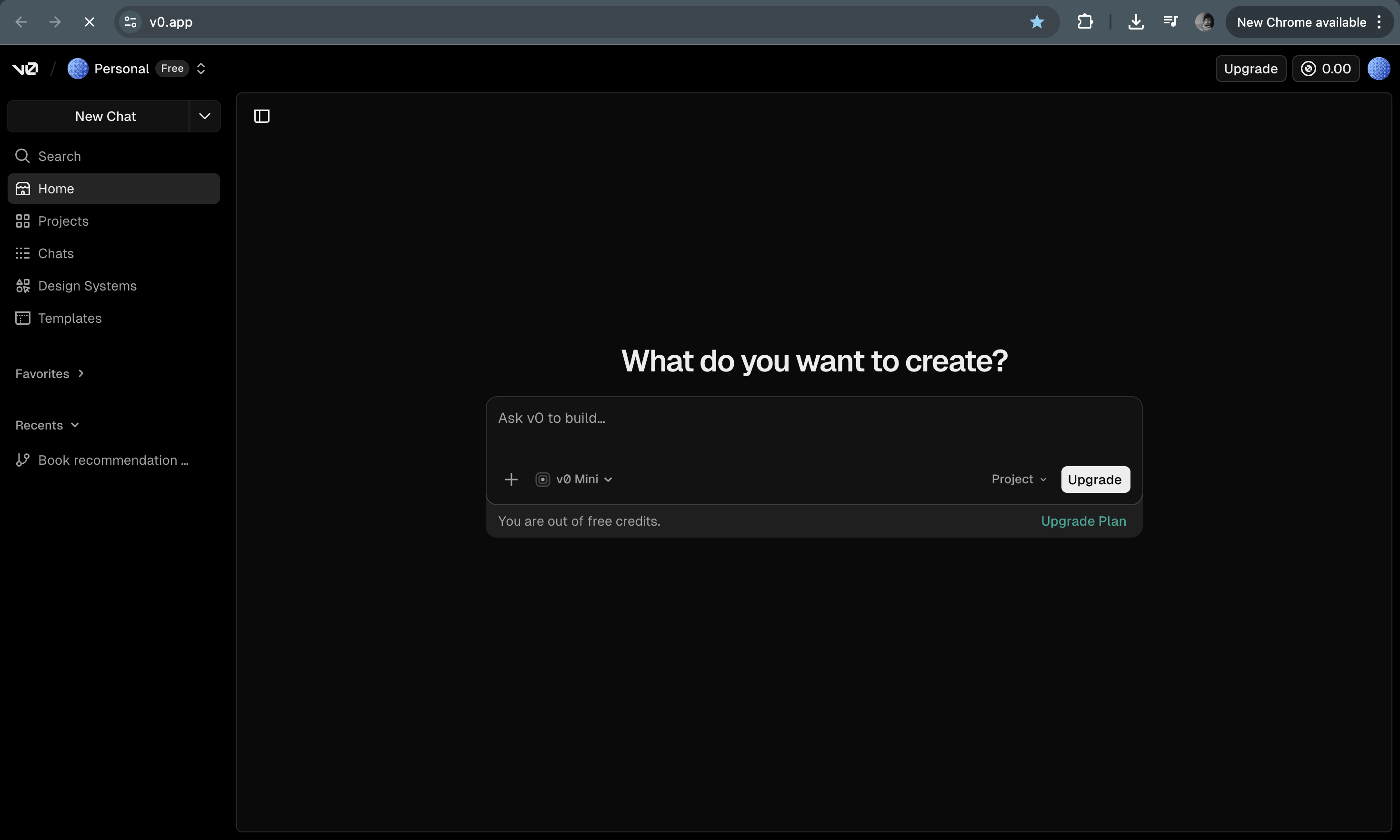
v0 generates React code from prompts — great for developers, but not for designers or PMs. Here are the best alternatives that produce visual output you can actually use.

User testing requires screens that feel real enough for users to interact with naturally. Here's how to turn a product prompt into a testable UI flow in minutes with Moonchild AI.
Every interface decision is a hypothesis. Instead of committing to one direction, use AI to generate multiple UI variants, test them fast, and validate the best approach before engineering begins.
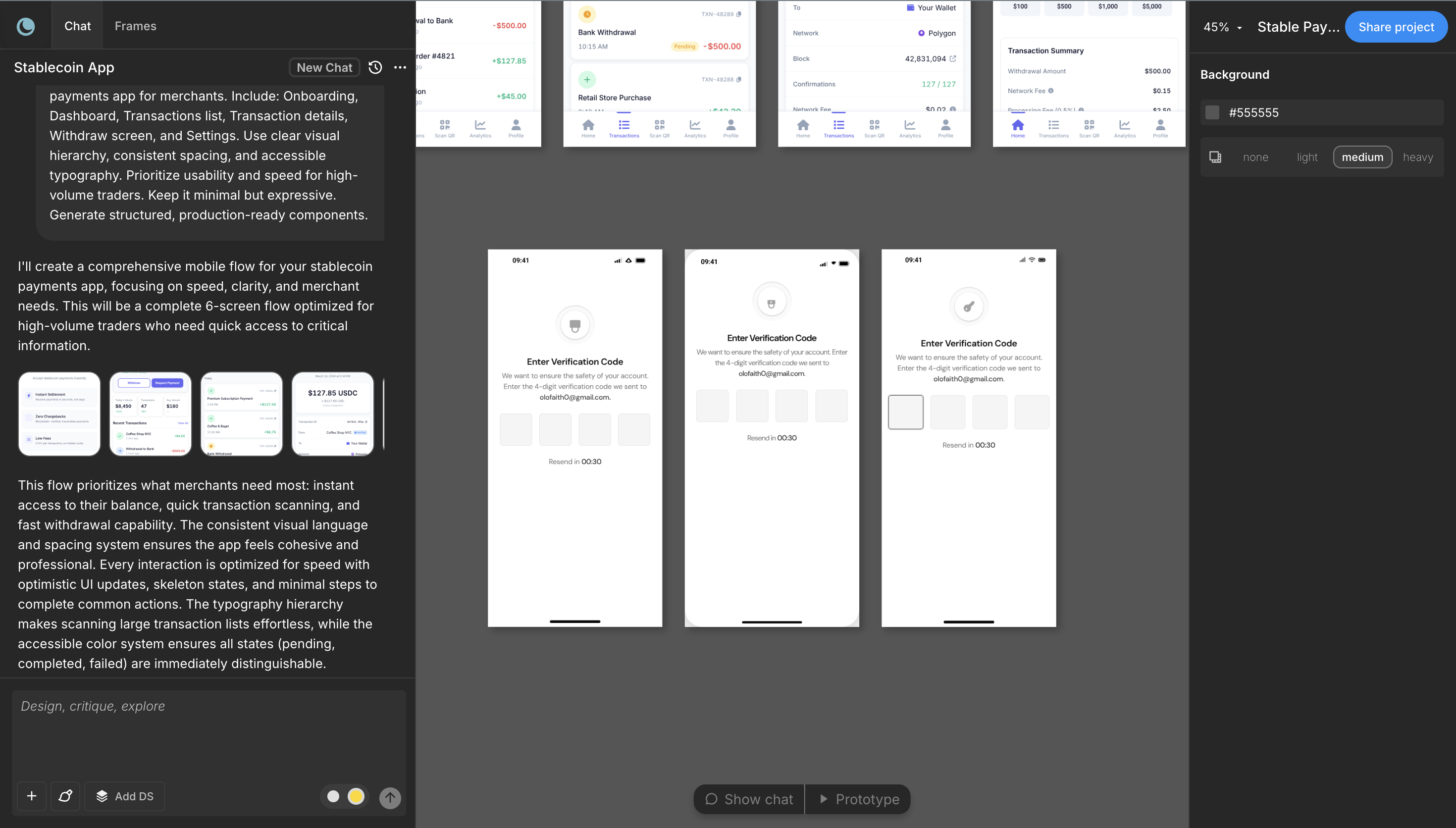
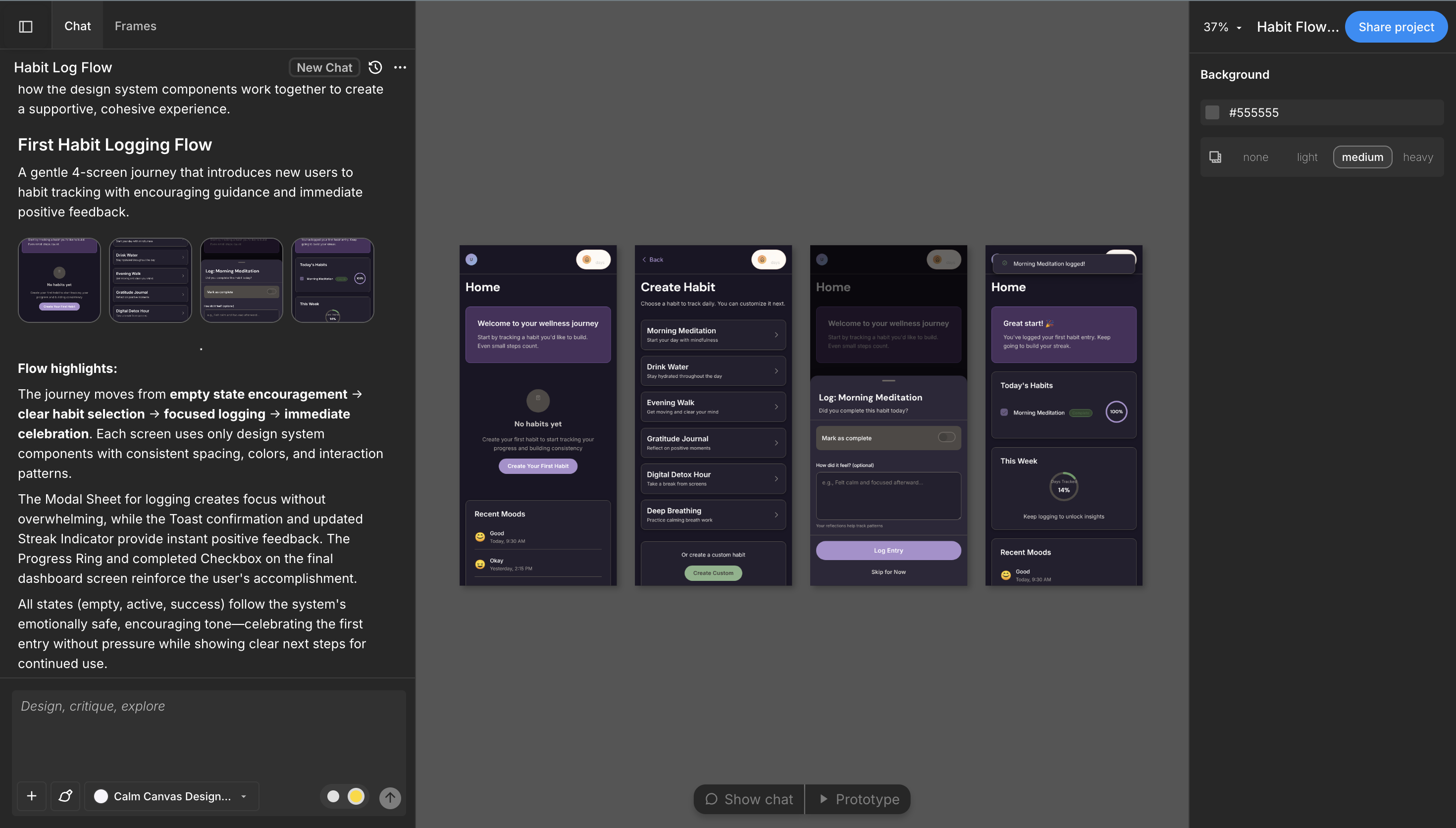
The complete guide to going from PRD to interactive prototype using AI. Five stages that compress weeks of design work into days while reducing risk.

Most Figma work falls into structure and refinement. Moonchild AI generates the structural foundation upfront, so designers can spend more time on what actually matters.

AI wireframing tools and AI UI generators are often grouped together, but they solve different problems at different stages. Understanding the difference saves you from buying the wrong tool.

Moonchild isn't just for generating screens from prompts. You can import existing Figma designs and use them as a starting point for AI-powered exploration and variations.

You've generated screens in Moonchild that your team loves. Now you need them in Figma — not as static images, but as real, editable files. Here's how to do it in seconds.

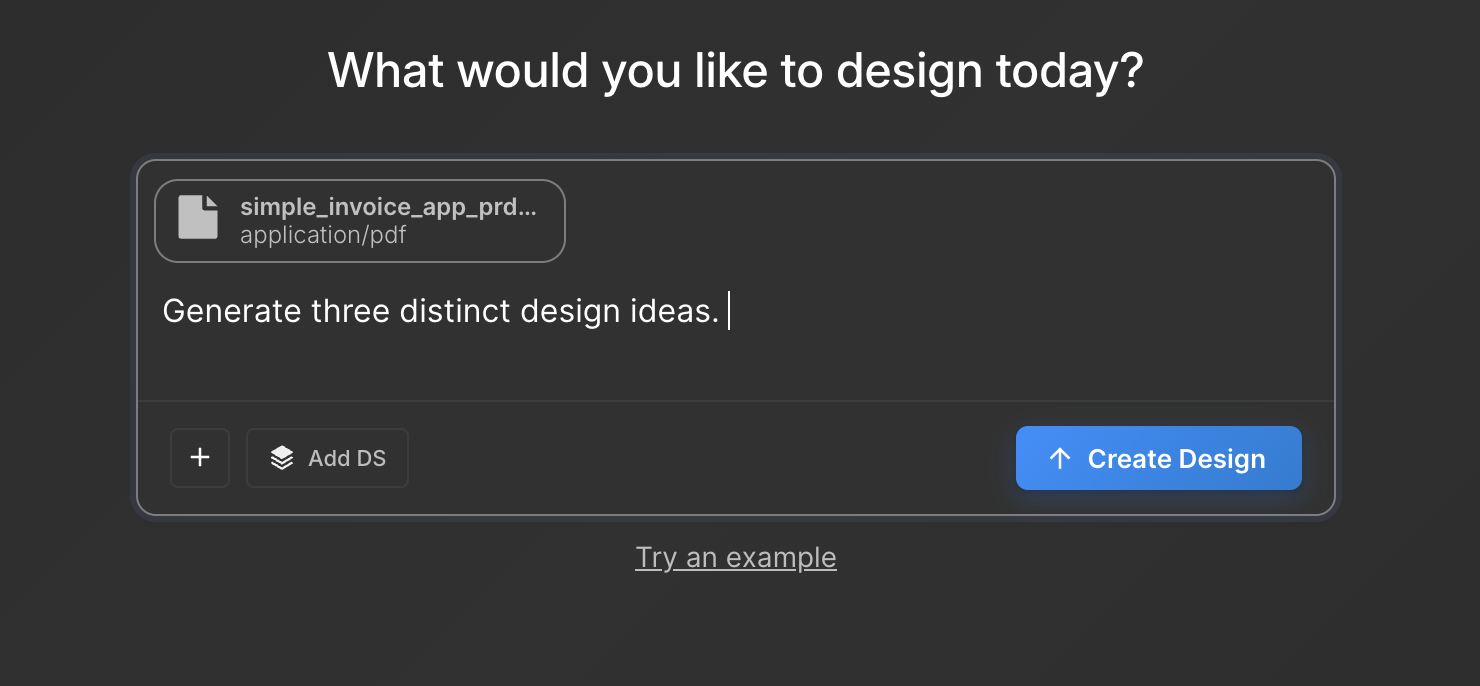
Most design leads spend days converting a PRD into screens. Moonchild AI collapses this timeline — paste your PRD, and watch it generate a full, multi-screen prototype with real interactions in minutes.