Moonchild AI vs Motiff for Product Design Teams
Updated February 27, 2026
A design lead at a five-person team reviews screens created by three designers working on the same product. Button sizes differ across screens. Spacing isn't consistent. Two designers followed the design system; one didn't. The system exists, but it isn't enforced when screens are created. As a result, the weekly review takes about three hours, largely spent correcting inconsistencies instead of focusing on higher-level product decisions.
The difference between Motiff and Moonchild isn't about one being better than the other. They address different problems. Motiff focuses on collaboration within the design process, while Moonchild focuses on maintaining consistency across generated UI at scale.
Design system enforcement doesn't scale through human review
When design system consistency is optional, teams often develop a recurring pattern: a design lead spends hours each week reviewing screens to check whether they follow the system. This work focuses on correcting inconsistencies rather than advancing the product itself. If the system were enforced during generation, much of this review would not be necessary.
Motiff functions as a collaborative design canvas, allowing multiple designers to work on the same project simultaneously. However, when design systems are not enforced at the moment screens are generated, teams still need someone to review and correct inconsistencies across the work.
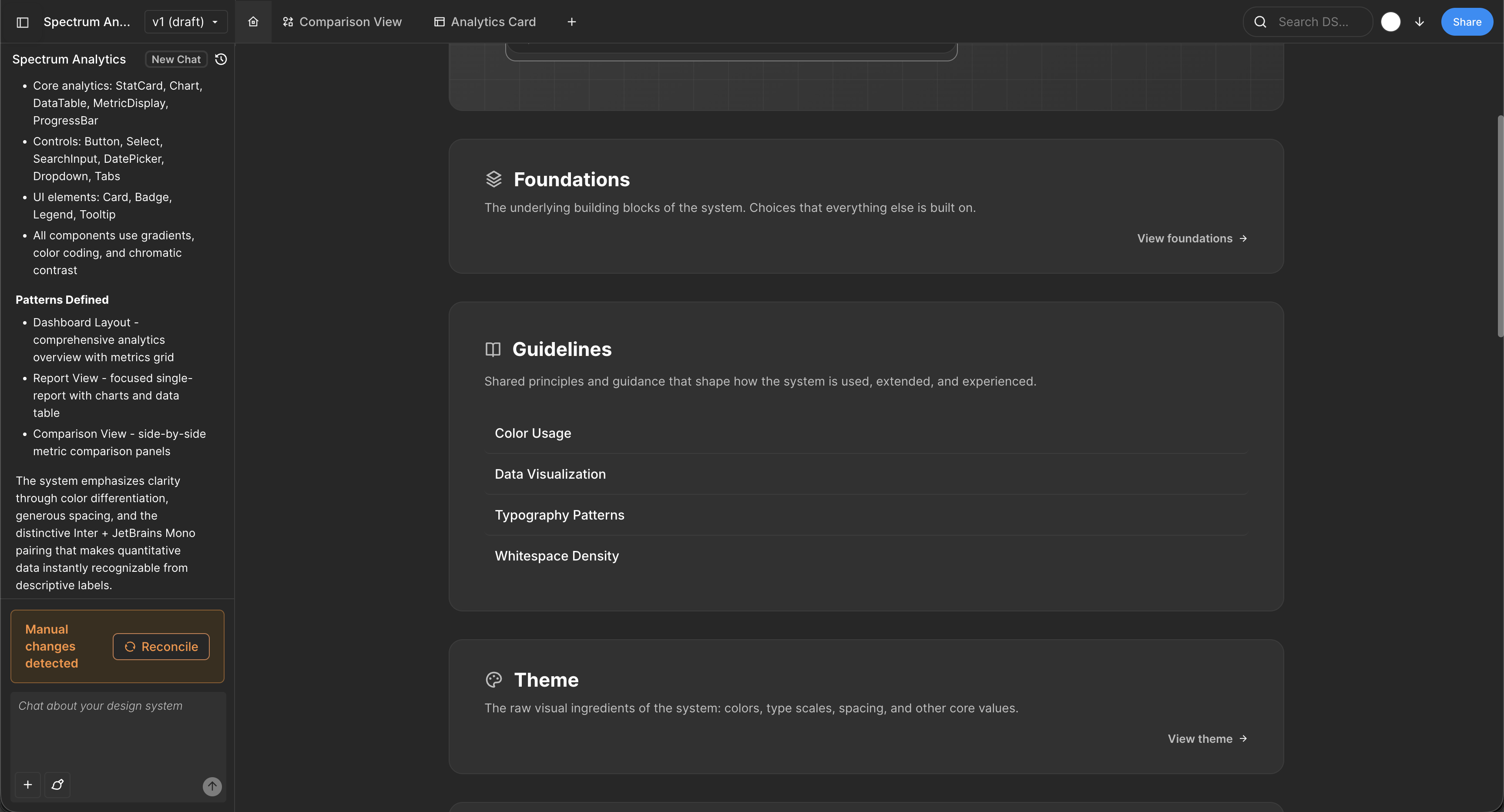
Moonchild approaches this differently by allowing the design system to be imported once at the team level. Generated interfaces then follow that system automatically. In that workflow, reviewing screens primarily to verify system adherence becomes unnecessary because generated elements already align with the defined system.
For an individual designer, this may simply reduce friction. For teams with several designers working on the same product, system-level consistency can become part of the team's design infrastructure.
| Design System Enforcement | Multi-Screen Flow Consistency | Handoff Readiness | Best For | |
|---|---|---|---|---|
| Moonchild | Designed to generate UI using an imported design system so generated elements follow predefined components and styles. | Focuses on generating UI screens within product flows while referencing the same system components and styles. | Generated interfaces are intended to follow the system components already defined by the team, which can simplify design-to-engineering alignment. | Workflows centered on AI-generated UI screens or flows that reference an existing design system. |
| Motiff | Supports design systems, components, and style libraries inside the editor. Designers apply them manually or through normal design-tool workflows. | Multiple screens can be designed within the same project, but consistency depends on designers applying the same components. | Designs are created in the editor and can be shared with developers using typical design-tool handoff workflows (similar to tools like Figma). | Teams that want a collaborative design canvas with real-time editing, comments, and AI-assisted UI generation inside the design environment. |
Motiff excels as a collaborative design canvas
Motiff is designed around a specific strength: enabling multiple designers to work on the same design canvas at the same time. It supports real-time co-design, comments and feedback threads, shared viewports, and workflows that are familiar to teams coming from tools like Figma.
This setup supports workflows where collaboration happens directly in the design file — for example, when a designer and a design lead refine the same screen together and catch alignment issues in real time, or when a team explores several layout directions collaboratively. These types of activities align closely with Motiff's core collaborative capabilities.
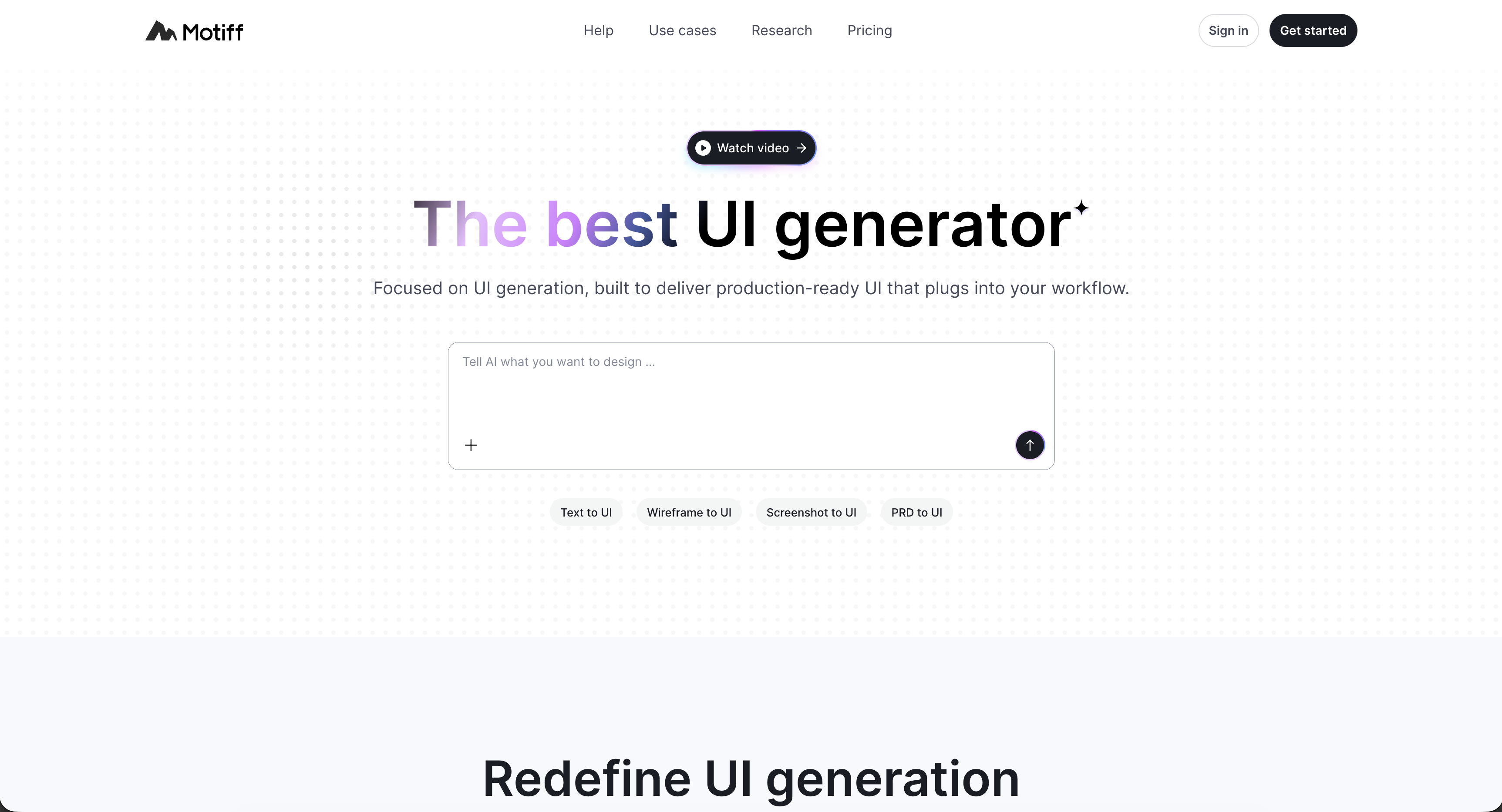
Within Motiff, AI features are designed to assist that collaborative process. They can help generate variations of UI elements, populate placeholder content, or create different component states. These features can speed up routine design tasks, but they function mainly as supporting tools within the broader collaborative design environment.
Moonchild's focus: system-enforced generation for teams
Moonchild's design philosophy for teams centers on a different premise: the design system acts as the instruction set, and generated interfaces follow it automatically. Instead of designers coordinating manually to maintain consistency, the system defines the constraints that generation respects.
This approach changes what aspects of the workflow scale as teams grow.
Design lead overhead: In a workflow using a collaborative editor like Motiff, a design lead may review a set of screens each week to confirm that elements follow the design system and remain visually consistent. When UI generation is constrained by the system itself, the review process can focus more on UX decisions and product logic rather than verifying spacing, sizing, or component usage.
Feature parallelization: When multiple designers work on different features within the same product, they typically need to review each other's work to ensure patterns and components remain consistent. In a system-constrained generation workflow such as Moonchild, each designer can generate screens independently while still adhering to the same system definitions.
Handoff to engineering: In many design workflows, engineers may question differences between similar components across screens. When generated interfaces rely on the same underlying component definitions from the design system, those elements remain consistent across the product, which can simplify the design-to-engineering handoff.
The cost of optional consistency
When design system compliance is optional — treated as a guideline rather than something enforced by the tool — teams often develop operational workarounds.
Design lead becomes the consistency reviewer: Design leads spend significant time reviewing screens and flagging inconsistencies such as incorrect button styles, spacing differences, or components that don't follow established patterns. As teams grow, the amount of review time required typically increases.
Designers spend time fixing issues: After reviews, designers often need to update screens to correct inconsistencies. This introduces additional iteration cycles that could be avoided if system constraints were applied during the initial creation of the UI.
Rework during handoff in Figma: If components are not consistently linked to the system or tokens are applied inconsistently, both design leads and engineers may spend time clarifying which elements represent the canonical component or pattern during the design-to-development handoff.
In team environments, this type of coordination overhead can accumulate. As the number of designers and active screens increases, the amount of time spent reviewing, correcting, and clarifying system usage can scale significantly across a quarter.
When team size changes the tool math
For a solo designer, Motiff's collaboration features are used less frequently because there are no other designers sharing the same canvas. In this scenario, both Motiff and Moonchild can function effectively: Motiff provides a full design environment, while Moonchild's system-based generation can help maintain consistency automatically.
For a team of around three designers, collaboration features become more relevant. Real-time editing, comments, and shared canvases can help designers coordinate work. At the same time, maintaining consistency across multiple contributors becomes more challenging, which increases the value of workflows where design system rules are applied automatically.
For larger teams (five or more designers), collaboration tools remain important, but consistency management typically requires more coordination. As the number of designers and screens increases, teams often dedicate more time to reviews to ensure components, spacing, and patterns remain aligned with the design system.
In many design teams, the shift tends to occur once multiple designers are working on the same product simultaneously. Around that point — often several designers rather than just one — system consistency moves from a convenience to a more significant part of the team's operational workflow.
Different approaches to the team problem
Motiff's approach: Provide a collaborative design environment where multiple designers can work together in real time. Consistency across screens is maintained through team practices such as design discipline, shared guidelines, and review by design leads.
Moonchild's approach: Apply design system rules during UI generation so that components and layouts follow the defined system automatically. In that workflow, design leads focus reviews on product decisions and UX rather than verifying mechanical consistency.
Both approaches address different priorities. One emphasizes collaboration within a shared design space, while the other emphasizes system-driven consistency during generation. Teams typically choose based on their workflow needs and constraints.
Real math on the time saved
Scenario: A five-person design team delivers 20 features per quarter. If each feature averages about four screens, that results in roughly 80 new screens per quarter.
With Motiff
Estimated coordination and rework time:
- Design review for consistency: 3 hours/week × 13 weeks = 39 hours
- Designer adjustments after review: 2 hours/week × 13 weeks = 26 hours
- Cleanup during handoff in Figma: 1 hour per feature × 20 features = 20 hours
Total coordination/rework: 85 hours across the quarter (approximately 2.1 weeks of working time).
With Moonchild
Estimated coordination and rework time:
- Design review (focused on UX and product decisions): 1.5 hours/week × 13 weeks = 19.5 hours
- Designer adjustments: 0.5 hours/week × 13 weeks = 6.5 hours
- Handoff cleanup: 0 hours if components and system tokens are already applied during generation.
Total coordination/rework: 26 hours across the quarter (approximately 0.6 weeks of working time).
Capacity difference
Using these assumptions, the difference between the two workflows is about 59 hours, or roughly 1.5 weeks of design capacity per quarter. In practice, that time could be redirected toward additional feature design, research, or product iteration instead of system-consistency work.
The decision framework
Use Motiff if: you want a collaborative design canvas where multiple designers can work together in real time, you value co-design and feedback directly inside the file, consistency is maintained through team discipline and review, your team is relatively small (around 1–3 designers), or you prefer a workflow similar to Figma.
Use Moonchild if: multiple designers are building different parts of the same product, you want UI generation that follows a defined design system automatically, you want to reduce the time spent on consistency reviews, or your workflow depends on generating structured product flows that already align with the system.
Some teams combine both approaches: Moonchild is used to generate structured flows, which are then imported into Motiff for collaborative refinement and discussion. In that setup, one tool supports generation while the other supports collaborative editing.
In practice, the choice depends on the team's primary constraint — whether the bigger challenge is coordinating collaboration during design work or maintaining consistency across multiple contributors.
Try Moonchild
Want this for your team?
Bring your design system into Moonchild and let PMs, designers, and engineers ship on-brand UI together — without breaking consistency.
Written by
Lotanna NwoseSenior PMM with 7 years experience across multiple teams. Building the new way of using AI to do Product Design work at Moonchild AI.
Related Articles
Best Alternatives to Galileo AI for Real Design Systems
Galileo works well for exploration and early concepts, but relying on it for production UI often introduces rework. Here's how different tools solve different phases of the design process.
Moonchild AI vs Google Stitch for Production-Ready UI Generation
Google Stitch is optimized for research and exploration. Moonchild is designed for consistent, production-focused interface design. Both use AI to generate UI, but they serve different stages of work.
Moonchild AI vs Relume for Sitemap-to-UI Workflows
Relume helps teams plan structure and page relationships. Moonchild generates interface screens that implement that structure in UI form. They address different stages of the same workflow.