How to Present Multiple Design Directions to Stakeholders
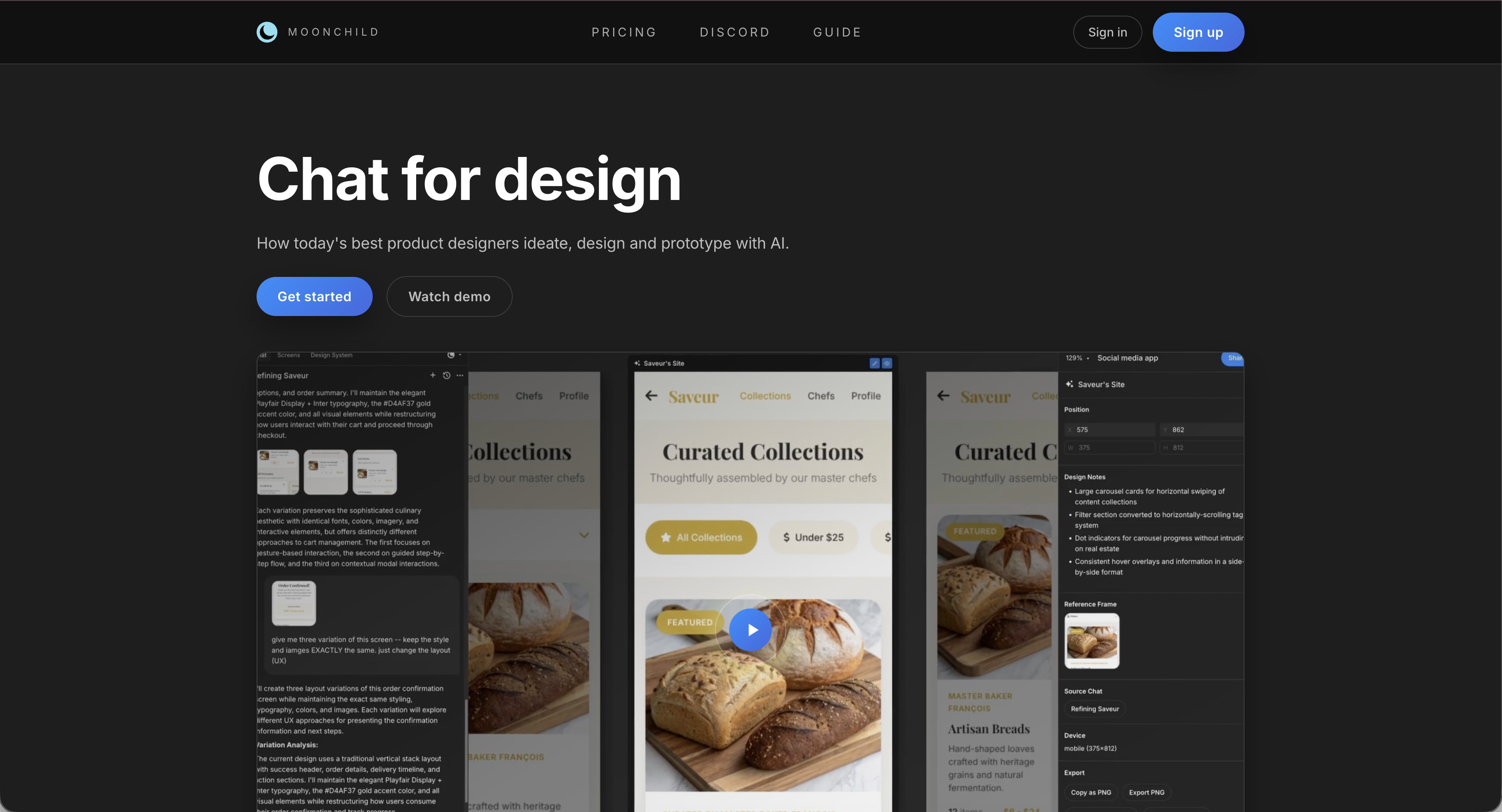
Presenting a single design and defending it is the old way. Presenting multiple directions and facilitating a structured conversation is how high-performing design teams work.
Why multiple directions work better
When stakeholders compare multiple design directions rather than critique a single option, the conversation changes. Comparison surfaces what people actually value. Hidden assumptions become visible. The team aligns on principles before pixels, reducing attachment to any single concept. And designers are protected from the frustration of a single concept being dismissed based on a subjective preference.
How to frame the presentation
Start with the problem — Clearly explain the user goal, business constraints, and design question being addressed. Stakeholders evaluate against the brief, not personal preference.
Introduce the directions as hypotheses — Each design represents a different approach to solving the problem. Make clear that you are seeking critical discussion, not asking for a winner.
Structuring the directions
Each direction should have a clear identity: name, core principle, and primary tradeoff.
For example:
- The Guided Path — optimized for new users, structured, slower for power users
- The Control Room — optimized for experts, dense information, steeper learning curve
- The Hybrid — balances both, without fully optimizing for either
Naming the tradeoff encourages honest discussion instead of vague preference-sharing.
Running the discussion
Ask questions that focus on alignment and tradeoffs, not just preference:
- "Which direction best serves our primary user at the critical moment?"
- "Where are we making compromises we might regret?"
- "Which direction aligns most with our 18-month product vision?"
Give stakeholders a few minutes for silent reflection before opening discussion to improve feedback quality.
Handling conflicting opinions
Disagreement is information. Instead of mediating, investigate. Ask stakeholders to describe the user scenario or priority they are imagining. Often, conflicts arise from different assumptions about users, context, or business goals. Surfacing these distinctions is more valuable than picking a side.
After the session
Leave with a decision or a clear next step, not an open-ended "we'll think about it." If no consensus is reached, define what question needs answering and who owns it, then close the loop.
Using AI to prepare multiple directions
Tools like Moonchild AI accelerate the creation of distinct design directions from a brief. The value is not in replacing design thinking — it's in generating multiple concepts quickly enough that each can be refined before the presentation.
This gives designers more time to push ideas further, improving the quality of the discussion and resulting decisions.
Try Moonchild
Want this for your team?
Bring your design system into Moonchild and let PMs, designers, and engineers ship on-brand UI together — without breaking consistency.
Written by
Steven SchkolneFounder of Moonchild AI. Building the AI-native platform for product design.
Related Articles
Rapid Prototyping 101 with AI: From Idea to Testable Design in Hours
AI tools like Moonchild AI let designers go from brief to testable, multi-screen prototype in under a day. Here's a step-by-step guide to rapid prototyping with AI.
How to Prototype Product Ideas from a Single Prompt
You have a product idea but no time to write a full spec. Here's how to go from a single written prompt to a visual prototype using AI design tools like Moonchild.
How to Turn Feature Specs into Clickable UI Prototypes
A feature spec defines acceptance criteria in text. AI tools like Moonchild can turn that spec into a clickable prototype so your team can validate it visually against each criterion.