Best v0 Alternatives for Designers and PMs Who Don't Code
Updated February 8, 2026
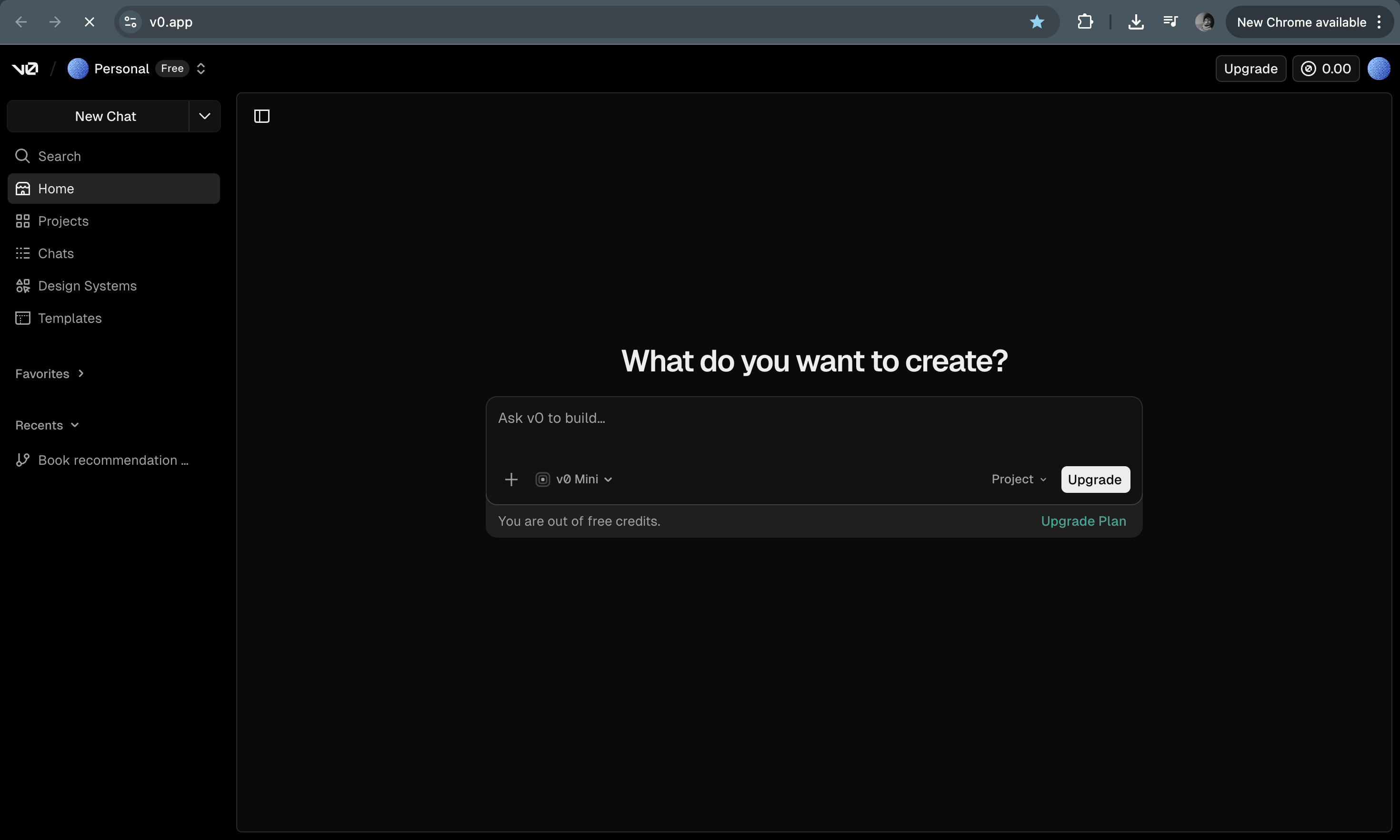
v0 by Vercel is a tool that generates React components from prompts. You describe an interface and v0 writes the React code for it. The results can be impressive. But the tool is built for developers.
To use v0 well, you need to understand React. You need to know how component props work. You need to edit code and integrate the generated output into a codebase. For developers, this workflow is natural.
For designers and product managers, it is very different. Designers and PMs usually need visual output, not code. They need screens they can review, adjust, and share with a team. Their work happens in design tools and product discussions, not in code editors.
Because of this, v0 is often the wrong tool for design teams or product teams who do not write code.
Why v0 doesn't work for non-developers
The core idea behind v0 is simple. You describe a UI and the tool generates React code. This is powerful if you are a developer. You can read the code, modify it, and integrate it into your project.
For designers or PMs, the output creates friction. The generated result is JSX code. It is not something you can open directly in Figma or a design tool. To see the interface, someone needs to run the code.
That extra step slows down collaboration. Designers want to look at the interface and adjust spacing, typography, and layout. PMs want to review screens and discuss features with the team.
v0 skips the design stage and moves directly to code. That makes it useful for developers but less useful for teams that need visual design output.
Moonchild: For design-forward teams
Moonchild is built for teams that work visually.
Instead of generating code, Moonchild generates design layers in Figma. You describe a feature and Moonchild produces screens that you can immediately view and edit.
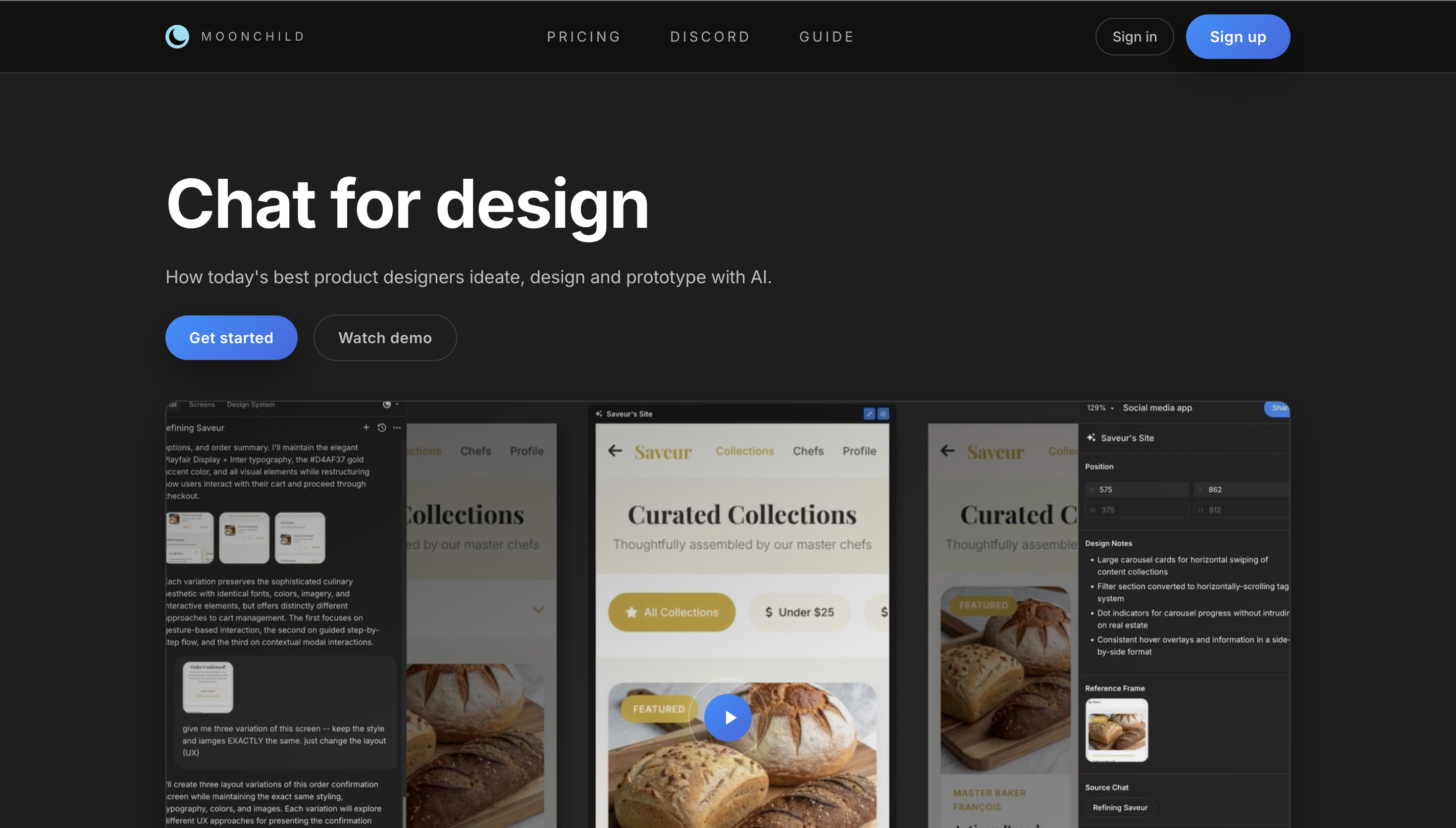
This workflow fits naturally into the way designers and product teams already work. The output is visual and easy to refine. You can adjust spacing, change colors, modify components, and review the interface with your team.
Because the output is a Figma design, the handoff to development is also straightforward. Designers refine the screens and then pass them to engineers when the design is ready.
For teams that need to generate and iterate on UI quickly, Moonchild fits better than a code-first tool.
UXPilot: For web-based, Figma-friendly generation
UXPilot is another alternative that focuses on visual output.
You describe the interface you want and the tool generates UI screens that can be exported to Figma. This allows designers and PMs to review the interface without writing code.

UXPilot works well for quick concept generation. It is useful when you want to explore ideas visually before committing to a design direction.
One limitation is that design system support is still limited. It does not import tokens or components as deeply as some other tools. But for early design exploration it can still be very effective.
Visily: For non-designers at very early stage
If you're a PM or founder and you just need quick wireframes to explore ideas without any coding knowledge, Visily is the most accessible option.
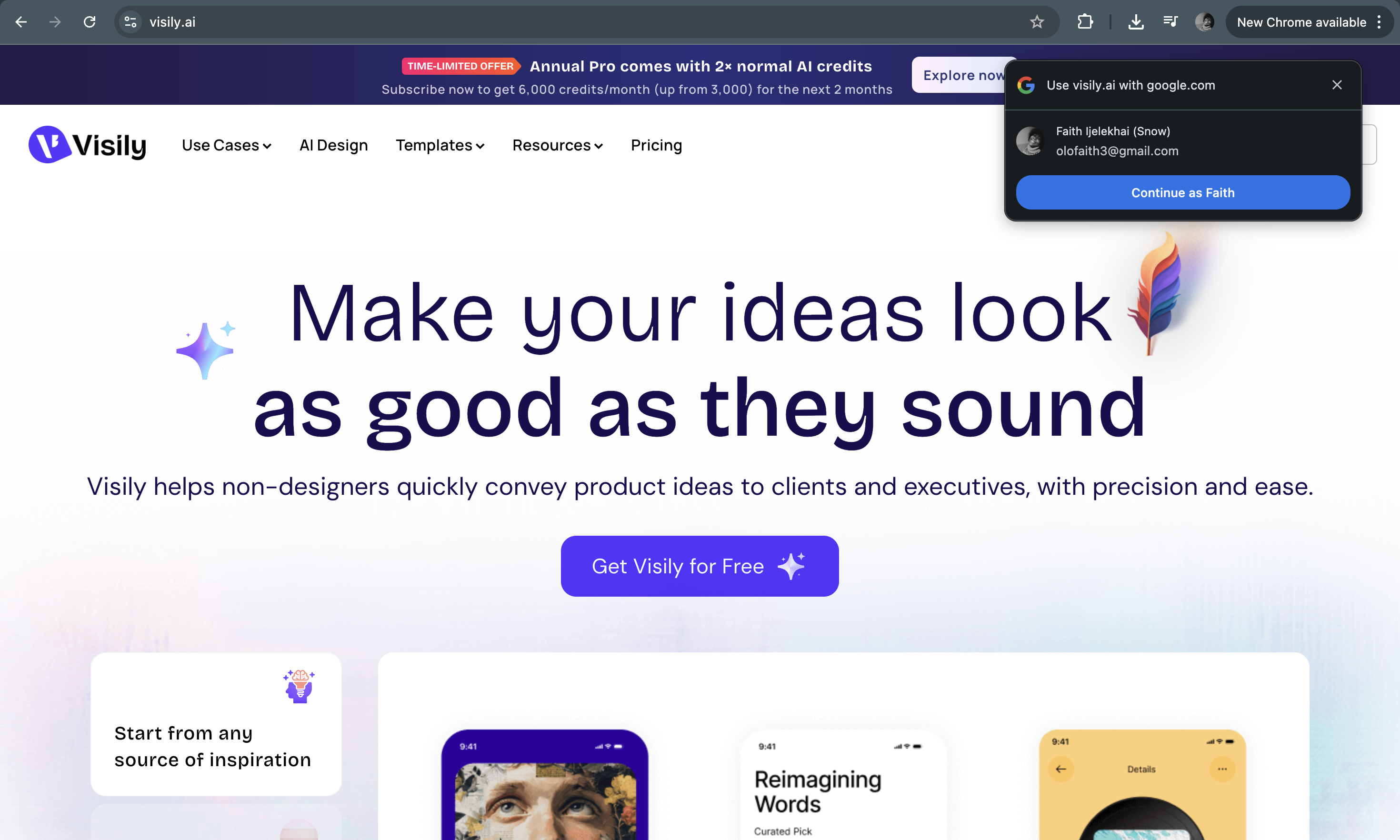
It is designed for founders, PMs, or non-designers who want to visualize product ideas without design expertise. The tool generates simple layouts that represent the structure of a screen.
The output is lower fidelity than tools like Moonchild or UXPilot. But it is also easier to use and faster for early exploration.
The Workflow Difference
Different roles need different types of output.
| User role | Best tool | Output | Workflow |
|---|---|---|---|
| Developer | v0 | React code | Generate and integrate into a codebase |
| Designer | Moonchild | Figma design layers | Generate, refine in Figma, then hand off |
| PM/Product lead | Moonchild or UXPilot | Design or wireframe | Generate screens, review with team, iterate |
| Founder (non-designer) | Visily | Wireframe | Generate quick concepts and validate ideas |
These tools are not direct competitors. They serve different roles in the product development process.
Conclusion
v0 is a powerful tool for developers who want to generate React components quickly. But its output is code, and code is not the main working medium for designers or product managers.
Designers and PMs usually need visual interfaces they can review and refine with their team. Tools like Moonchild, UXPilot, and Visily focus on that part of the workflow.
The most important question is not which tool is better. The real question is what type of output you need.
- If you need code, v0 is the right choice.
- If you need design screens, explore user flows and play with test prototypes, Moonchild will help you move faster.
- If you need simple wireframes, Visily may be enough.
Teams move faster when they choose tools that match their role and their stage of the product process.
Try Moonchild
Want this for your team?
Bring your design system into Moonchild and let PMs, designers, and engineers ship on-brand UI together — without breaking consistency.
Written by
Nicolas CerveauxFounding Design Engineer at Moonchild AI. Bridging design systems and engineering to build the future of AI-native product design.
Related Articles
The Difference Between AI Wireframe Tools and AI UI Generators
AI wireframing tools and AI UI generators are often grouped together, but they solve different problems at different stages. Understanding the difference saves you from buying the wrong tool.
My 9 Best AI Prototyping Tools in 2026
Explore the 9 best AI prototyping tools in 2026, ranked by a product design founder. Covers design-first platforms, code-first builders, and hybrid tools with honest pros and cons for each.
How Moonchild AI Can Reduce Time Spent Designing in Figma
Most Figma work falls into structure and refinement. Moonchild AI generates the structural foundation upfront, so designers can spend more time on what actually matters.