Design Critique Frameworks That Actually Work for Junior Designers

Most junior designers dread critique — not because the feedback is harsh, but because they lack a framework. Without one, comments like "this doesn't feel right" leave you unsure what to fix. Critique is a skill, and it's learnable. The designers who improve fastest aren't those who get the most feedback, but those who know how to solicit, process, and act on it systematically.
Why most critique fails juniors
Traditional critique has an information asymmetry problem: seniors rely on intuition they rarely articulate. Feedback like "the hierarchy feels off," "this doesn't breathe enough," or "the user would be confused here" is often true but hard to act on.
Good critique frameworks make evaluation criteria explicit first, so feedback is specific, actionable, and teachable.
Framework 1: brief-first critique
Always evaluate a design against its original brief or PRD.
Steps:
- Restate the goal: what problem does this design solve? Who is it for? What does success look like?
- Evaluate against these criteria: Does it solve the stated problem? Does it serve the identified user in context? Does it meet success metrics? Does it respect constraints (technical, brand, platform)?
If your design solves the wrong problem beautifully, it's still wrong.
Moonchild AI can automatically compare your design to the brief, flagging gaps, over-engineering, or unaddressed requirements. Run your work through Moonchild before human critique to start the discussion with actionable insights.
Framework 2: the five dimensions
Most vague feedback falls into five dimensions. Mapping issues here turns "this doesn't work" into fixable guidance.
- Clarity — Can the user understand what to do?
- Hierarchy — Is the most important element visually dominant?
- Consistency — Does the design follow patterns in product, platform, or UX conventions?
- Accessibility — Can users with different abilities or devices access it?
- Fit — Does it serve the brief and the actual user problem?
When receiving feedback, map comments to a dimension. When giving feedback, speak in dimensions: "The hierarchy isn't working — the secondary CTA competes with the primary action."
Framework 3: the three questions
Structure your participation in critique sessions with these questions:
- Decision: What decision am I trying to make with this review?
- Doubt: What am I most unsure about?
- Mind-change: What would change my mind?
Answering these shifts critique from vague opinion to problem-solving collaboration.
Framework 4: AI-assisted self-critique
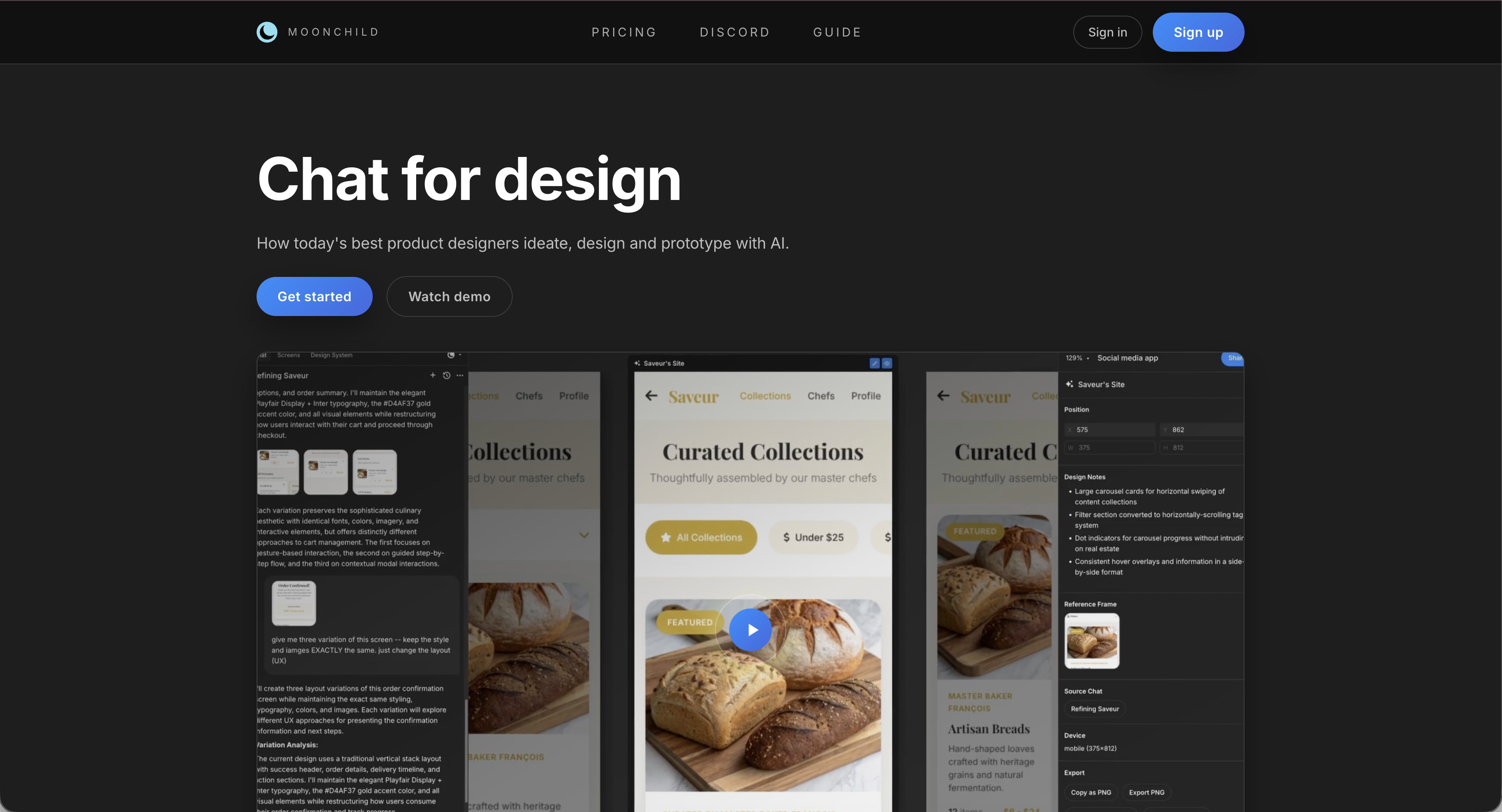
Junior designers often can't see their blind spots. AI helps fill that gap.
Workflow with Moonchild AI:
- Complete your design.
- Run it through Moonchild AI with the brief. Note flagged issues.
- Fix what you agree with; document reasoning for what you don't.
- Bring remaining questions to a human reviewer: "Moonchild flagged X. I disagree because Y. Thoughts?"
This clears human critique to focus on strategy, context, and nuanced decisions.
Framework 5: the ratio check
Catch common structural mistakes quickly:
- Signal vs Noise: Can you justify every element on screen?
- Primary vs Secondary: Is one action clearly dominant?
- Content vs Chrome: Does UI chrome overshadow the content?
A quick 5-minute check per screen prevents wasted design effort on trivial details.
Building critique into daily practice
Critique is most effective when continuous. Run Moonchild AI on every screen before sharing. Annotate feedback using the five dimensions. Ask the three questions before every review. Apply ratio checks consistently.
Over time, these steps become instinct, turning you from a junior designer into someone who can internalize and act on feedback like a senior designer.
Critique isn't something done to your work. It's something you do to your work — continuously, rigorously, and with clear criteria. Using AI like Moonchild accelerates learning and frees human critique to focus on strategic, high-level decisions.
Try Moonchild
Want this for your team?
Bring your design system into Moonchild and let PMs, designers, and engineers ship on-brand UI together — without breaking consistency.
Written by
Steven SchkolneFounder of Moonchild AI. Building the AI-native platform for product design.
Related Articles
Rapid Prototyping 101 with AI: From Idea to Testable Design in Hours
AI tools like Moonchild AI let designers go from brief to testable, multi-screen prototype in under a day. Here's a step-by-step guide to rapid prototyping with AI.
How to Prototype Product Ideas from a Single Prompt
You have a product idea but no time to write a full spec. Here's how to go from a single written prompt to a visual prototype using AI design tools like Moonchild.
How to Turn Feature Specs into Clickable UI Prototypes
A feature spec defines acceptance criteria in text. AI tools like Moonchild can turn that spec into a clickable prototype so your team can validate it visually against each criterion.