MagicPath vs Moonchild AI: Comparing AI Design Tools for Product Designers
MagicPath and Moonchild AI both leverage AI to accelerate UI design — but they solve different problems. This guide helps product designers understand where each tool excels and which aligns best with their workflow.
What is MagicPath?
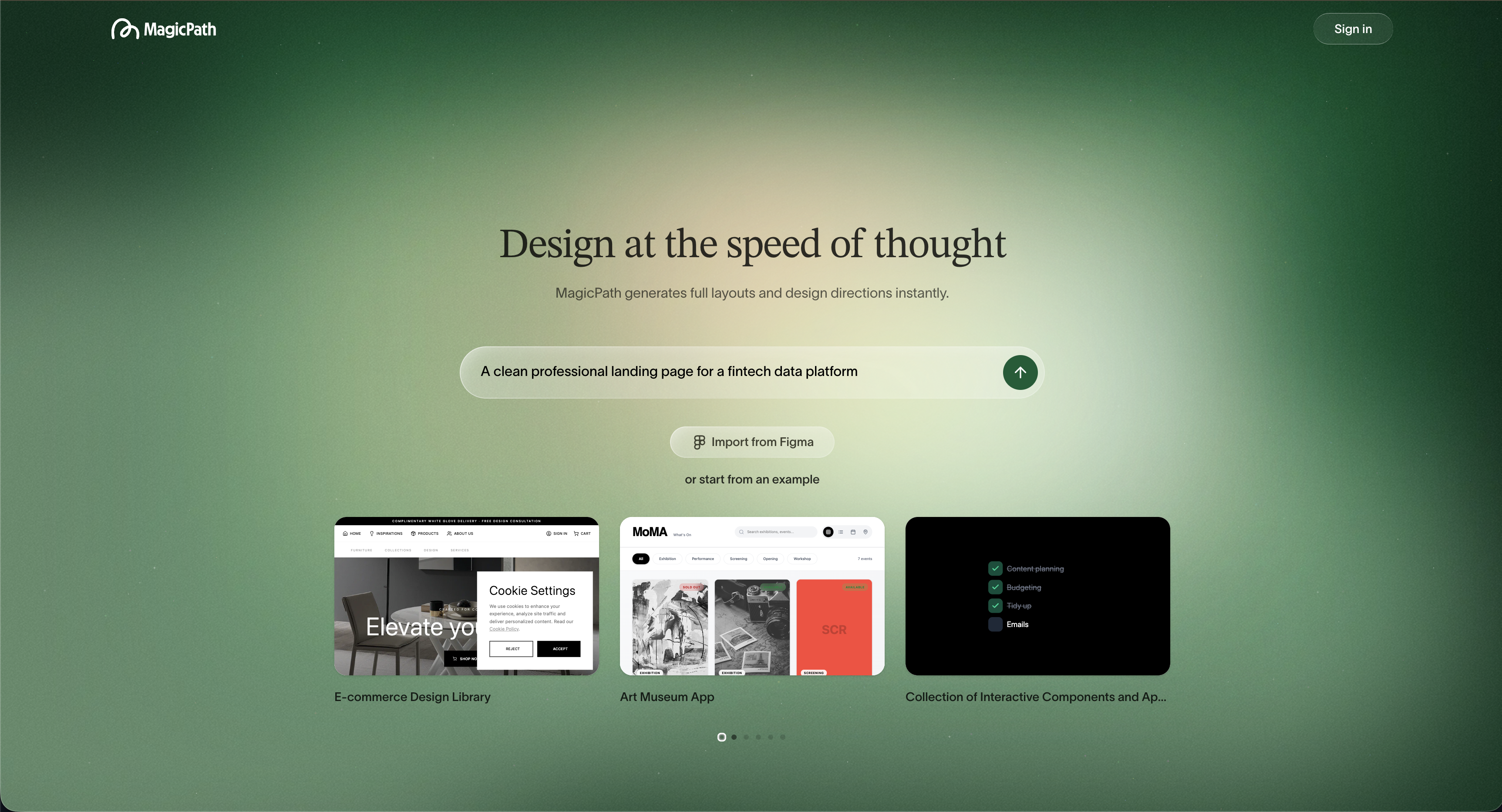
MagicPath is an AI-powered infinite canvas tool launched in 2025. It generates UI layouts, screens, and components from natural language prompts, allowing designers to explore and refine ideas interactively.
It's designed for rapid UI ideation and early-stage prototyping, supports multi-page flows, real-time editing, and front-end code export, and targets web and UX/UI designers who want to quickly translate ideas into visual outputs.
MagicPath excels when the goal is fast exploration from scratch, without a formal brief or PRD.
What is Moonchild AI?
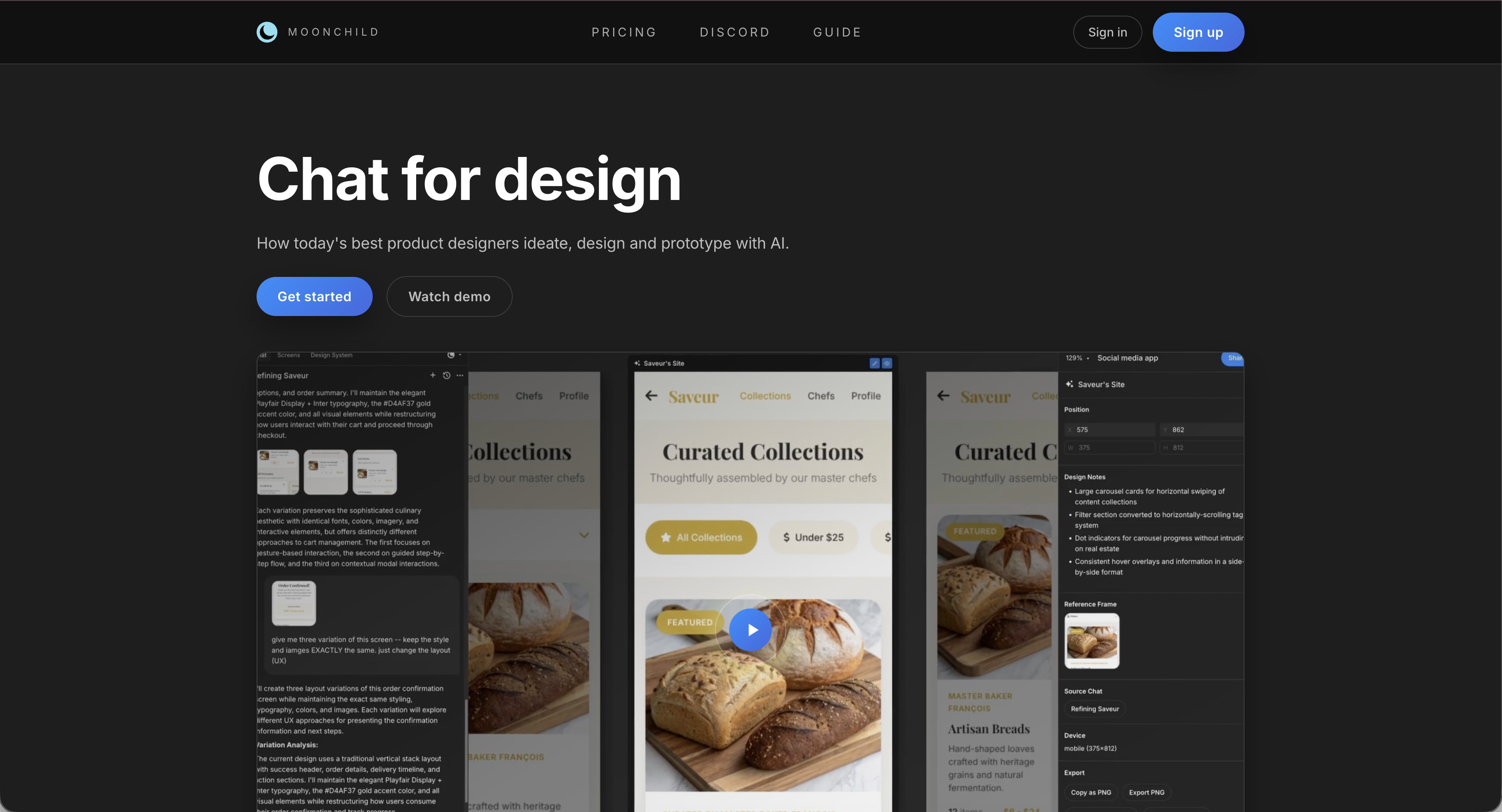
Moonchild AI is purpose-built for product designers working from PRDs, briefs, and requirements. Unlike canvas-first tools, it starts with context, generating multiple distinct design directions each grounded in product intent.
It offers brief-to-design generation with embedded strategic rationale, built-in AI critique that evaluates designs against requirements, and deep Figma integration for seamless workflow.
Head-to-head feature comparison
| Feature | MagicPath | Moonchild AI |
|---|---|---|
| Starting Point | Natural language UI prompt | PRD, brief, or product spec |
| AI Output | Single UI screen or component | Multiple strategic design directions |
| Design Critique | Not available | Built-in AI critique layer |
| Canvas | Infinite canvas, multi-page flows | Figma-integrated workflow |
| Figma Integration | Limited / in development | Deep native integration |
| Code Export | Front-end code export (Pro plan) | Figma-native handoff |
| Target Workflow | Rapid ideation & prototyping | Product design from requirements |
| Design System Support | Limited | Design system-aware generation |
| Multi-direction Exploration | Manual | Core AI feature |
| PRD Input | Not supported | Core workflow feature |
Where MagicPath excels
MagicPath offers rapid UI generation from prompts, a smooth infinite canvas experience for exploration, multi-screen layout support, and front-end code export for developers.
Best for: Early-stage visual ideation, exploratory UI, and designers who want fast, editable outputs without a formal brief.
Where Moonchild AI excels
Moonchild AI generates multiple design directions from a PRD or brief, provides AI-powered critique highlighting gaps and trade-offs, is fully Figma-integrated keeping designers in their primary workflow, and produces designs aligned with product intent, not just aesthetics.
Best for: Product designers translating requirements into design, presenting multiple options to stakeholders, and leveraging critique in a Figma-based workflow.
Key difference: prompt-first vs brief-first
MagicPath is prompt-first — you describe a UI and it generates one concept. Moonchild AI is brief-first — you provide product context, and it generates multiple directions with rationale and critique.
In short: MagicPath accelerates exploration from scratch. Moonchild AI accelerates decision-making grounded in product requirements.
FAQ
Can MagicPath generate multiple design directions from a brief?
MagicPath can produce variants of individual screens or components, but it does not generate multiple strategic directions from a single brief. Moonchild AI does this as a core workflow.
Does MagicPath integrate with Figma?
Limited integration; Moonchild AI offers deep, native Figma integration for seamless team workflows.
Which tool is better for working from PRDs?
Moonchild AI is purpose-built for PRD-driven workflows. MagicPath is prompt-driven.
Is MagicPath a replacement for Moonchild AI?
Not directly. MagicPath is excellent for rapid UI exploration and code export, but Moonchild AI is better suited for product design teams working with briefs, critique, and stakeholder alignment.
Try Moonchild
Want this for your team?
Bring your design system into Moonchild and let PMs, designers, and engineers ship on-brand UI together — without breaking consistency.
Written by
Lotanna NwoseSenior PMM with 7 years experience across multiple teams. Building the new way of using AI to do Product Design work at Moonchild AI.
Related Articles
Paper vs Moonchild AI: Which AI Design Tool Is Right for Product Designers?
Paper and Moonchild AI both aim to accelerate the process from brief to design — but they serve different purposes. This guide breaks down their strengths, limitations, and ideal use cases.
Magic Patterns vs Moonchild AI: Which AI Design Tool Should Product Designers Use?
Magic Patterns and Moonchild AI both use AI to accelerate design, but they serve different workflows. This guide clarifies where each tool adds value for product designers.
Best Alternatives to Galileo AI for Real Design Systems
Galileo works well for exploration and early concepts, but relying on it for production UI often introduces rework. Here's how different tools solve different phases of the design process.