How to Turn Product Prompts into Testable UI Flows
Updated February 4, 2026
You want to test a feature concept with real users.
You already have a clear description of what you want to build. But user testing requires something more concrete than a concept. It requires screens that feel real enough for users to interact with naturally.
With Moonchild AI, you can turn a product prompt into a testable UI flow in minutes. The result is a working prototype that users can click through like an actual product.
Instead of asking users to imagine how something might work, you let them interact with the interface directly. The feedback you get is about the real UI and flow, not the abstract idea.
A UX researcher at a B2B platform company recently validated interaction patterns using a Moonchild-generated prototype. She shared a single interactive link with eight users, ran 30-minute sessions, and gathered feedback on real UI behavior. The insights were specific enough that the product team skipped an entire design iteration cycle.
Write Your prompt with User Testing in Mind
To generate a testable flow, your prompt needs to describe the user journey, not just the feature.
Focus on what the user does step by step.
Example prompt:
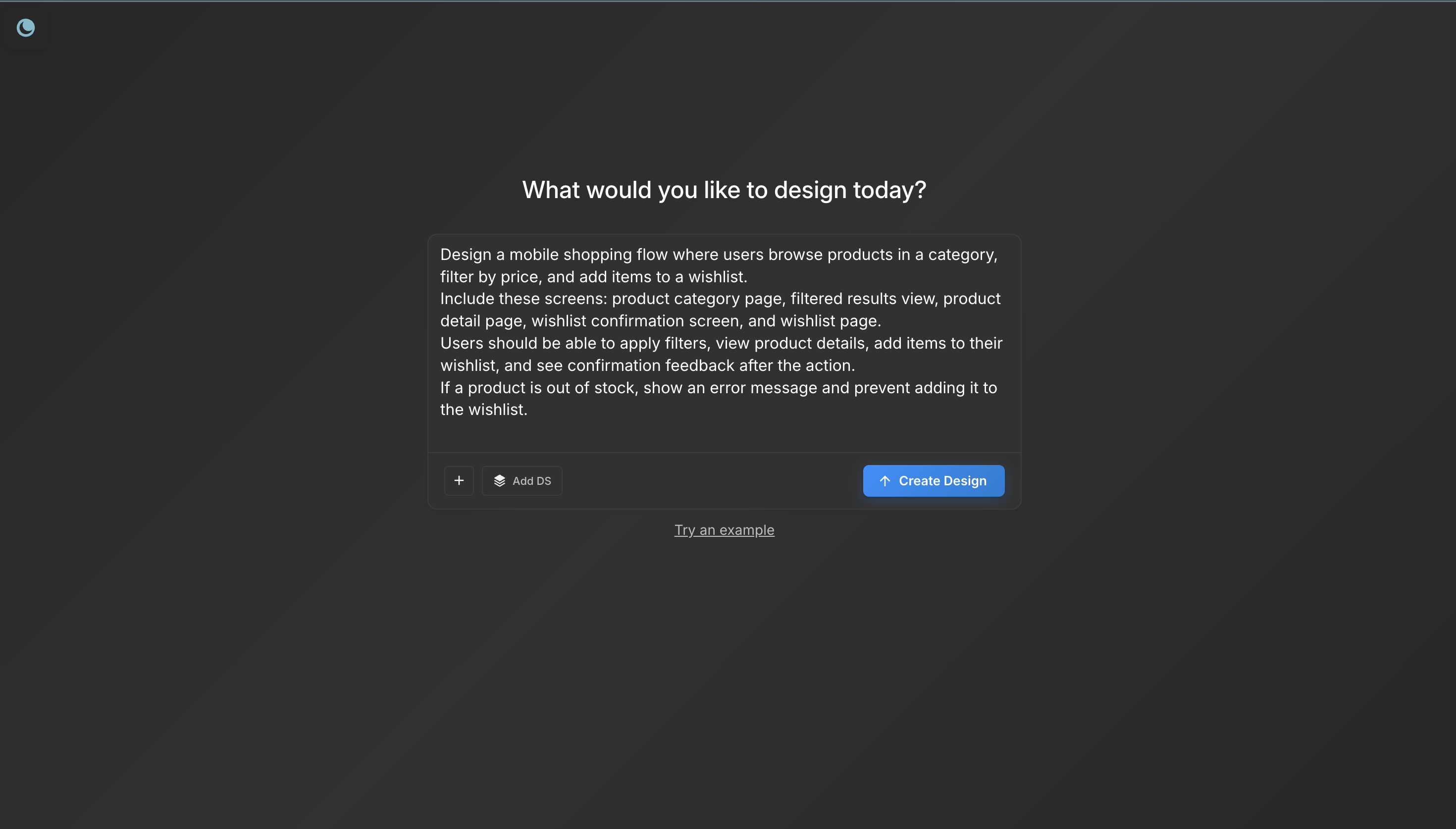
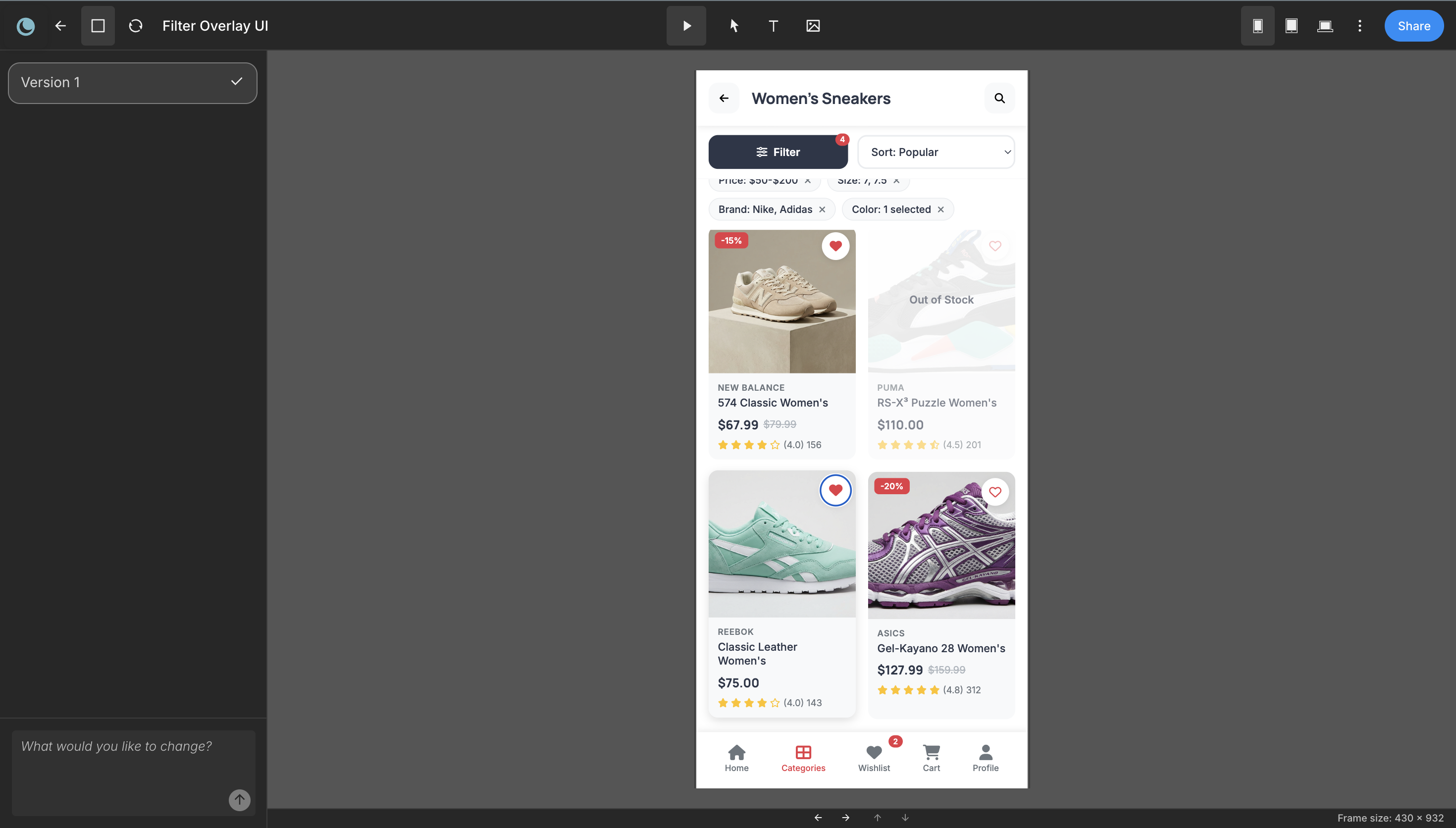
Design a mobile shopping flow where users browse products in a category, filter by price, and add items to a wishlist.
Include these screens: product category page, filtered results view, product detail page, wishlist confirmation screen, and wishlist page.
Users should be able to apply filters, view product details, add items to their wishlist, and see confirmation feedback after the action.
If a product is out of stock, show an error message and prevent adding it to the wishlist.
This level of detail ensures the generated prototype contains real decision points users can interact with during testing.
Writing a testing-ready prompt usually takes 3–5 minutes.
Step 1: Generate a Realistic Prototype
Paste your prompt into Moonchild and generate the prototype.
Within a few minutes, Moonchild produces multiple interactive screens that represent the flow described in the prompt.
If you have a design system, import it. Users respond differently to realistic UI than to generic templates. When the interface looks close to your actual product, the feedback becomes much more actionable.
Step 2: Validate the Flow Yourself
Before sharing the prototype with users, click through it yourself. Ask a few quick questions:
- Does the flow match the intended user journey?
- Are the main interactions visible?
- Are confirmation and error states present?
This quick check usually takes 3–5 minutes. If something is missing or unclear, adjust the prompt and regenerate the prototype.
Step 3: Test with Real Users
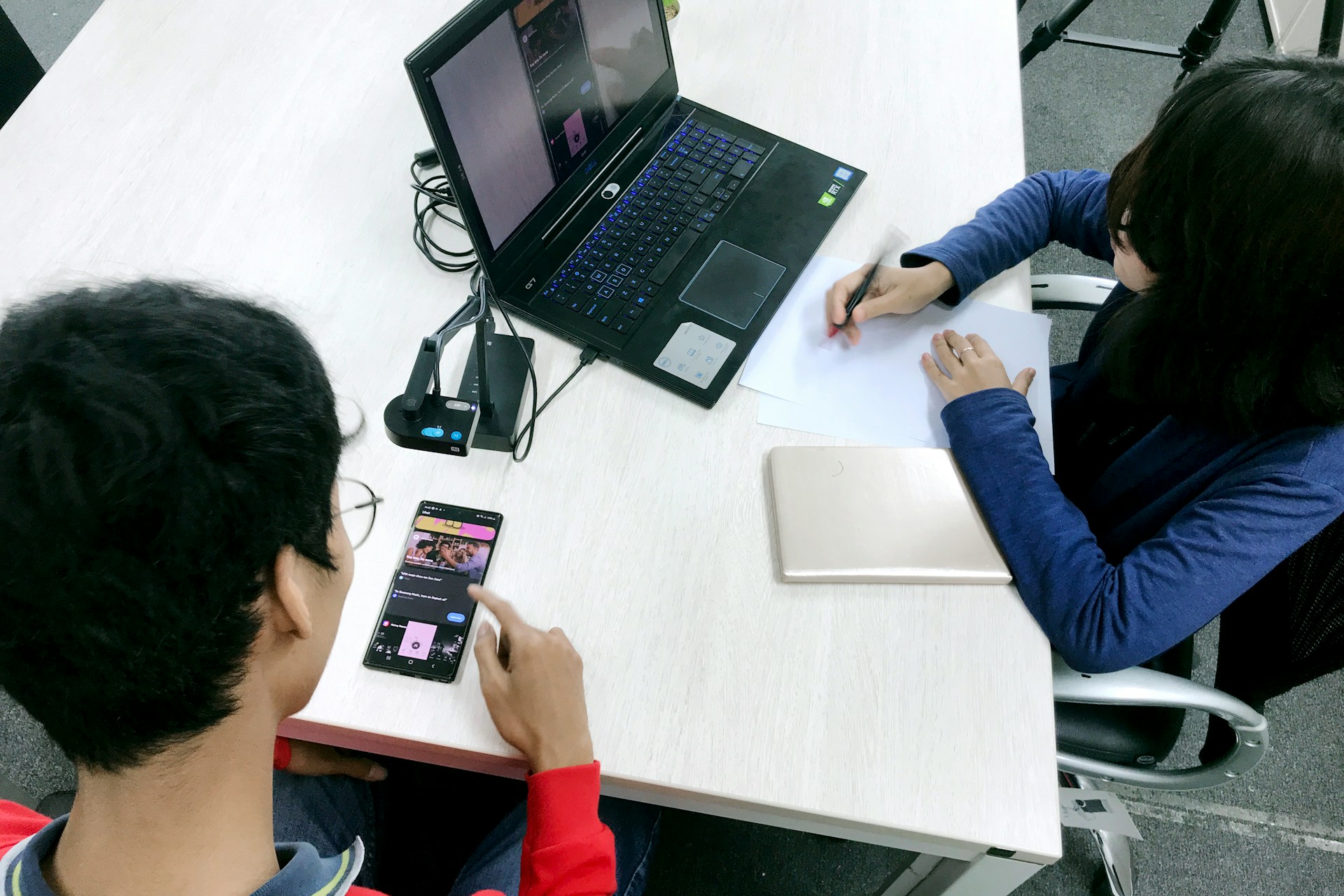
Once the prototype is ready, share the interactive link with participants. Give users clear tasks such as:
- "Add an item to your wishlist."
- "Show me how you would filter products by price."
- "Find the item you just saved."
Because the prototype behaves like a real product, users interact naturally. They click where they expect to click and describe their thought process as they navigate.
Most usability sessions take 30–45 minutes.
Step 4: Analyze Feedback and Iterate
You'll see that patterns will emerge quickly.
Users might say things like:
- "I didn't notice the filter button."
- "I expected the wishlist to appear here."
- "I wasn't sure if the item was saved."
Take that feedback and refine your prompt.
Regenerate the prototype in Moonchild and run another quick round of testing. Because generation only takes a few minutes, multiple testing cycles can happen within a single day.
Three Testing Mistakes that Waste Effort
Mistake 1: Prototype looked too rough.
If the interface looks generic, users may treat it like a rough concept instead of a real product. Import your design system when possible.
Mistake 2: Testing tasks were unclear.
Asking users to "explore the prototype" leads to random behavior. Always give clear tasks that guide them through the intended flow.
Mistake 3: You tested with the wrong users.
Recruit participants who resemble your real users. Feedback from the wrong audience can lead to misleading conclusions.
What You Actually Learn
Testing with AI-generated prototypes gives you specific feedback about interaction patterns, navigation, and flow clarity.
Instead of debating design ideas internally, you observe how real users respond to the interface. By the time the design team begins refinement, the team already knows which approach works and which parts need improvement.
That validation can save days of design iteration and move the product closer to a confident implementation.
Try Moonchild
Want this for your team?
Bring your design system into Moonchild and let PMs, designers, and engineers ship on-brand UI together — without breaking consistency.
Written by
Steven SchkolneFounder of Moonchild AI. Building the AI-native platform for product design.
Related Articles
How to Use AI to Rapidly Test Multiple UI Hypotheses
Every interface decision is a hypothesis. Instead of committing to one direction, use AI to generate multiple UI variants, test them fast, and validate the best approach before engineering begins.
PRD-to-Prototype Workflow with AI: The Complete Guide
The complete guide to going from PRD to interactive prototype using AI. Five stages that compress weeks of design work into days while reducing risk.
Bringing Screens From Figma Into Moonchild
Moonchild isn't just for generating screens from prompts. You can import existing Figma designs and use them as a starting point for AI-powered exploration and variations.