Moonchild AI vs Relume for Sitemap-to-UI Workflows
Updated March 3, 2026
A product team might spend time mapping a feature's information architecture in Relume. The structure becomes clear — for example, onboarding flows into a dashboard, which then connects to settings and reports. But when designers move to Figma to build the interface, the actual UI still needs to be created. Components must be applied, spacing systems defined, and design tokens integrated. Because wireframes and IA diagrams don't include these production-level details, this stage can require additional time.
The distinction between Relume and Moonchild lies in the stage of the workflow each tool supports. Relume is designed to help teams plan structure and page relationships. Moonchild is designed to generate interface screens that implement that structure in UI form.
Information architecture is not the same as user interface
Relume addresses a real challenge in product development: helping teams align on what pages or sections should exist and how they connect. This type of planning work is valuable. Teams can answer questions like: Should the dashboard appear before or after preference setup? Does the product need a separate settings page?
However, resolving those questions doesn't automatically produce a finished interface. Wireframes communicate structure, while shippable UI requires additional layers — components, spacing rules, interaction states, and adherence to a design system.
Relume generates wireframes based on structural planning. Moonchild, by contrast, focuses on generating production-ready UI from that same underlying structure. In that sense, the two tools address different stages within the same workflow.
| Design System Enforcement | Multi-Screen Flow Consistency | Handoff Readiness | Best For | |
|---|---|---|---|---|
| Moonchild | Enforced at generation. UI is generated against the product's design system, using real components, spacing scales, and typography rules instead of placeholders. | High. Screens within a flow are generated using the same component library and design rules, helping maintain visual and structural consistency across the entire flow. | Higher. Generated screens are closer to production UI, meaning they can move into design refinement and engineering handoff more quickly. | UI generation and execution: turning defined flows into system-consistent interface screens that can move toward production. |
| Relume | Not enforced. Relume generates low-fidelity wireframes focused on layout and structure, typically using placeholder elements. Design systems, tokens, and real components are applied later in tools like Figma. | Limited. Relume helps visualize page relationships and flows, but visual consistency across screens is not the focus because outputs are structural wireframes rather than production UI. | Low. Output is intended for planning and wireframing, so designers still need to build the final interface before engineering handoff. | Information architecture and planning: generating sitemaps, exploring page structures, and aligning teams on flows before detailed design work begins. |
Relume excels at getting structure right
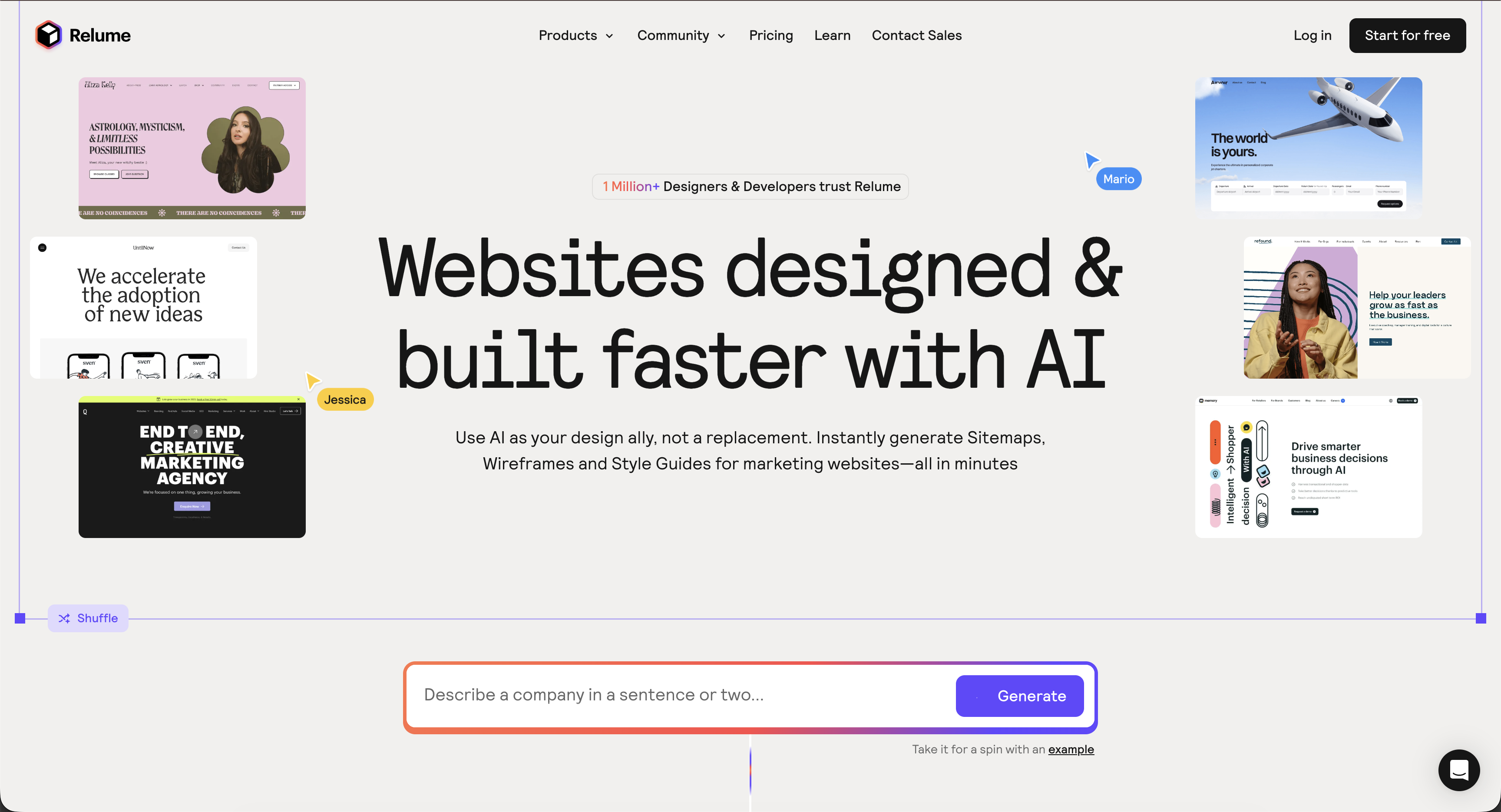
Relume's strength is clarity. It helps teams turn vague product requirements into a visual sitemap they can align around — for example: "We need an onboarding flow, a dashboard, settings, and reports. How should these connect?"
Relume makes it possible to answer those questions quickly and visually. Because the wireframes are intentionally low fidelity, they keep the focus on structure rather than design details. Teams aren't debating button colors or typography; they're deciding things like whether the dashboard should appear before or after preference entry.
This type of thinking is important. Asking designers to rebuild a product structure in Figma without a clear information architecture would be inefficient. Relume helps prevent that by allowing teams to clarify the structure first.
However, the same low fidelity that makes Relume effective for early thinking isn't suitable for production work. Wireframes capture structure, but they don't include the components and system details needed for a finished interface. As a result, the UI still needs to be rebuilt using proper components and design system elements.
Moonchild assumes structure is decided and produces shipping UI
Moonchild comes into play once the structure is already clear. The flow is defined, the hierarchy is understood, and the next step is turning that structure into actual screens that engineers can build from.
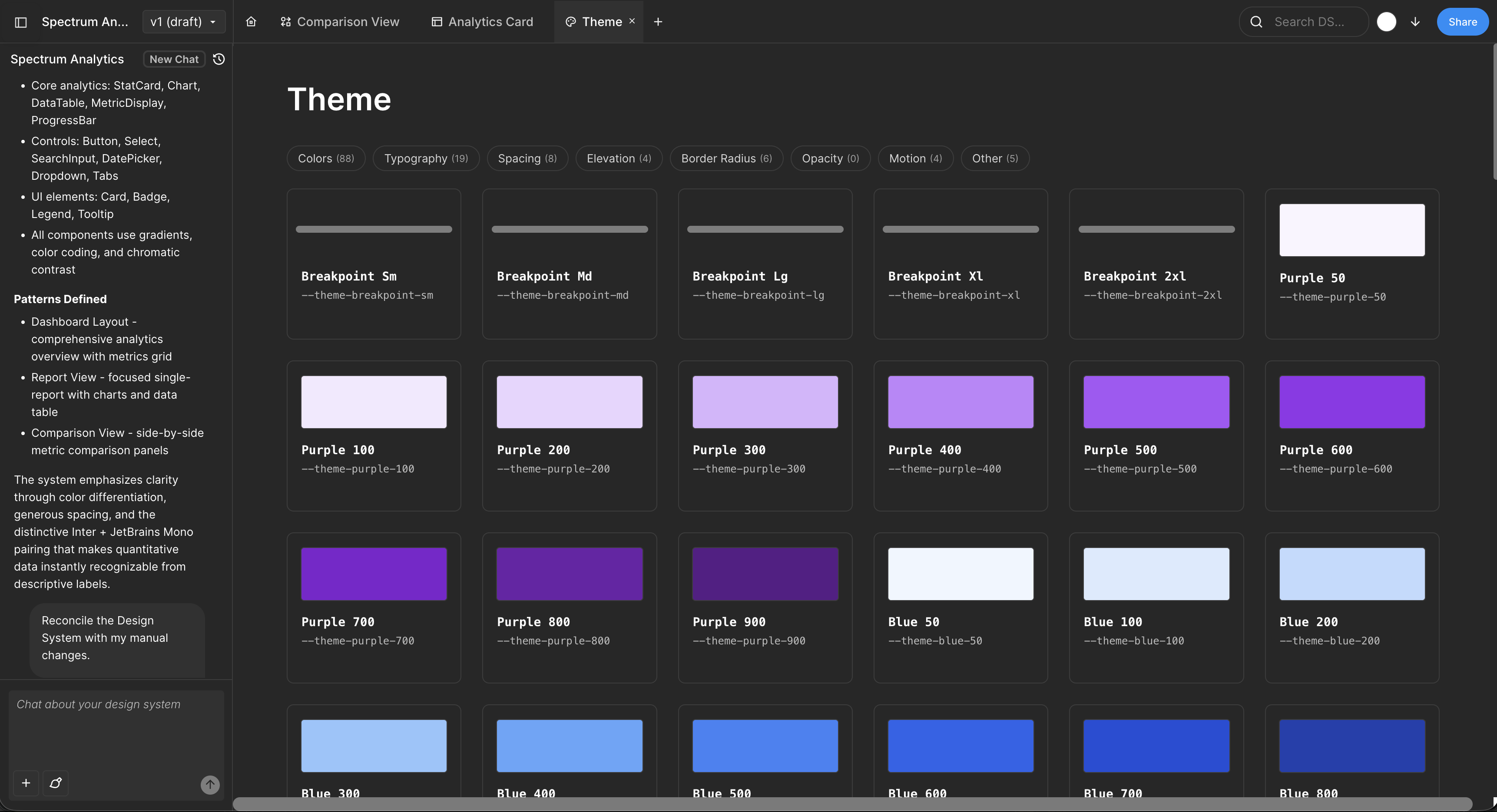
Because Moonchild generates UI within the constraints of your design system, the output is closer to production-ready. Buttons aren't placeholders — they're instances of real button components. Spacing isn't approximate — it follows the defined spacing scale. Typography reflects the actual system being used.
The cost of the wireframe-to-UI translation
Teams that rely on Relume without a production UI tool often notice a pattern. Structure work moves quickly — which is good — but the design phase still takes significant time. Designers end up rebuilding what the information architecture already communicated.
This rebuild isn't simple refinement; it's translation. The team moves from a wireframe with placeholders like "Header" and "Content" to a fully defined layout built with real components from the design system.
During this translation, designers typically spend time:
- Selecting the appropriate components
- Applying spacing tokens and layout rules
- Building component states (hover, active, disabled, loading)
- Setting typography styles
- Testing responsive behavior across breakpoints
Much of this effort exists because the original wireframes don't include system-aware UI details. If the generation step understood the design system, many of these decisions could happen earlier.
Using both tools in sequence
Many mature teams recognize that planning and execution are separate problems.
IA / structure phase (Relume): "What pages exist? How do they connect? What happens at each step?"
Wireframes allow teams to reason about flows and hierarchy without getting distracted by visual details.
UI / production phase (Moonchild): "Now generate the actual interface using our design system."
The defined structure (or flow description) becomes the input for generating screens that reflect real components and system rules.
This isn't repeating the same work. It's performing two different types of work at the appropriate stage.
The structural thinking step matters
Some teams skip the planning step and move directly from a product requirements document to generated screens. While the resulting UI might look polished, the underlying flow may still be inefficient or confusing. In that case, the interface is well executed but solving the wrong structural problem.
A more reliable approach is to resolve the structural thinking first — whether through Relume or another method — and then translate that structure into production UI.
When each tool is the better fit
Use Relume if:
- You're still defining site structure or feature hierarchy
- You want wireframes to align stakeholders on IA
- You need to explore whether elements should be separate pages or sections
- You're designing content-heavy products where information architecture is the main constraint
Use Moonchild if:
- The structure is already decided
- You need to generate UI screens that reflect your design system
- You want outputs that move directly into Figma for refinement
- You want to reduce the amount of manual rebuild work in the design phase
The core distinction
The difference ultimately comes down to thinking versus execution.
Relume supports the structural thinking that clarifies how a product is organized. Moonchild focuses on turning that structure into UI that can move toward implementation.
Teams that separate these stages tend to move faster overall because planning and production are handled with tools designed for each job.
Try Moonchild
Want this for your team?
Bring your design system into Moonchild and let PMs, designers, and engineers ship on-brand UI together — without breaking consistency.
Written by
Lotanna NwoseSenior PMM with 7 years experience across multiple teams. Building the new way of using AI to do Product Design work at Moonchild AI.
Related Articles
Best Alternatives to Galileo AI for Real Design Systems
Galileo works well for exploration and early concepts, but relying on it for production UI often introduces rework. Here's how different tools solve different phases of the design process.
Moonchild AI vs Google Stitch for Production-Ready UI Generation
Google Stitch is optimized for research and exploration. Moonchild is designed for consistent, production-focused interface design. Both use AI to generate UI, but they serve different stages of work.
Moonchild AI vs Framer AI for UI Prototyping
Framer focuses on generating and publishing websites. Moonchild focuses on generating product interfaces. Both generate UI quickly, but they're designed for different contexts.