Best AI Design System Generator for Product Teams (2026)
Updated March 13, 2026
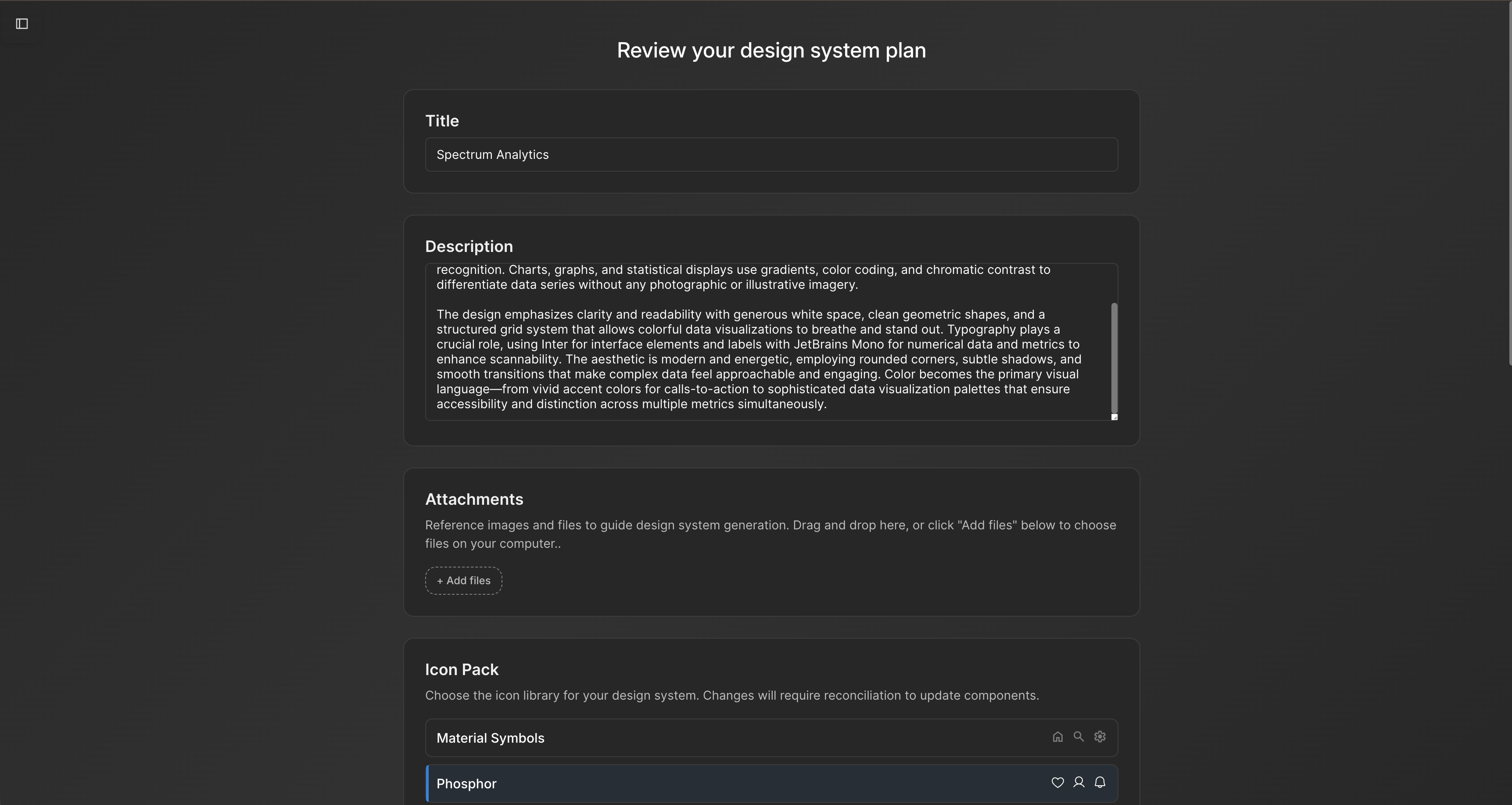
Your design team often spends significant time reconciling AI-generated screens with your design system. Colors may not map to your tokens. Spacing may break your grid. Components may use variants from a generic library. This scenario is common when pairing generic AI tools with an established design system.
The challenge is that most AI UI tools treat your design system as optional — something to enforce after generation. Moonchild inverts this. Your design system becomes the constraint that shapes generation from the start. You import your tokens, components, and patterns, and every element respects your system before review.
The design system should be the input to AI generation, not an afterthought
Most AI generation tools produce screens first, then designers spend hours fitting them to their system. System-aware generation flips this: the design system informs generation upfront. This approach can reduce rework and improve consistency.
Compare two approaches for generating 100 new screens:
Note: Specific numbers on hours, cost, or timelines are illustrative examples; they are not independently verified.
| Approach | Screens Generated | Rework Time | Cost | Timeline |
|---|---|---|---|---|
| Generic AI (no system constraint) | 100 screens | 300 hours | $45,000 | 6 weeks |
| System-first generation | 100 screens | 75 hours | $11,250 | 2 weeks |
Generic AI (no system constraint): 100 screens × 3 hours rework per screen = 300 hours of design work. At $150/hour, that's $45,000 and a 6-week delay. Most teams skip this entirely.
System-first generation: 100 screens × 45 minutes review per screen (UX only, no token mapping) = 75 hours of design work. $11,250 and done in 2 weeks.
Generic AI often produces outputs that require manual mapping to your tokens and components. System-first generation reduces this manual work by generating screens that already follow your design system.
Why system awareness is often skipped
Building system-aware generation is more complex than system-agnostic generation. Most AI UI tools generate screens from a prompt without knowledge of your tokens, components, or breakpoints. Users receive outputs that look like designs but require reconciliation before production.
System-aware generation typically involves:
- System extraction and normalization — importing tokens, components, breakpoints, and semantic structures.
- Constrained generation — ensuring the AI selects only from your design tokens and component library.
- Fidelity preservation on export — maintaining component structure, token references, and semantic naming in Figma or code.
Moonchild is designed to support all three layers. Many competing tools do not.
How system-first generation works in practice
Scenario: A design systems lead at a mid-sized product company has 150 existing screens, a mature Figma library, and semantic token naming. Her team needs 40 new screens for a mobile redesign.
Without system-aware generation (using Figma Make or Galileo):
Request 40 screens. Output arrives and immediately doesn't fit. Figma Make uses its own component library, not yours. Colors are hex values, not tokens. Button variants number 8 instead of your 2. Spacing is ad-hoc. The design team spends 2 hours per screen remapping to your system: colors → tokens, custom components → library components, spacing values → grid. That's 80 hours, or 2 weeks of work. The tool saved you zero time.
With Moonchild (system-first):
- Import your Figma file (5 minutes). Moonchild extracts tokens, component library, and patterns.
- Request 40 screens: "Design a mobile settings flow using our system."
- Every generated screen already uses your tokens (not hex values). Every button is a library Button component. Spacing follows your grid. Responsive breakpoints match your system.
- Design review takes 45 minutes per screen because you're evaluating UX, not remapping tokens. Total: 30 hours.
- Ship in 1 week.
The generated output isn't generic UI decorated with your tokens. It's your UI, generated by an AI that learned your specific design language.
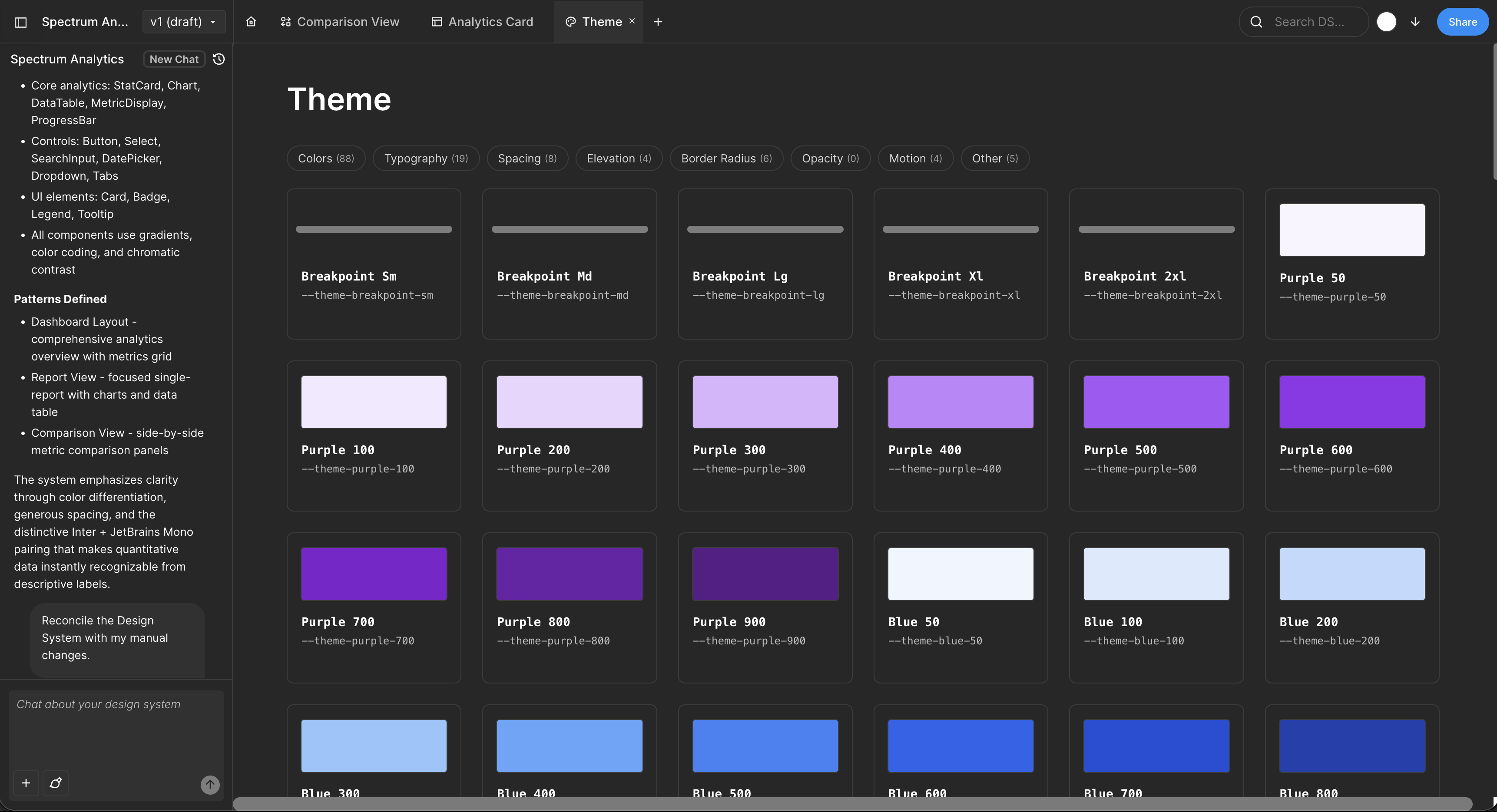
Key requirements for effective system-aware generation
- Accurate system extraction — import tokens, components, type scales, and breakpoints without guessing.
- Generation must respect the system — the AI must select only from your tokens and components.
- Export preserves system references — screens export with real component instances and variables, not detached or arbitrary elements.
Many AI UI tools implement only one or two of these steps.
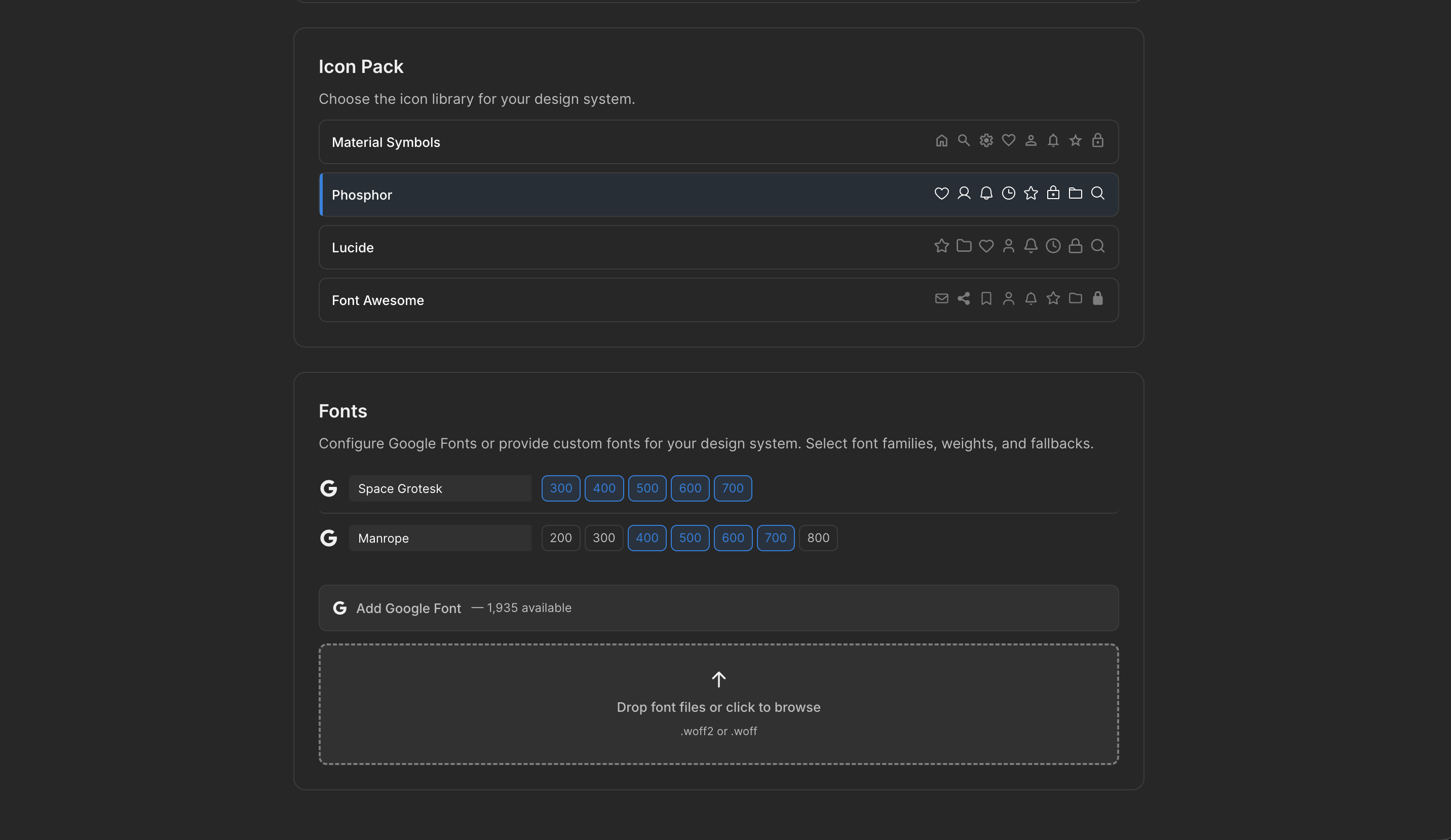
Common pitfalls of skipping system awareness
- Color and spacing inconsistencies — generated screens may vary slightly, undermining consistency.
- Component variance bloat — unregulated variants may proliferate without system enforcement.
- Developer implementation gaps — designs may not translate directly to code without clear token references.
System-first generation aims to address these issues by enforcing the design system during generation.
The token naming insight nobody talks about
Here's a pattern that's invisible in marketing copy but obvious in practice: Moonchild's system extraction works significantly better when your tokens use semantic names (color/primary/500, button/small, spacing/md) instead of literal names (blue-500, size-32, gap-16).
Why? Semantic names encode intent. The AI can infer that primary-500 is a primary action color, not a disabled state. Literal names are ambiguous. Most teams use literal names, so extraction requires the AI to guess. Good teams rename tokens semantically before importing, or import and re-import after fixing names. This doubles extraction accuracy from ~70% to ~95%.
It's not a tool limitation. It's a system design pattern. Teams that nail semantic naming get the most value from system-first generation.
Token naming and extraction
Semantic token names (e.g., color/primary/500, button/small) improve AI extraction accuracy. Literal names (e.g., blue-500, size-32) are ambiguous and may require adjustments for better results.
FAQs
What if we don't have a design system yet?
Moonchild can generate one from existing screens or a product brief. Teams typically refine rather than replace the generated system.
Does system constraint limit creativity?
No. Constraint shifts creativity to solving design problems rather than choosing colors or sizes.
Can we export to development?
Yes. Moonchild supports token definitions (JSON, Tailwind config, CSS variables), component specs, and responsive rules.
What if we update our system later?
Updating tokens in Figma and re-exporting updates generated screens automatically.
Is system-first generation only for large teams?
No. Partial systems can be used, and the system improves as screens are generated and patterns discovered.
Try Moonchild
Want this for your team?
Bring your design system into Moonchild and let PMs, designers, and engineers ship on-brand UI together — without breaking consistency.
Written by
Nicolas CerveauxFounding Design Engineer at Moonchild AI. Bridging design systems and engineering to build the future of AI-native product design.
Related Articles
How to Generate a Full Design System from Figma with AI
Many teams have implicit design systems scattered across Figma files. Here's how AI can analyze your screens, extract repeated patterns, and structure them into a formal design system.
Design Systems and AI: What Actually Works and What Doesn't
AI can generate design systems in minutes, but most tools produce generic output that ignores your actual components and tokens. Moonchild AI is the only tool that replicates the full complexity of your source of truth. Here's what works, what doesn't, and how teams are designing with their DS in AI.
How AI Is Changing Design System Creation: From Manual Tokens to Generated Infrastructure
Design systems used to take months to build. Moonchild AI generates complete systems — foundations, guidelines, themes, components, source code, and documentation — in a fraction of the time. Here's what AI actually generates, how the Moonchild DS editor works, and how teams are using generated systems in production.