Best Alternatives to Galileo AI for Real Design Systems
Updated March 6, 2026
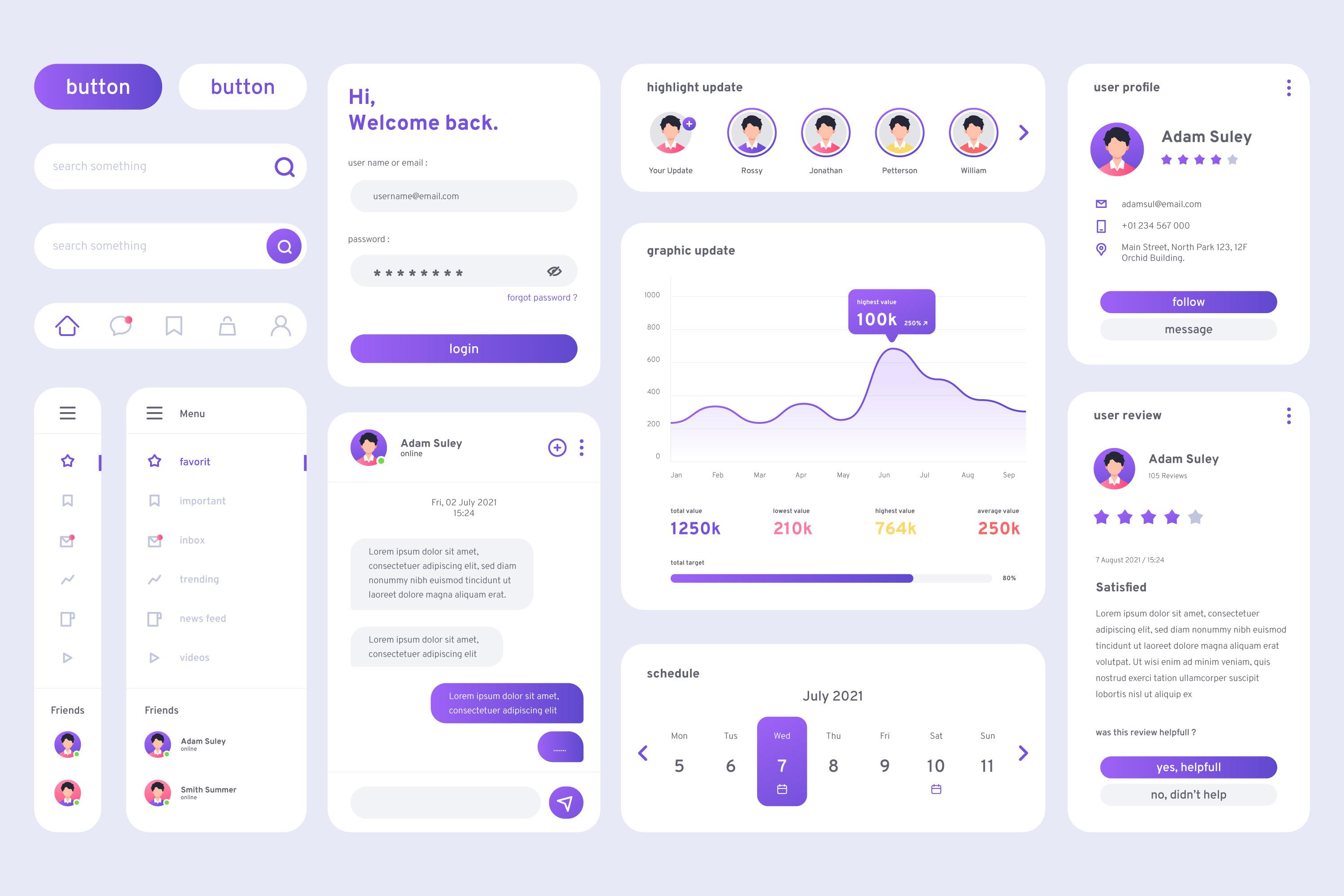
A team uses Galileo to generate a dashboard mockup. It looks polished and quickly earns stakeholder approval. But when designers move the design into Figma, they have to rebuild the screens using real components and design tokens from the company's design system. A few hours later, the UI looks slightly different — not because of mistakes, but because it now follows the actual system instead of Galileo's generic styling. By the time the rebuild is done, much of the original speed advantage has disappeared.
This pattern shows up across many product teams. Galileo works well for exploration and early concepts, but relying on it for production UI often introduces rework. In practice, teams tend to use different tools for different phases of the design process.
Galileo excels at mockups, not production
Galileo's strength is clear: it generates visually polished mockups quickly. For ideation, presentations, and fast visual feedback, it works extremely well. The limitation appears when teams try to treat those mockups as production UI.
Mockups operate at the concept level, while production UI must follow a design system. These are fundamentally different categories that require different tools.
So when teams ask, "What's better than Galileo for production UI?", they're asking the wrong question. The more useful question is: "What solves the production design problem that Galileo isn't built for?"
| Tool | Core Purpose | Design System | Multi-Screen Flows | Handoff Rework | Best When |
|---|---|---|---|---|---|
| Moonchild | Generate production-ready UI aligned with a design system | Built to generate production-ready UI using imported design system components and tokens | Designed for consistent, multi-screen product flows | Low if generation uses the system correctly | Teams designing real product features with an existing design system |
| Visily | Rapid wireframing and ideation with AI | Limited design system enforcement | Basic flows possible but not system-driven | Medium — concepts typically refined in Figma or another tool | Brainstorming, workshops, and early concept exploration |
| Uizard | Quickly generate UI prototypes and MVP interfaces | Limited design system support | Can create simple flows for prototypes | Medium-high for production products | Founders or teams quickly building MVP prototypes without designers |
| Galileo AI | Generate high-fidelity UI mockups from prompts | No native alignment with a specific product design system | Primarily generates individual screens | High — designs usually need rebuilding with real components | Fast visual exploration and stakeholder presentations |
Moonchild: built for production-ready UI
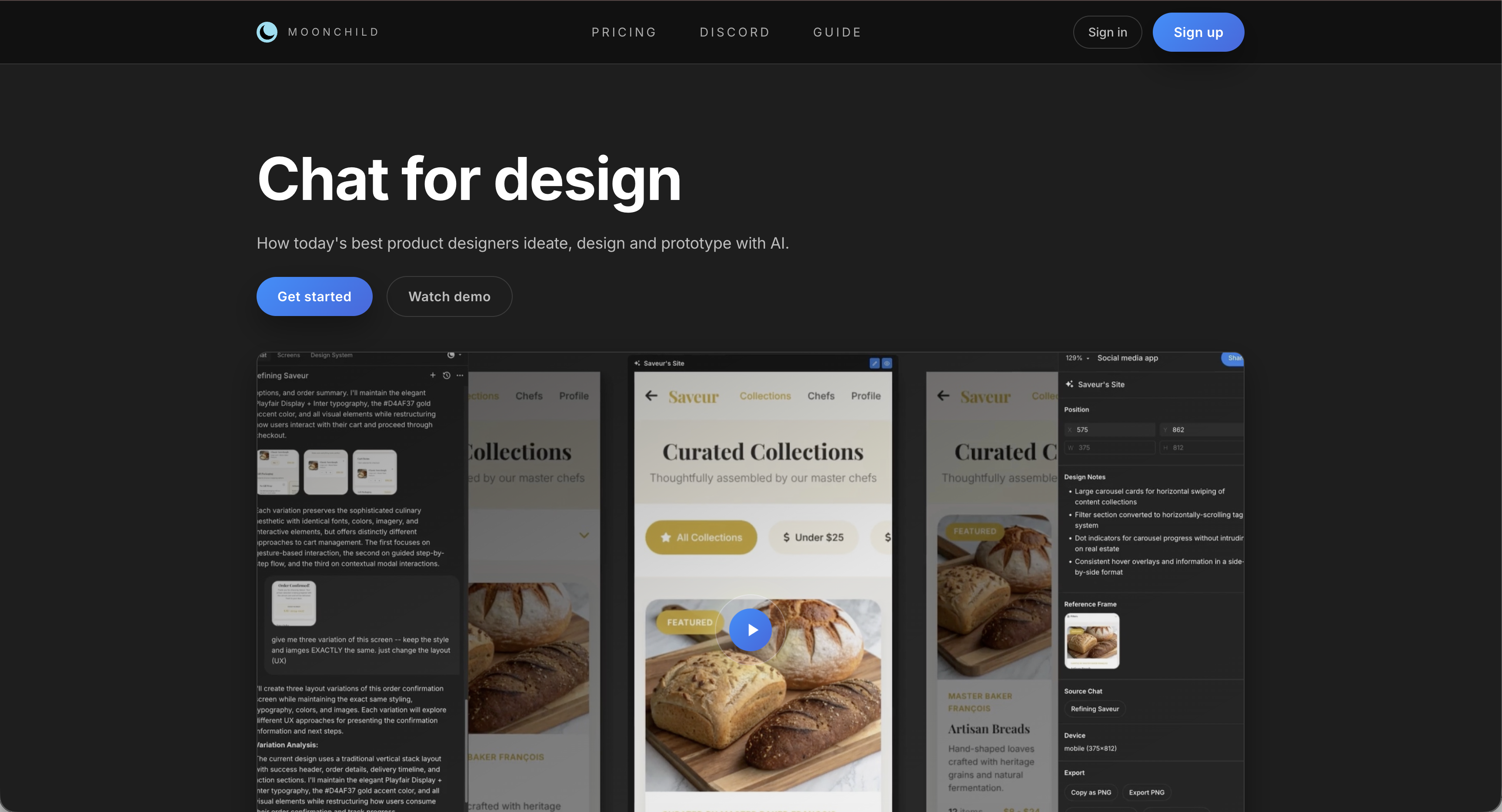
Moonchild is designed to solve the problem Galileo doesn't address: generating UI that already follows a team's design system so it doesn't need to be rebuilt later.
The approach is simple: design system compliance is built into the generation process rather than applied afterward.
When a team imports its design system into Moonchild, generated screens use the real components from that system. Buttons are actual component instances, spacing follows the defined scale, and typography matches the product's type system. Instead of approximations, the output is structured around the same elements designers and engineers already use.
This creates a clear distinction. Galileo generates visually polished mockups. Moonchild aims to generate UI that fits directly into production workflows.
The rework equation
Teams often compare tools based on how quickly they generate a design. On that metric, Galileo can appear faster.
But generation speed is only the first step. The real metric is total time from "we need this UI" to "this UI is ready to ship."
Galileo workflow
- Generate mockup: a few minutes
- Rebuild using real components in Figma
- Refine design and align with the design system
Moonchild workflow
- Generate UI using design system components
- Refine the design
In many teams, the time spent rebuilding AI mockups inside Figma cancels out the initial speed advantage. Tools that generate system-aligned UI reduce that rework.
When teams outgrow Galileo
Galileo works well in early product stages when:
- teams are exploring directions
- visual polish matters more than system structure
- rebuilding designs later is acceptable
Challenges appear as the product grows and teams need:
- consistency across multiple features
- strict design system alignment
- faster delivery without repeated rebuilds
At that stage, mockup-focused tools can introduce friction because each generated screen must be adjusted to match the system.
Uizard: fast generation, limited consistency
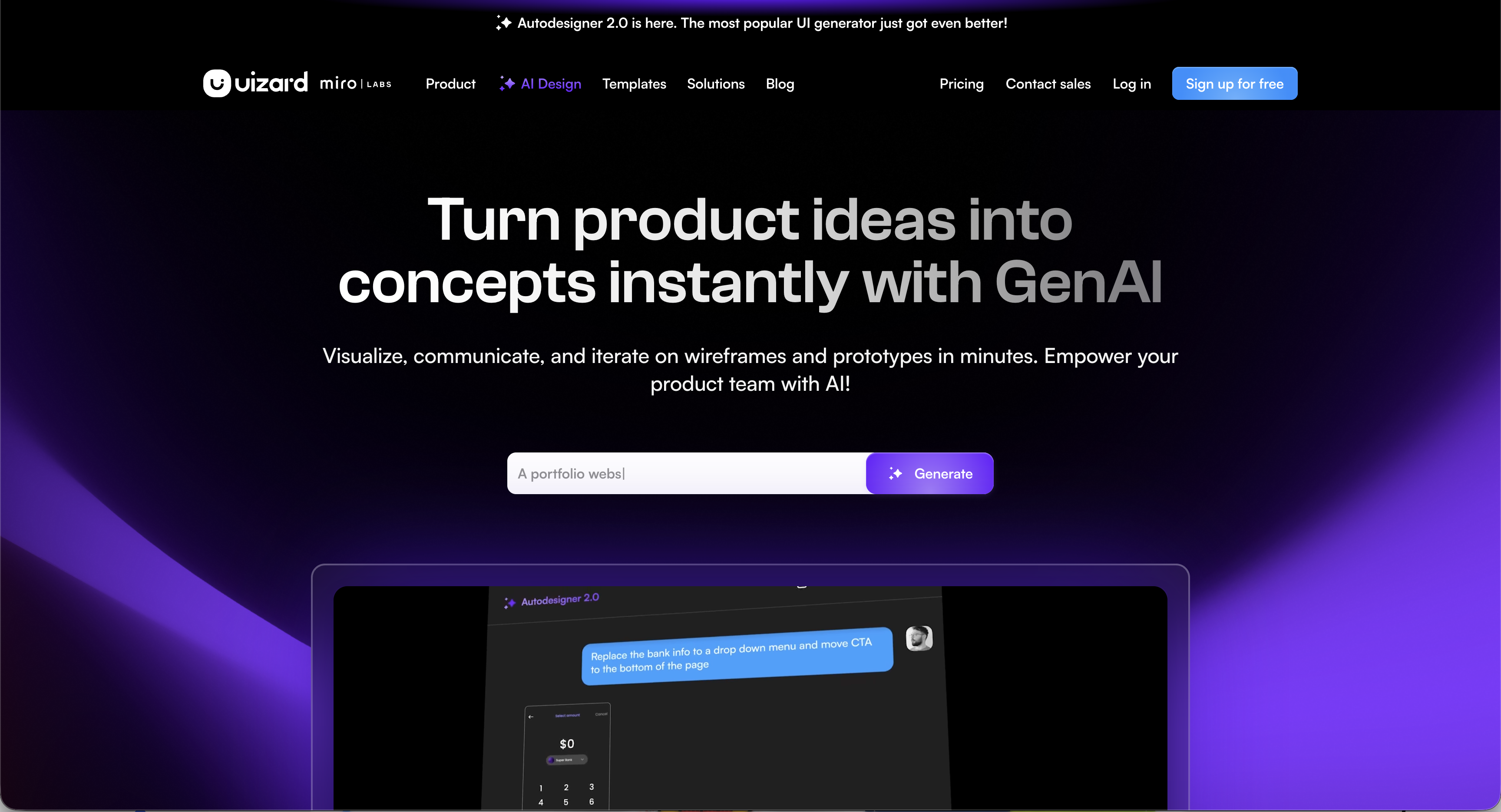
Uizard is useful when the main goal is quickly producing UI for an MVP.
Its strength is accessibility — founders or non-designers can generate interfaces quickly. However, as products grow, maintaining consistent patterns across screens can require significant manual work.
Because of this, many teams use Uizard mainly for early prototypes that will later be redesigned.
Visily: strong for ideation
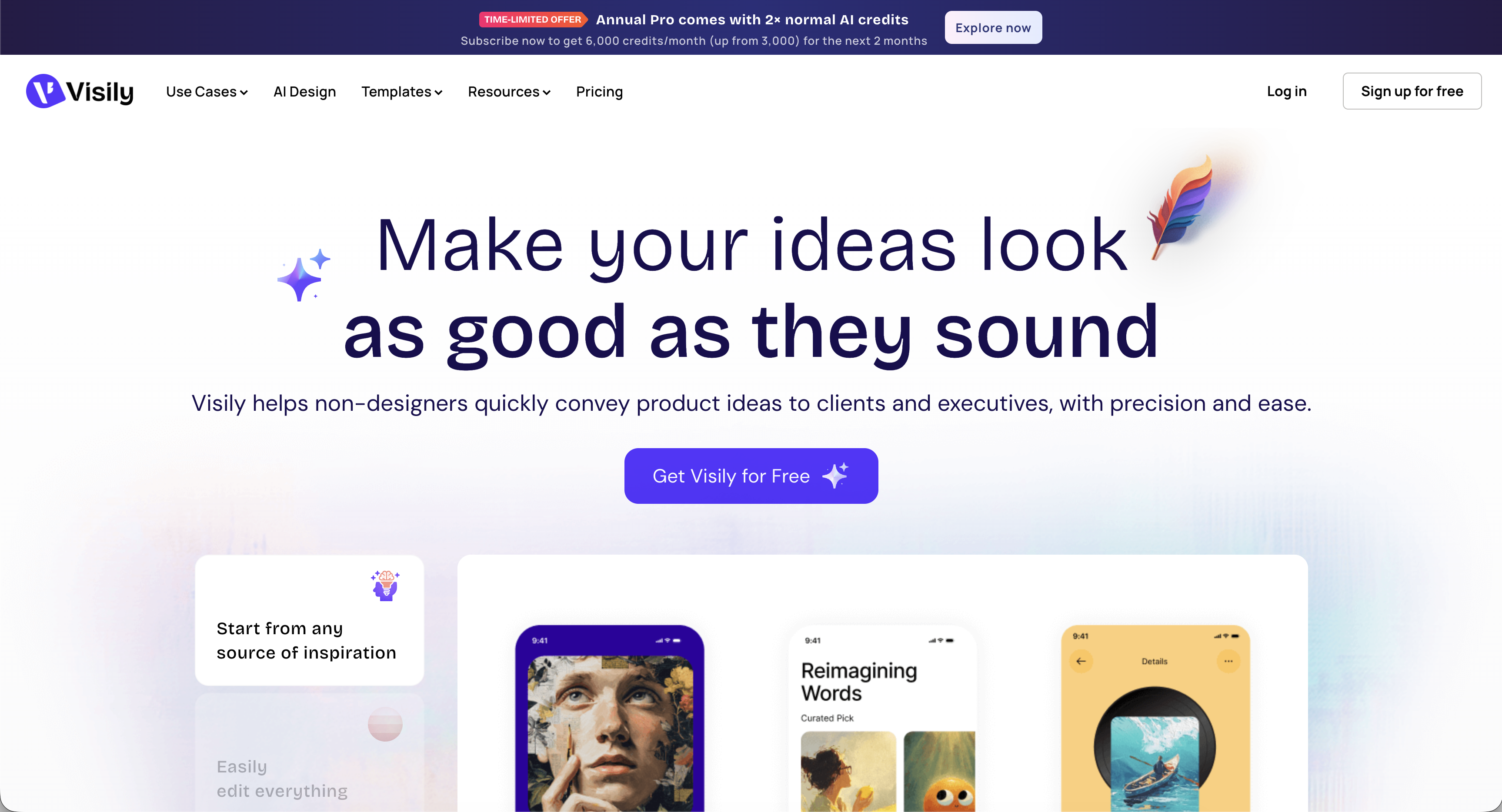
Visily excels at rapid ideation. Teams often use it for workshops, brainstorming, or quickly exploring multiple layouts.
The trade-off is that its outputs are concept-level designs. Like other ideation tools, they typically need refinement inside a design tool before becoming production UI.
UX Pilot: focused on flow design

UX Pilot focuses on helping teams think through user journeys and feature flows.
It helps answer questions like "What steps should this experience include?" But turning those flows into production UI usually requires another design tool afterward.
When tool choice starts to matter
Most teams reach a point where tooling affects speed and consistency.
- Early stage: experimentation dominates, so almost any tool works.
- Growth stage: consistency and system alignment start to matter.
- Scale stage: the design system becomes core infrastructure, and tools that ignore it create extra work.
Teams that adjust their tooling as they move between these stages tend to maintain momentum more easily.
Using Galileo for what it does best
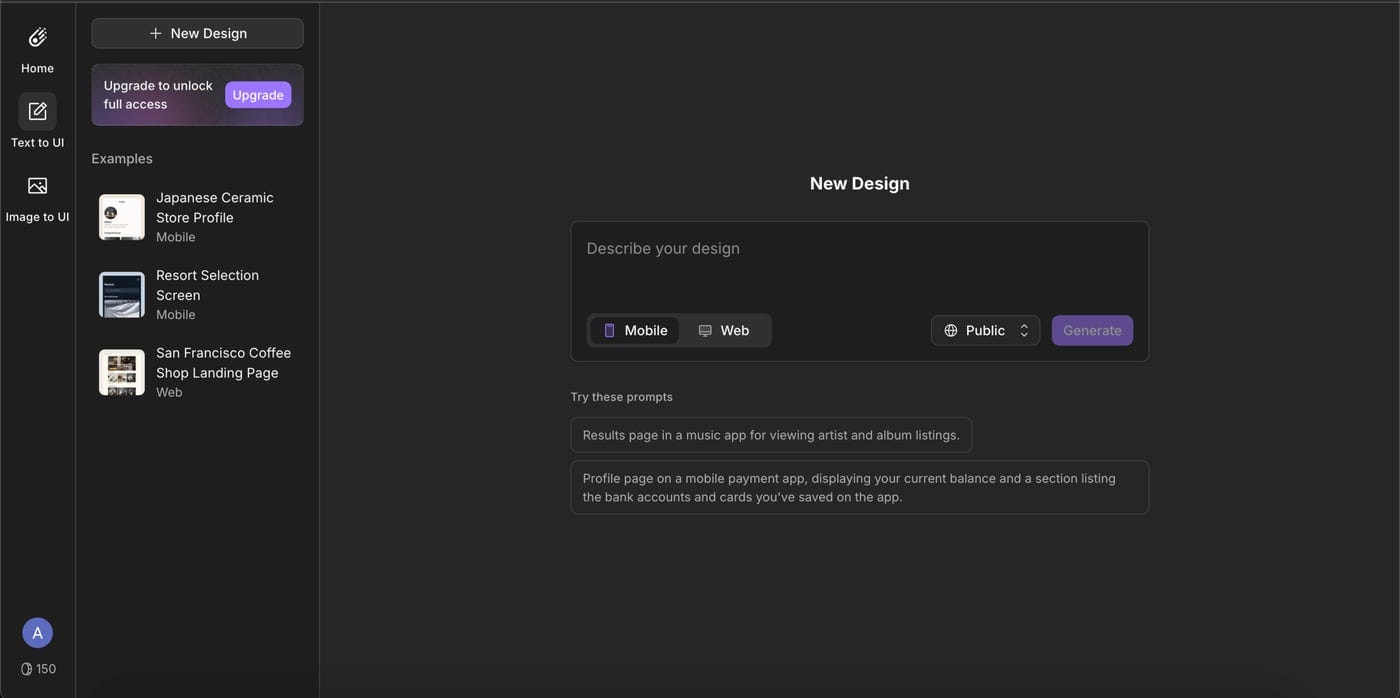
Galileo remains valuable for fast visual exploration and stakeholder presentations. It excels at quickly producing polished concept screens.
Many teams use it for early ideation and switch to other tools once they begin designing production features. In that workflow, mockup generation and production design serve different roles.
Choosing the right alternative
The best alternative depends on the problem a team is trying to solve.
- Exploring ideas or presenting concepts: Galileo or Visily works well.
- Designing production features within a design system: tools built around system-based generation are more suitable.
- Rapid MVPs built by non-designers: Uizard can be effective.
- Mapping complex user flows: UX Pilot helps with planning before UI design begins.
The key distinction
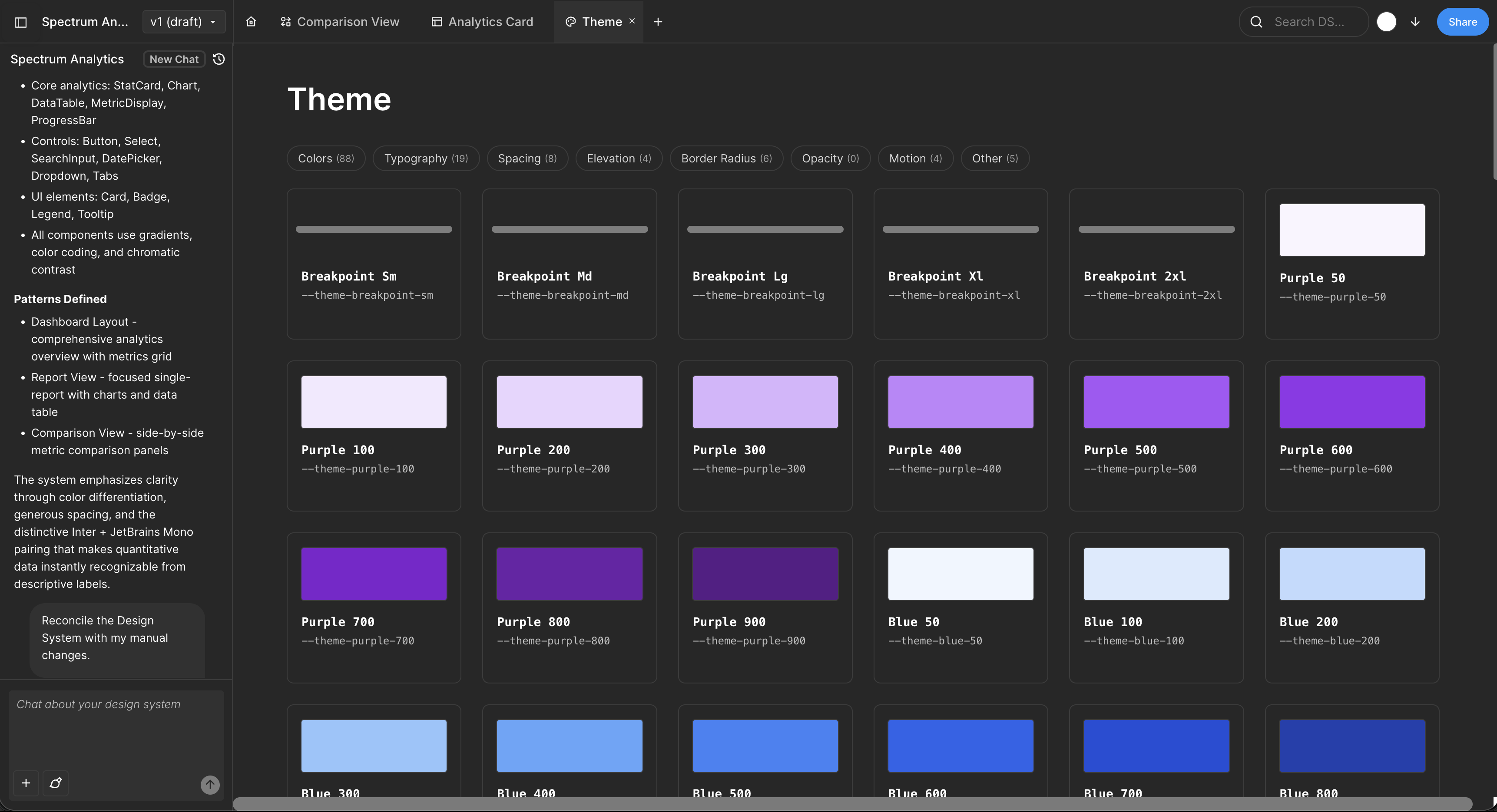
"Mockup generation" and "production UI generation" are different problems. Tools optimized for quick concept visuals don't necessarily produce system-ready designs.
Moonchild is positioned differently from Galileo not because it generates prettier mockups, but because it focuses on generating UI that aligns with a design system from the start — reducing the need for later rebuilds.
Try Moonchild
Want this for your team?
Bring your design system into Moonchild and let PMs, designers, and engineers ship on-brand UI together — without breaking consistency.
Written by
Lotanna NwoseSenior PMM with 7 years experience across multiple teams. Building the new way of using AI to do Product Design work at Moonchild AI.
Related Articles
Moonchild AI vs UX Pilot for Multi-Screen User Flows
Mapping flows and designing the final interface are different stages. UX Pilot helps define what the flow should be. Moonchild helps design what each screen in the flow looks like.
Moonchild AI vs Visily for Rapid UI Generation
The gap between Visily and Moonchild isn't speed — it's whether speed compounds or creates work later. Ideation speed is one metric. Production speed is another.
Moonchild AI vs Uizard for Designing UI with AI
The difference between Moonchild AI and Uizard isn't about who generates screens faster. It's about whether your MVP UI becomes your product's foundation or technical debt you have to discard.