From AI Design to Code: Using Moonchild AI with Claude Code, Lovable, and Cursor
Updated February 19, 2026
From AI Design to Code: Using Moonchild AI with Claude Code, Lovable, and Cursor
The design-to-development handoff has been broken for as long as product teams have existed. Designers create an interface in Figma. Developers interpret it. By the time the product ships, the original design is diluted — spacing is off, typography hierarchies are inconsistent, component states don't match the spec.
Moonchild AI changes this equation because of one feature most people overlook: you can download your entire design system and take it to any development tool you use. Claude Code, Lovable, Cursor, Bolt, Codex — whatever your stack is, your DS travels with you.
This guide walks through each pipeline and how the downloadable DS makes every one of them work better.
The Downloadable Design System: Why This Changes Everything
In Moonchild's DS editor, next to the Publish button, there's a download button. It exports your complete design system — foundations, themes, styles, components, guidelines, and assets — in a format that external tools can consume.
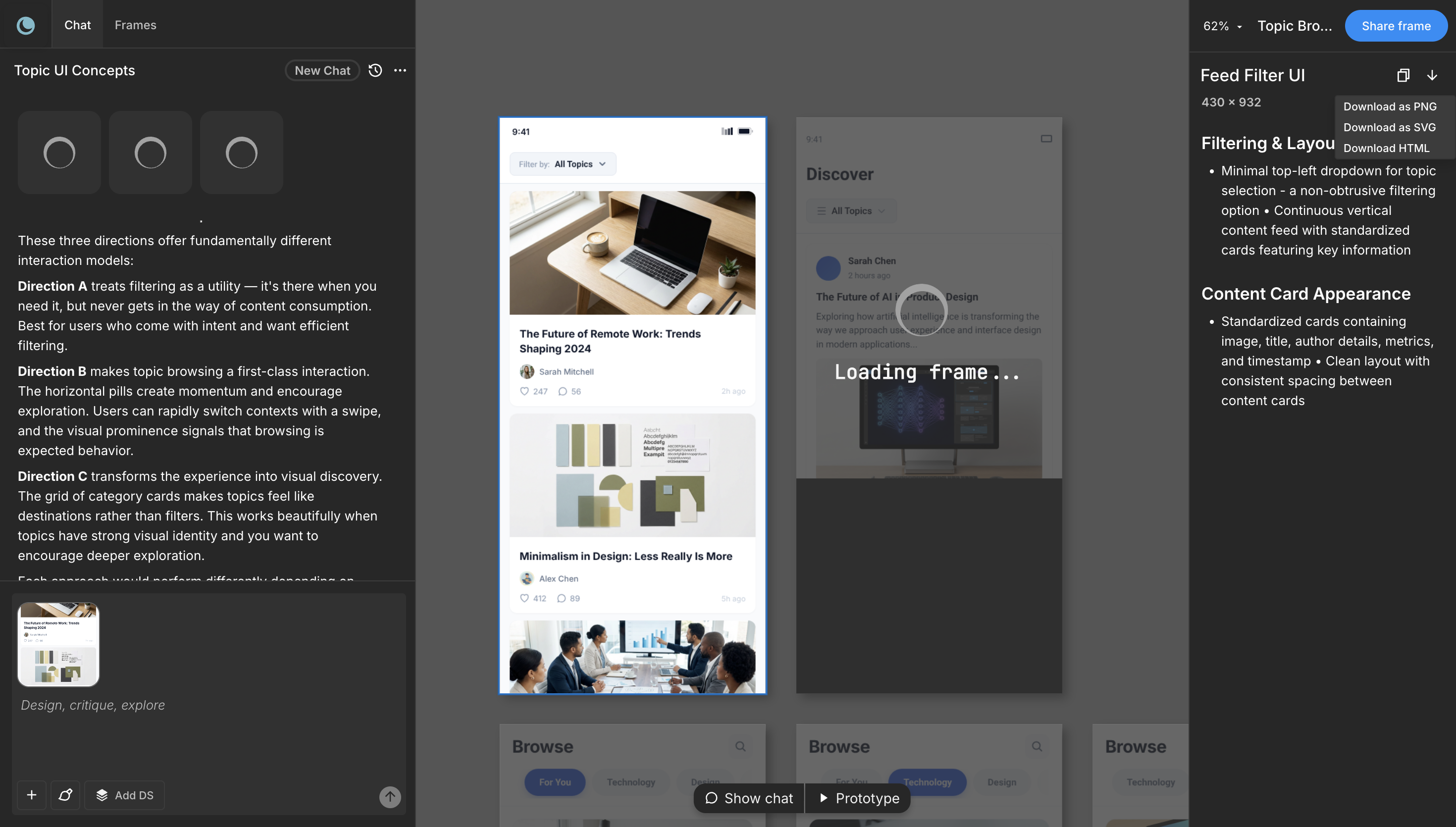
This is the piece that makes the design-to-code pipeline actually work. Without it, you're exporting screenshots or Figma links and hoping developers interpret them correctly. With it, you're handing developers the source of truth — the actual tokens, component specs, spacing values, and usage rules that define your product's visual language.
Every workflow below starts with the same step: download your DS from Moonchild. What changes is where you take it.
Your Design System as the Bridge
A design system is the shared language between design and code. When a designer says "this button uses the primary color," that's unambiguous — the primary color has a specific hex value, defined once, referenced everywhere.
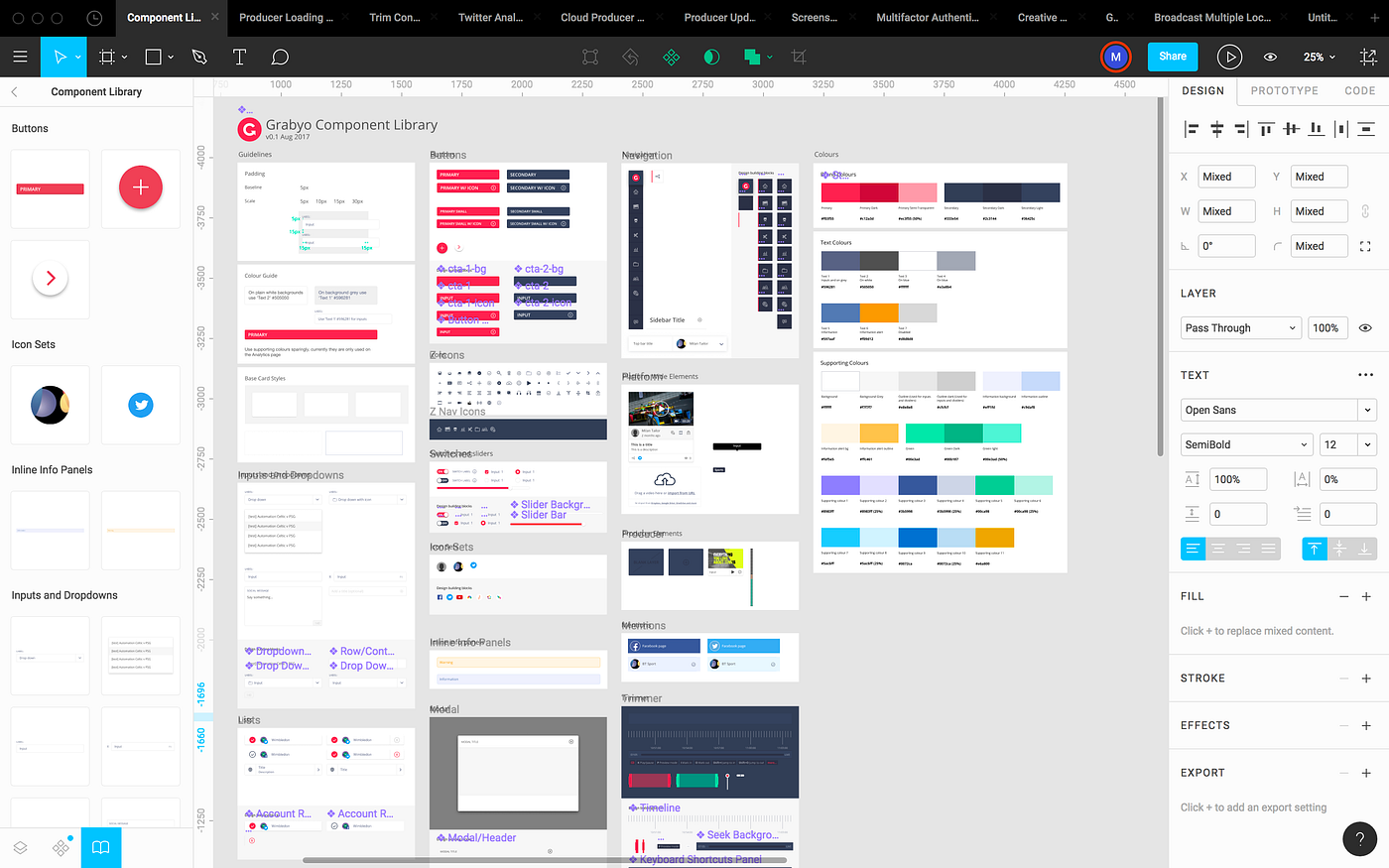
When Moonchild generates screens using your DS, every button references your actual button component. Every color comes from your palette. Every spacing value follows your scale. The generated design is a systematic application of your design system, not a collection of arbitrary pixel values.
When you download that DS and hand it to a development tool, the development work becomes systematic too. A developer building a button component doesn't interpret pixel values from a screenshot. They implement the "primary button" using the primary color token, the spacing values, and the typography specs from the DS. The ambiguity that has historically plagued handoff disappears because the source of truth is explicit and portable.
Workflow 1: Moonchild → Figma → Developer Implementation
This is the most familiar workflow — closest to how most teams already work, but with better starting material.
You generate designs in Moonchild with your DS attached. You export screens to Figma as editable components with token connections preserved. In Figma, your design team refines the generated screens — adjusting layout details, perfecting micro-interactions, preparing for handoff. Developers then read the Figma file alongside the downloaded DS package for implementation.
The advantage is familiarity. Your team doesn't change how they work. They just get better starting material from AI generation and a more complete specification from the DS download. Designers still own refinement. Developers still implement in their codebase. The AI acceleration happens at the front of the pipeline.
Best for: teams deeply invested in Figma with mature handoff processes. Teams where designers need full control over refinement before anything reaches development. Larger organizations with established workflows.
Workflow 2: Moonchild → Claude Code
Claude Code is an AI development tool that builds full-stack applications from natural language. When you combine it with a downloaded Moonchild DS, Claude Code has everything it needs to implement your interface with exact design fidelity.
The pipeline: generate your interface in Moonchild with your DS. Download the DS. Open Claude Code. Feed it the DS along with your generated screens and describe the business logic you need. Claude Code generates the full implementation — frontend components that reference your DS tokens, backend logic, database schema, the complete application.
This works because Claude Code can read your DS and understand the system behind the design, not just the visual output. It knows your primary color is a specific value. It knows your button has four states. It knows your spacing scale. The generated code references your system, not hardcoded values.
Best for: teams building new products or features where speed is critical. Solo founders who design in Moonchild and need a working app fast. Teams with clear requirements who want to go from concept to functioning application in hours rather than weeks.
Tradeoff: AI-generated code needs review. You're optimizing for speed, which means quality assurance becomes more important. Have experienced developers review the output before shipping to production.
Workflow 3: Moonchild → Lovable
Lovable builds and deploys web applications rapidly. You describe what you want, Lovable generates the full app, and you deploy immediately. When you feed it your Moonchild DS, the generated application uses your actual design language instead of Lovable's defaults.
The pipeline: generate your interface in Moonchild. Download the DS. Open Lovable. Provide the DS and your screens as context. Describe the application logic. Lovable generates a complete, deployable web application that looks and feels like your product.
The speed is remarkable. From concept to deployed application in under an hour. For MVP validation, this is the fastest path from "we have an idea" to "users are testing a real product."
Best for: MVPs and proof of concepts. Validating ideas quickly before investing in production-grade development. Solo designers who need to ship working products without a development team. Hackathons and rapid prototyping sprints.
Tradeoff: you're building inside Lovable's constraints. Deep customization is limited. This is for validation and rapid shipping, not for building the application you'll maintain for years. Build fast in Lovable, learn what works, then rebuild properly once you've validated.
Workflow 4: Moonchild → Cursor
Cursor is a code editor built for AI-assisted development, based on VS Code but optimized for working with Claude and other AI models directly in your IDE. Developers write code with AI assisting every step.
When combined with a downloaded Moonchild DS, Cursor becomes extraordinarily productive. The developer opens the DS in their project, references it while building, and Claude inside Cursor understands the system. "Build a settings page using our design system" becomes a meaningful instruction because Cursor can read the DS tokens, component specs, and usage rules.
The pipeline: generate designs in Moonchild. Download the DS. Import the DS into your Cursor project. Developers build with AI assistance, referencing the DS as the specification. Every component they build uses the correct tokens. Every layout follows the spacing scale. The DS acts as both specification and constraint.
This workflow treats developers as the decision-makers with AI as the accelerator. Code quality tends to be higher than fully automated workflows because developers review every decision. The development speed is still significantly faster than traditional coding because Cursor's AI handles boilerplate, repetitive patterns, and token-to-code translation.
Best for: teams with strong engineering talent who want speed without sacrificing code quality. Applications that need deep customization and will be maintained long-term. Teams that don't trust fully AI-generated code but recognize AI can meaningfully accelerate their work.
Tradeoff: you still need skilled developers. This isn't a "no developers required" pipeline. It's a "make your developers 3x faster" pipeline.
Workflow 5: Moonchild → Bolt
Bolt generates full-stack applications with a focus on modern web frameworks. Like Claude Code and Lovable, it benefits significantly from receiving your DS as input.
The pipeline mirrors the others: generate in Moonchild, download DS, provide to Bolt, describe your application, deploy. Bolt's strength is its framework awareness — it generates clean Next.js, React, or other framework-specific code that follows current best practices.
Best for: teams that want generated code in a specific modern framework. Projects where the tech stack choice matters from day one.
Choosing Between Workflows
Speed to MVP: Lovable. Accept constraints for velocity. Validate first, rebuild later.
Full-stack from scratch: Claude Code. Most flexibility in what you can build. Needs code review.
Code quality and long-term maintenance: Cursor. Developers stay in control. AI accelerates, doesn't replace.
Existing Figma investment: Figma workflow. Don't change what works. Get better starting material.
Framework-specific output: Bolt. Clean code in your chosen framework.
Team with designers and developers: Moonchild → Figma for design refinement, then download DS for whichever dev tool your engineers prefer. The DS is portable — your design team and dev team can use different tools and still share the same source of truth.
The Honest Challenges
AI-generated code still needs review. Whether you use Claude Code, Lovable, Cursor, or Bolt, the output is a starting point. It needs testing, security review, and performance review. AI accelerates development. It doesn't eliminate the need for engineering judgment.
Design system discipline matters. If developers don't reference the downloaded DS, they'll build custom solutions that drift from the design. Code review should verify that implementations use DS tokens, not hardcoded values.
Complex interactions need custom work. AI dev tools handle standard patterns well. Custom animations, complex state management, and product-specific interaction logic still require developers who understand the intended experience deeply.
The DS download is only as good as the DS itself. If your design system in Moonchild is incomplete or generic, the downloaded package won't magically fix that. Invest time in building a thorough DS — the guided setup with the Moonchild team is worth it for complex systems — and every downstream workflow benefits.
The Pipeline That Actually Works
The design-to-code problem hasn't been solved by any single tool. It's been solved by a pipeline: Moonchild generates system-consistent designs, the downloadable DS carries the source of truth, and whichever dev tool your team prefers receives that source of truth and builds from it.
The key insight is portability. Your DS isn't locked into Moonchild. It travels to Claude Code, Lovable, Cursor, Bolt, Codex, or whatever comes next. The investment you make in your design system pays dividends across every tool in your stack.
For most teams, the practical recommendation is: build your DS in Moonchild (guided or unguided), generate your screens with the DS attached, download the DS, and hand it to whichever dev tool fits your team's skills and timeline. The design-to-code gap closes because the source of truth is explicit, portable, and understood by both design and development tools.
That's the real shift in 2026. Not that AI writes all the code. But that the design system — your design system, with all its complexity and specificity — flows seamlessly from design to development without losing fidelity along the way.
Try Moonchild
Want this for your team?
Bring your design system into Moonchild and let PMs, designers, and engineers ship on-brand UI together — without breaking consistency.
Written by
Nicolas CerveauxFounding Design Engineer at Moonchild AI. Bridging design systems and engineering to build the future of AI-native product design.
Related Articles
How Product Teams Use Moonchild AI for Rapid Prototyping
Learn how product teams use Moonchild AI to go from PRDs to interactive prototypes in minutes. A step-by-step guide covering generation, iteration, design system integration, and developer handoff.
How to Generate a Complete Design System with Moonchild AI (Step-by-Step)
A hands-on walkthrough of building a design system with Moonchild AI. Two paths to get started, what the DS editor includes, and how to use your system across every project and dev tool.
Rapid Prototyping 101 with AI: From Idea to Testable Design in Hours
AI tools like Moonchild AI let designers go from brief to testable, multi-screen prototype in under a day. Here's a step-by-step guide to rapid prototyping with AI.