The Best AI Tools for Design Critique and Feedback

For years, "AI feedback" often meant vague or generic comments that didn't address the actual design goals. The latest generation of AI critique tools can now evaluate work in the context of design systems, accessibility standards, visual hierarchy, and user goals.
The best tools don't just flag issues — they provide actionable explanations and suggest improvements in the language designers actually use.
Leading AI design critique tools
1. Moonchild AI
Built specifically for product designers, Moonchild AI critiques designs against the original brief or PRD. Instead of judging a design in isolation, it evaluates whether your work solves the problem it was intended to solve.
- Upload a brief and attach your design.
- Receive structured feedback on clarity, hierarchy, consistency, and alignment with product goals.
- Generates multiple design directions upfront, enabling comparison rather than defending a single solution.
Best for: Product designers who want critique grounded in original intent, not just aesthetics.
2. Figma AI
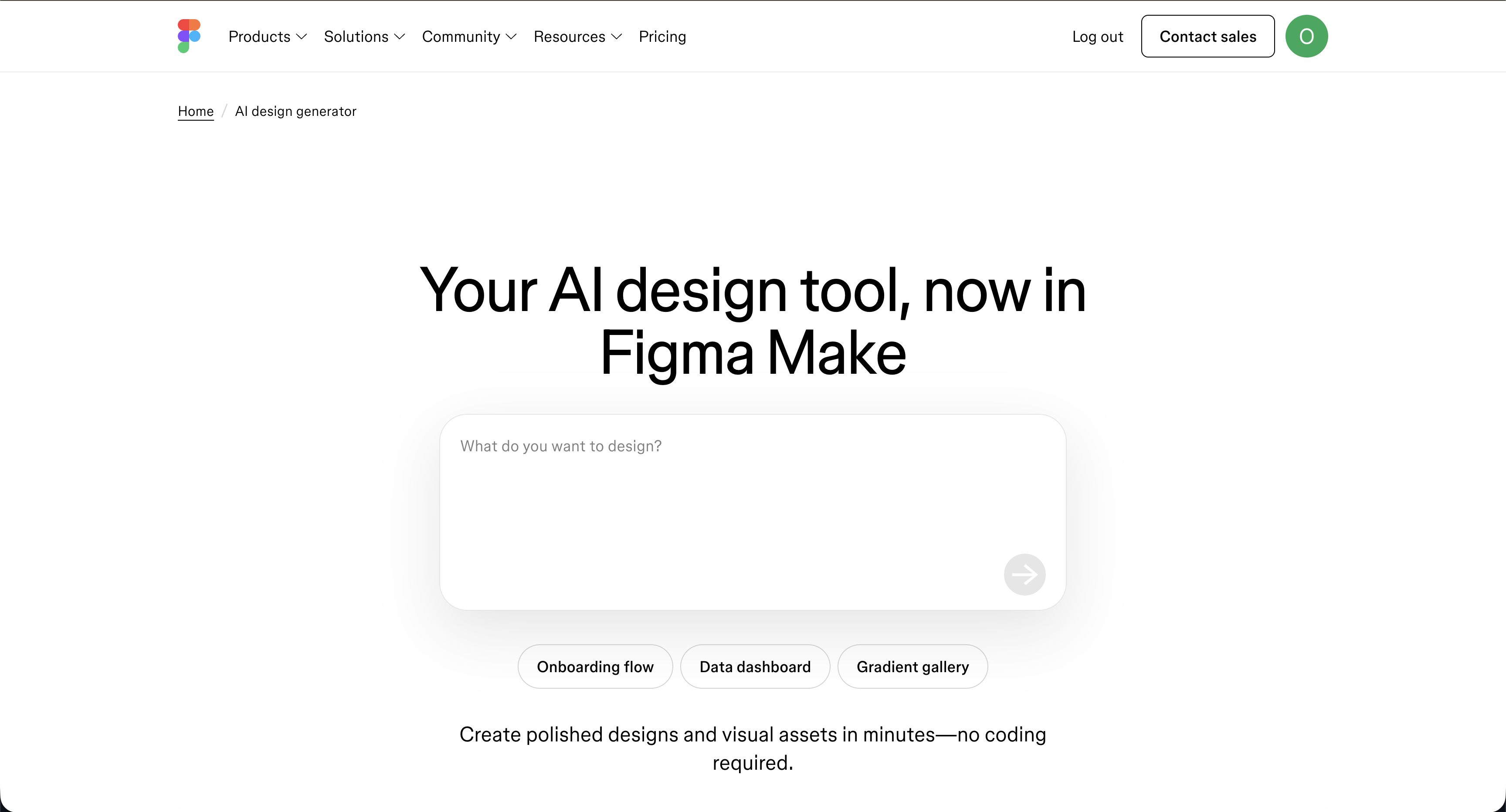
Figma's AI tools include auto-annotation, layout suggestions, and accessibility scanning directly in the canvas. They highlight structural issues — misalignment, contrast problems, inconsistent spacing — while you design.
Best for: Designers who want in-context, lightweight feedback without leaving Figma.
3. Attention Insight
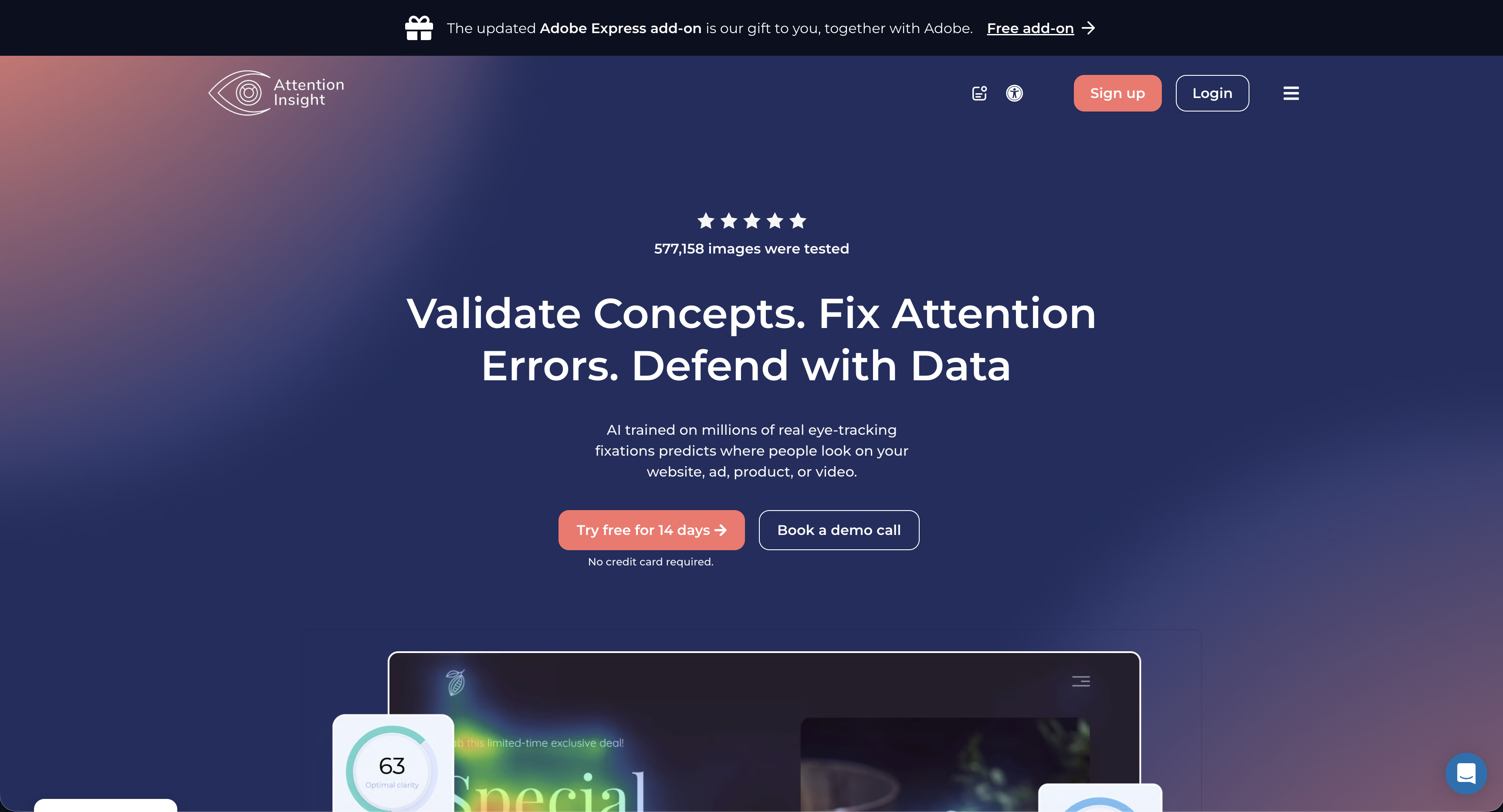
Predicts user attention with AI-powered visual simulations, generating heatmaps for landing pages, dashboards, and critical layouts before actual user testing.
Best for: UX designers validating visual hierarchy in high-stakes layouts.
4. Khroma and Design Token Validators
Khroma learns colour preferences and generates palettes. Paired with contrast and token validation tools, it helps ensure colour choices are accessible, consistent, and aligned with your design system.
Best for: Designers who want data-driven validation of colour decisions.
5. General AI (with the right prompts)
General-purpose AI can provide critique if given context. By pasting design rationale and describing what was built, you can request feedback from specific perspectives — senior designer, first-time user, or accessibility auditor. Quality depends on the detail of the input.
Best for: Designers who want flexible, conversational critique and can provide detailed context.
What to look for in an AI critique tool
- Understands context: brief, user, and product goal
- Provides actionable suggestions, not just problem identification
- Communicates in designer-friendly language
- Accelerates human judgment, not replaces it
The bottom line
AI critique tools are most valuable early and often, rather than as a final gate before handoff. Treat them as an always-available first reviewer, catching obvious issues so human critiques can focus on nuance, strategy, and subjective quality.
Tools built specifically for designers, like Moonchild AI, provide the clearest value because they integrate critique with design intent rather than relying on generic evaluation.
Try Moonchild
Want this for your team?
Bring your design system into Moonchild and let PMs, designers, and engineers ship on-brand UI together — without breaking consistency.
Written by
Lotanna NwoseSenior PMM with 7 years experience across multiple teams. Building the new way of using AI to do Product Design work at Moonchild AI.
Related Articles
Paper vs Moonchild AI: Which AI Design Tool Is Right for Product Designers?
Paper and Moonchild AI both aim to accelerate the process from brief to design — but they serve different purposes. This guide breaks down their strengths, limitations, and ideal use cases.
MagicPath vs Moonchild AI: Comparing AI Design Tools for Product Designers
MagicPath and Moonchild AI both leverage AI to accelerate UI design — but they solve different problems. This guide helps product designers understand where each tool excels.
Magic Patterns vs Moonchild AI: Which AI Design Tool Should Product Designers Use?
Magic Patterns and Moonchild AI both use AI to accelerate design, but they serve different workflows. This guide clarifies where each tool adds value for product designers.