Moonchild AI vs Framer AI for UI Prototyping
Updated March 1, 2026
A product founder uses Framer AI to generate a landing page for her new SaaS. Within minutes, she has a live website with a hero section, feature blocks, a pricing table, and a call-to-action — exactly the type of page Framer is designed to create.
Next, she tries to design the actual product dashboard. She opens Framer again and prompts it to generate "a dashboard with data tables and filters." The output still resembles a marketing page, with sections structured like hero blocks rather than the layout typically used for application dashboards.
This reflects the difference in the problems the tools are designed to solve. Framer focuses on generating and publishing websites, particularly marketing and landing pages. Moonchild focuses on generating product interfaces, such as application screens and product flows.
Both tools can generate UI quickly, but they are intended for different contexts. Using a tool outside the type of interface it is designed for can introduce friction rather than speed.
Website components and product components are fundamentally different
Framer is optimized for website structure, including elements such as hero sections, content blocks, navigation menus, and calls-to-action. These components align with the needs of marketing pages and landing sites.
Product interfaces are structured differently. They typically include elements such as data tables, form inputs, settings panels, state-based interactions, and multi-step workflows. The component libraries, navigation patterns, and interaction models used in application interfaces differ from those used in marketing websites.
Because of this difference, using a website-focused tool to design product interfaces can create mismatches between the available components and the needs of the interface. Website-oriented components may not naturally map to application interface requirements.
This does not indicate a limitation of the tool itself. Rather, it reflects that different tools are optimized for different types of interface design problems.
| Design System Enforcement | Multi-Screen Flow Consistency | Handoff Readiness | Best For | |
|---|---|---|---|---|
| Moonchild | Designed to not only create but also import and use an existing design system, allowing generated screens to use defined components (colors, spacing, typography) from that system. | Focuses on multi-screen product flows (e.g., onboarding → dashboard → settings) and generates screens intended to follow consistent layout and component usage across the flow. | Outputs are intended for product design workflows, particularly export to Figma where components can remain instances tied to the design system, supporting designer-developer handoff. | Generating product interfaces such as SaaS dashboards, internal tools, and multi-screen application flows within a design-system-driven workflow. |
| Framer AI | Provides its own component system and styling tools for building websites. It does not natively import existing design systems from Figma. Teams typically recreate styles or components inside Framer if they want consistency. | Primarily generates individual website pages or sections (e.g., landing page sections). Maintaining consistency across multiple application screens is handled manually by the designer. | Sites are deployable directly as websites, which reduces the need for design-to-development handoff for marketing pages. However, the output is optimized for web publishing rather than design-system-driven product UI handoff. | Rapid creation and deployment of marketing websites and landing pages, especially for founders or teams without dedicated design resources. |
Framer solves the website problem excellently
Framer's strength lies in enabling users to generate and publish marketing websites quickly. A user can describe a landing page — such as a hero section with a video, feature blocks below it, a pricing table, and a call-to-action — and the system can generate a structured page and deploy it within minutes.
This capability is particularly useful for founders or teams that do not have dedicated design resources. It reduces the time and effort required to create and publish a marketing site, making it easier to move from an idea to a live webpage.
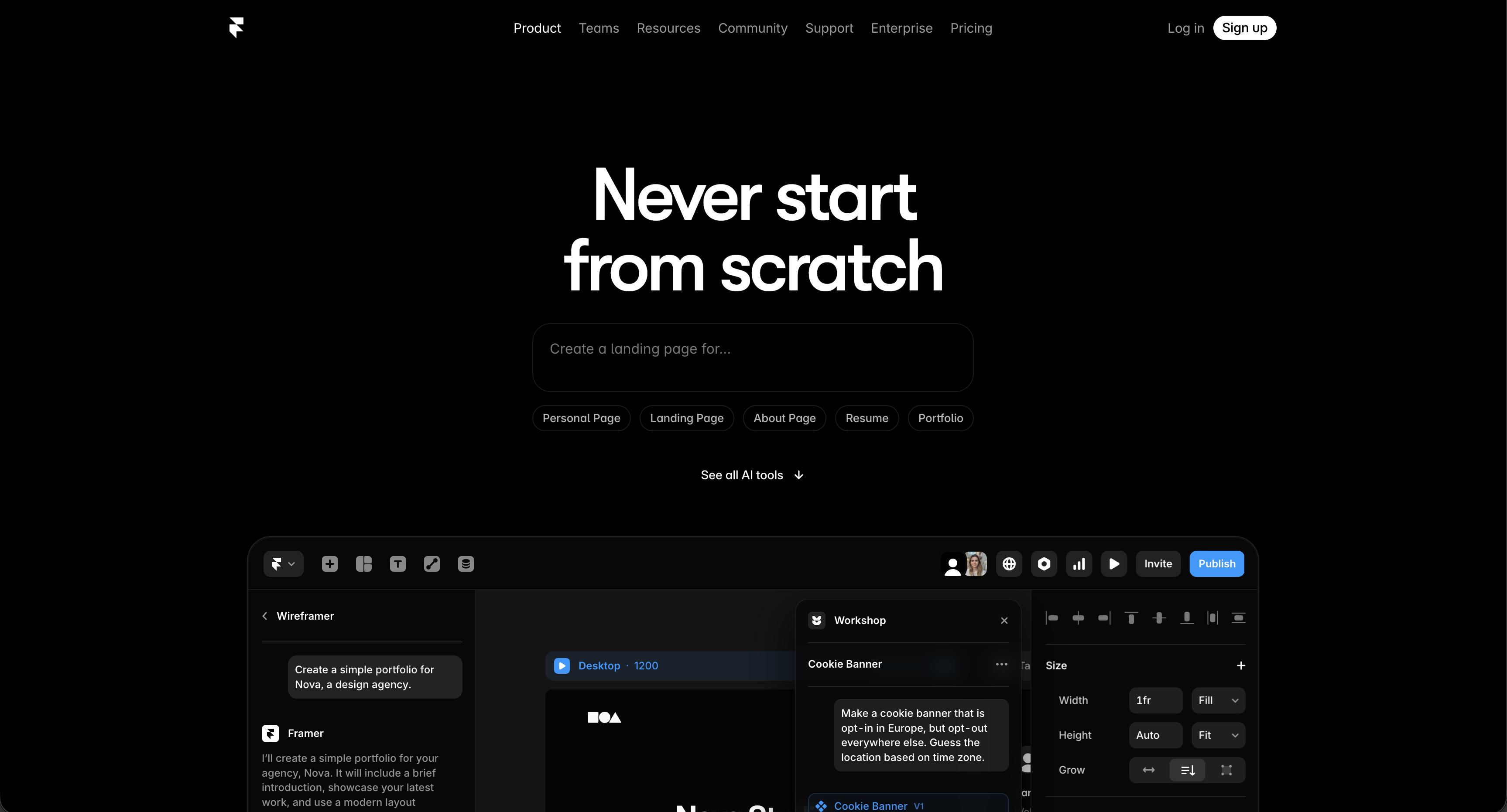
The underlying component model reflects common website design patterns, including navigation bars, hero sections, feature grids, testimonial sections, and pricing layouts. These components align with how marketing and landing pages are typically structured, and the generation system is designed to produce layouts that follow these conventions.
Product UI requires different component thinking
Product interfaces are structured differently from marketing websites. A typical SaaS dashboard often includes:
- Data tables with sorting, filtering, and pagination
- Form layouts with validation states
- Settings panels with controls such as toggles and radio buttons
- Navigation hierarchies, which may include nested menus
- State-based behavior, including loading, empty, error, and success states
- Reusable components used consistently across multiple screens
These patterns are common in application interfaces and require components designed for interaction, data handling, and repeated use across a product.
Website-focused components — such as hero sections, feature grids, and testimonial blocks — do not naturally correspond to these interface needs. While it is technically possible to assemble dashboard-like layouts using a website builder, the components are not primarily designed for application-style structures, which can make the resulting interface feel misaligned with typical product UI patterns.
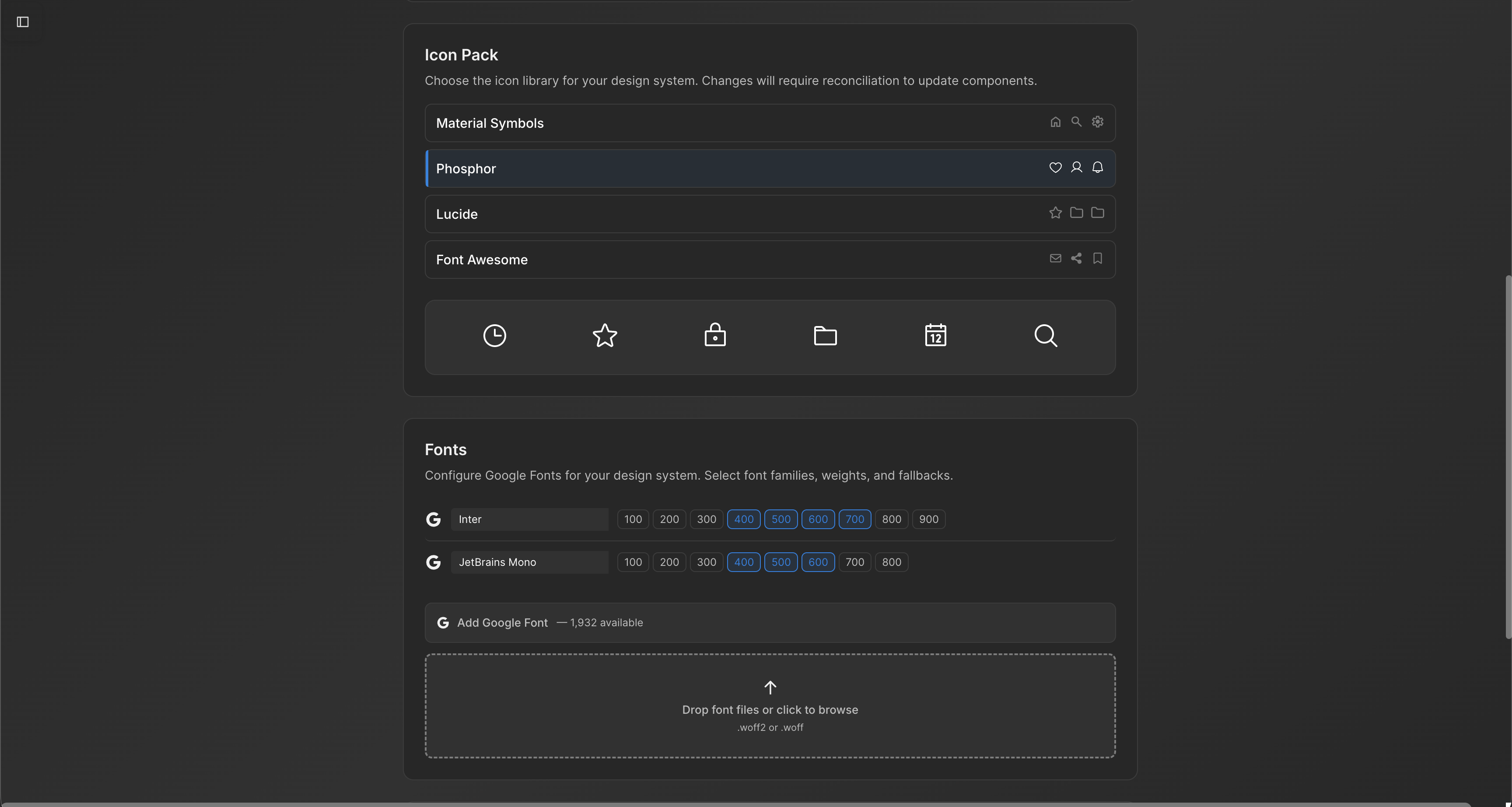
Moonchild is designed for product interfaces, with components such as data tables, form fields, settings panels, and workflow screens. Its layout rules, spacing, and interaction patterns are built around application UI rather than website structures.
The design system integration gap
Framer does not directly integrate with an existing Figma design system. If a team already maintains:
- A component library (buttons, inputs, cards, modals)
- Design tokens such as colors, spacing, and typography
- Established interface patterns across the product
those assets are not automatically imported into Framer. Teams would either need to recreate the system inside Framer or rely on Framer's built-in components, which are primarily oriented toward website layouts.
Moonchild, by contrast, is designed to import a Figma design system directly, allowing generated screens to use the same components and tokens already defined by the product team. This approach keeps the existing design language intact rather than replacing it.
For product teams that rely on a mature design system, maintaining a single source of truth for components and tokens helps ensure consistency across product interfaces.
Prototyping model differences
Prototyping in Framer is primarily oriented toward website behavior, such as clickable links between pages, scroll-based interactions, and opening modals. These interactions align with typical website navigation and content presentation.
Product interfaces require a different interaction model. Common patterns include filtering and sorting data tables, updating form fields with validation, toggling settings, and moving through multi-step workflows. These interactions often depend on state changes that affect how the interface behaves across screens.
Moonchild's prototyping approach is designed around these application-style interactions. Instead of focusing mainly on page transitions, it models flows where interface state and user actions carry through multiple screens, reflecting patterns commonly found in software products and dashboards.
Deployment model
Framer includes built-in website deployment, allowing users to publish sites directly without setting up separate hosting infrastructure. This capability is particularly useful for marketing pages and landing sites.
Product interfaces typically move through different workflows. Design work is often shared and refined in Figma, while development may happen in code editors such as Cursor or with AI coding tools like Claude Code. Some teams also use low-code or AI-assisted build tools such as Bolt.new to ship applications.
Moonchild outputs are designed to align with these product design and development workflows. When screens are exported to Figma, components can appear as instances tied to the design system rather than static mockups, which supports typical designer-developer handoff processes.
When each tool is actually right
Framer AI: Suited for founders or teams that need to create and publish a marketing website quickly, especially when design resources are limited. It focuses on generating landing pages and website layouts and enabling fast deployment.
Moonchild AI: Intended for teams designing product interfaces, such as SaaS dashboards, internal tools, or multi-screen applications. It is structured around product UI patterns and workflows, often in environments where a design system is already in use.
Both tools are designed to address different interface design needs. Using a tool in the context it was built for helps avoid mismatches between the tool's capabilities and the design problem being solved.
Real scenario: Building both
Marketing site: A startup founder uses Framer to create a landing page and publishes it quickly. The tool is designed for marketing websites, so generating sections such as a hero area, feature blocks, and pricing tables works well.
Product dashboard: The same founder uses Moonchild to outline a product flow — such as signup, preferences, dashboard, and settings. Moonchild generates multiple interface screens that can be shared with early users to review the product experience.
Both tools address different design needs, so using each for its intended purpose avoids unnecessary friction. Attempting to use a single tool for both marketing websites and application interfaces can introduce additional work if the tool's components and workflows do not match the task.
The broader point is that the category "AI UI tool" includes different types of systems. Website builders and product interface design tools often rely on different components, design patterns, and workflows. Selecting the appropriate tool depends on the type of interface being created.
Try Moonchild
Want this for your team?
Bring your design system into Moonchild and let PMs, designers, and engineers ship on-brand UI together — without breaking consistency.
Written by
Lotanna NwoseSenior PMM with 7 years experience across multiple teams. Building the new way of using AI to do Product Design work at Moonchild AI.
Related Articles
Best Alternatives to Galileo AI for Real Design Systems
Galileo works well for exploration and early concepts, but relying on it for production UI often introduces rework. Here's how different tools solve different phases of the design process.
Moonchild AI vs Google Stitch for Production-Ready UI Generation
Google Stitch is optimized for research and exploration. Moonchild is designed for consistent, production-focused interface design. Both use AI to generate UI, but they serve different stages of work.
Moonchild AI vs Relume for Sitemap-to-UI Workflows
Relume helps teams plan structure and page relationships. Moonchild generates interface screens that implement that structure in UI form. They address different stages of the same workflow.