Moonchild AI vs Google Stitch for Production-Ready UI Generation
Updated March 5, 2026
A designer generates a dashboard in Google Stitch. It looks exactly right visually, so she includes it in a presentation and stakeholders approve the concept. But when the team tries to use Stitch again for the next feature, the results are inconsistent. The interface changes, and the workflow that worked before doesn't reliably repeat. What appeared to be a production workflow turns out to be closer to an experimental tool.
The difference between Google Stitch and Moonchild is primarily about purpose and maturity. Both use AI to generate UI, but they serve different stages of work: Stitch is optimized for research and exploration, while Moonchild is designed for consistent, production-focused interface design.
Experimental tools and production tools solve different problems
Google Stitch shows what large language models can do when applied to UI design. The outputs are visually impressive and the demonstrations highlight the potential of AI in interface creation.
However, demonstrating capability in controlled examples is different from reliably generating production UI across many product flows. Experimental tools tend to excel at showcasing possibilities, while production tools focus on delivering consistent results at scale.
| Design System Enforcement | Multi-Screen Flow Consistency | Handoff Readiness | Best For | |
|---|---|---|---|---|
| Moonchild | Designed to generate UI within a design system, using defined components and layout rules to maintain consistency. | Built to generate structured multi-screen flows, helping maintain consistent patterns and layouts across related screens. | Intended to produce structured UI that can move into tools like Figma and then to development workflows with less reconstruction. | Designing production product flows where consistency, system alignment, and predictable workflows are required. |
| Google Stitch | No native enforcement of a team's design system. Generated UI is based on model interpretation rather than predefined components or rules. | Primarily generates individual screens. Maintaining consistency across multiple screens or flows typically requires manual design work. | Outputs are typically conceptual or exploratory and usually require refinement before design-to-development handoff. | Exploring AI-generated UI ideas, visual experimentation, and rapid concept generation. |
Google Stitch: research that looks polished
Google Stitch is impressive because it pushes the visual capabilities of AI in UI design. The generated screens are polished, interactions look thoughtful, and the demos can make the tool appear production-ready.
However, strong single-screen outputs don't necessarily translate into scalable workflows. While Stitch performs well in demonstrations, it is not designed to reliably support large, production-level design processes across many product flows.
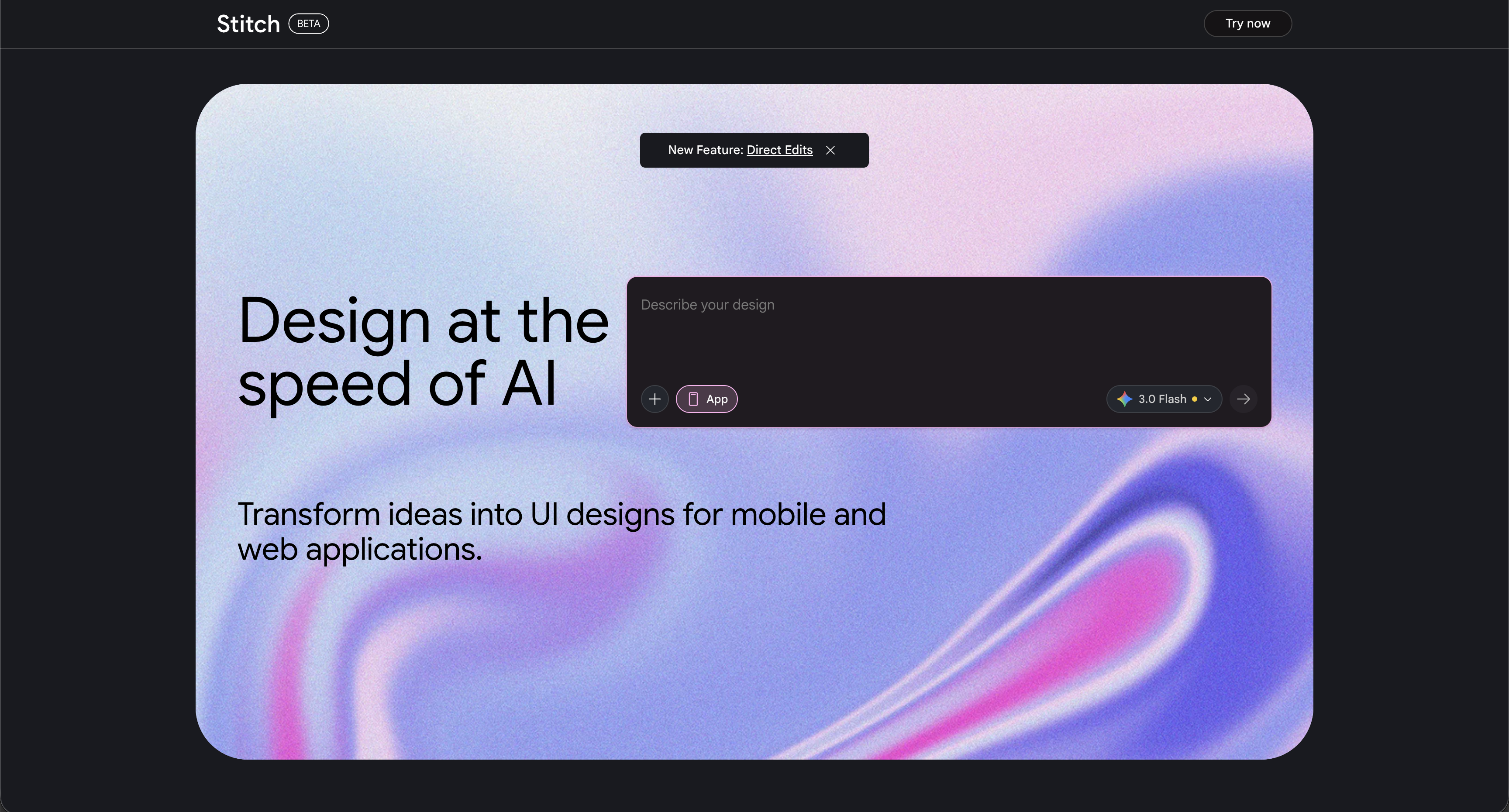
The challenge with Google Stitch isn't the quality of individual screens. The limitations appear when teams try to use it within a repeatable product workflow:
- Outputs can vary between runs, meaning the same prompt may produce different results.
- Design system integration is limited, so existing components and tokens aren't automatically enforced.
- Multi-screen flows require manual work, since screens need to be connected and structured by the designer.
- Long-term reliability is uncertain, as experimental tools and research projects can change direction or be discontinued.
These limitations are less important when Stitch is used for idea exploration or quick visual concepts, but they become significant when a team needs consistent UI for features that must scale across a product.
Production-ready tools are optimized for reliability, not novelty
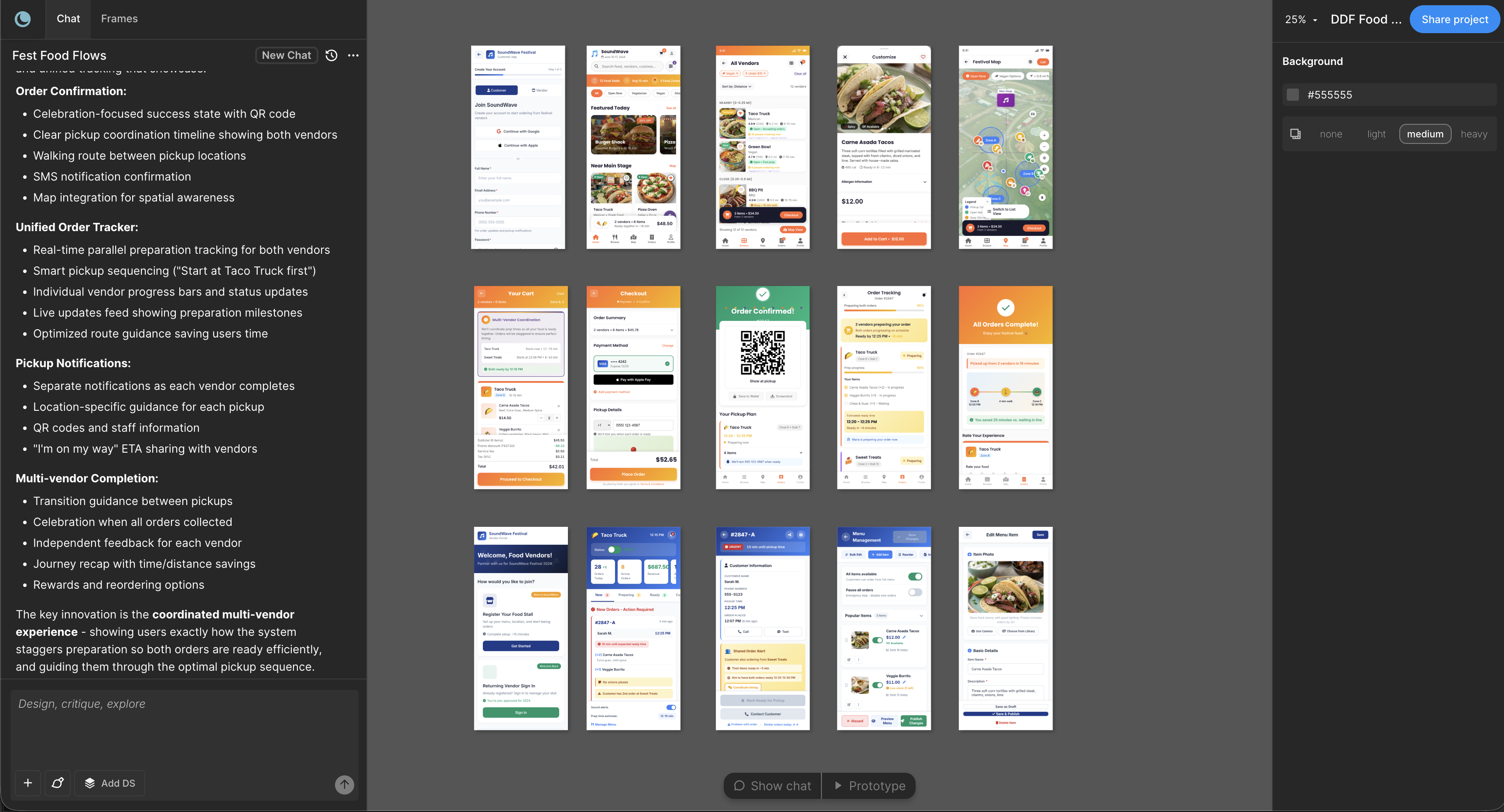
Moonchild is less visually flashy than Stitch. The screens it generates may not appear as novel at first glance. However, it is designed for production workflows, prioritizing:
- Consistency — the same inputs produce predictable outputs
- System compliance — generated UI follows the team's design system
- Workflow integration — designs move into tools like Figma and then to development in a structured way
- Reliability — teams can build repeatable processes around the tool
These qualities may be less exciting than experimental outputs, but they are the attributes that matter most in production environments.
The maturity question
Most experimental AI tools are transparent about their stage: they are research projects or early experiments, not production software. However, because their outputs look polished, teams sometimes treat them as production tools. They build workflows around them and later encounter issues such as inconsistent results, edge cases, or changing product direction.
In practice, teams experimenting with early AI UI tools often encounter limitations after a short period. A tool may work well for a demonstration or a single screen, but when real work begins — multiple flows, edge cases, and integration with design systems — limitations become more visible.
When experimental tools are valuable
Experimental tools still provide real value. They are useful for:
- Understanding emerging AI capabilities
- Discovering new design possibilities
- Exploring future directions for UI generation
- Research, experimentation, and education
If the goal is to explore what AI-driven UI design might become, experimental tools are helpful. If the goal is to generate production-ready UI for a product feature, they may not be the right fit.
The workflow reliability gap
Production tools prioritize predictability and repeatability. A typical workflow might be: upload requirements, generate multi-screen flows, move designs into tools like Figma, and pass them to development.
Experimental tools prioritize novelty and exploration. Their purpose is often to see what new outputs AI can generate. That novelty can make outputs less predictable, which makes it harder to build consistent processes around them.
For teams shipping features regularly, workflow reliability often matters more than novelty.
Using both tools intentionally
Some teams use both types of tools by recognizing their different roles:
- Google Stitch for early exploration or brainstorming
- Moonchild for generating structured UI used in the actual product workflow
This approach treats each tool according to the stage it supports rather than using both for the same task.
The decision points
Use Google Stitch if:
- You want to explore AI-generated UI ideas
- You're researching new approaches to interface design
- Production reliability is not required
Use Moonchild if:
- You are designing real product features
- You need consistent UI across multiple flows
- Your team relies on a design system
- You need predictable outputs for day-to-day work
Many teams explore experimental tools for inspiration but rely on more structured tools such as Moonchild when building production-ready interfaces.
Try Moonchild
Want this for your team?
Bring your design system into Moonchild and let PMs, designers, and engineers ship on-brand UI together — without breaking consistency.
Written by
Lotanna NwoseSenior PMM with 7 years experience across multiple teams. Building the new way of using AI to do Product Design work at Moonchild AI.
Related Articles
Moonchild AI vs Uizard for Designing UI with AI
The difference between Moonchild AI and Uizard isn't about who generates screens faster. It's about whether your MVP UI becomes your product's foundation or technical debt you have to discard.
Moonchild AI vs Galileo AI for Production-Ready UI Design
The split between Moonchild AI and Galileo AI isn't about speed — it's about what happens after generation. One optimizes for impressive output, the other for usable continuity.
Best Alternatives to Galileo AI for Real Design Systems
Galileo works well for exploration and early concepts, but relying on it for production UI often introduces rework. Here's how different tools solve different phases of the design process.