From Brief to High-Fidelity: A Realistic UI Design Workflow
Most workflow guides describe an idealized process that doesn't survive contact with real projects. This guide focuses on what the work actually looks like.
Start with the brief — really start with it
The most common mistake in UI design is moving to visual exploration before fully understanding the brief. Read it carefully, more than once. Write down unanswered questions. Identify the primary user and the most important moment the design must support.
If a clear brief doesn't exist, create one — even a one-page summary of user, goal, constraints, and success metrics can save significant rework later.
Research: competitive and contextual
For competitive research, look at how other products have addressed similar problems. Map the solution space — don't copy, but understand what's been tried and where gaps remain.
For contextual research, talk to at least two users if possible. Even informal conversations reveal insights about real-world behavior and unmet needs.
Ideation: diverge before you converge
Generate multiple directions before committing to one. Low-fidelity sketches are faster than full Figma mockups and encourage thinking in concepts, not pixels.
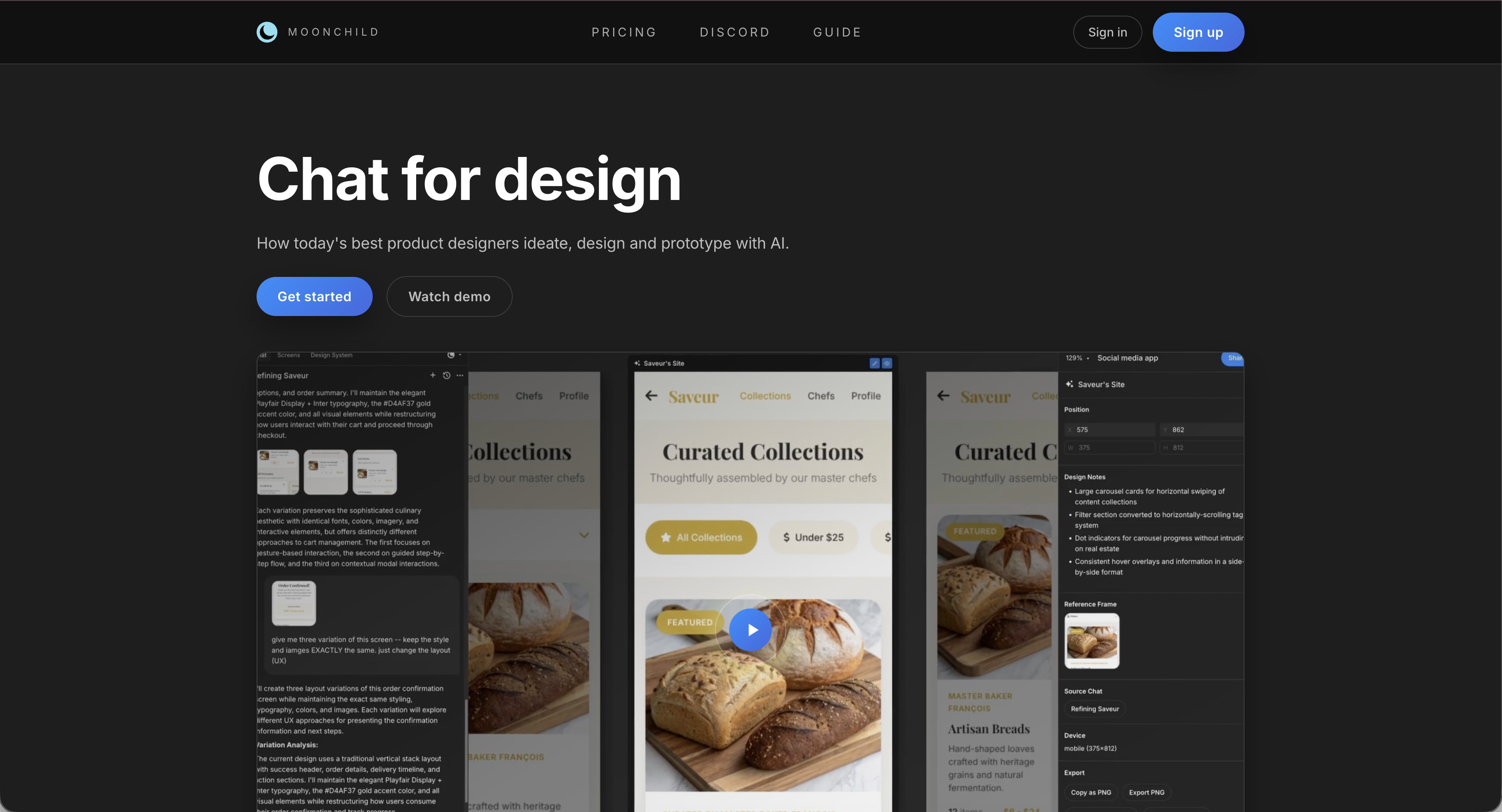
AI tools like Moonchild AI can speed this stage by generating three or four distinct directions quickly, allowing evaluation and refinement before committing to a single concept.
The goal: find the best question to pursue, not the perfect answer.
Low-fidelity wireframes: validate structure first
Focus on information architecture, user flows, and content hierarchy. Share early, with low attachment — feedback at this stage is far cheaper than after styling.
Mid-fidelity: apply the design system
Introduce spacing, typography, color, and component states from your design system. Without a shared system, inconsistencies compound quickly. Even minimal style guides save time downstream.
High-fidelity: polish what's decided
High fidelity is expensive; every change costs more than the last. Focus on microinteractions, motion, edge cases, empty states, error handling, and full component coverage. A thorough high-fidelity design is measured by how well edge cases are handled, not just the hero flow.
Critique and iteration
Integrate critique as a recurring check, not a final gate. AI tools — especially Moonchild AI — can handle the first pass: catching accessibility issues, hierarchy problems, and design system inconsistencies. Human critiques then focus on higher-order questions: "Does this feel right? Does it solve the problem? Is there a better approach?"
Handoff: design doesn't end at delivery
Handoff is an ongoing conversation with engineers. Plan to answer questions, review implementation, and catch edge cases that emerge with real content and devices.
The realistic workflow
Work is rarely linear; you'll revisit previous stages. High-fidelity review may reveal wireframe assumptions were wrong — this is normal. The goal is a series of progressively more informed decisions, not a straight line from brief to pixel-perfect screens.
Where AI fits in this workflow
AI excels at research synthesis at the start and critique at the end. In the middle stages, human judgment drives ideation, iteration, and problem-solving. AI frees designers from mechanical work, giving more time for strategic and creative decisions.
Moonchild AI is particularly effective for generating multiple design directions from a brief and performing brief-anchored critique, allowing designers to iterate faster and present more robust options.
Try Moonchild
Want this for your team?
Bring your design system into Moonchild and let PMs, designers, and engineers ship on-brand UI together — without breaking consistency.
Written by
Steven SchkolneFounder of Moonchild AI. Building the AI-native platform for product design.
Related Articles
Rapid Prototyping 101 with AI: From Idea to Testable Design in Hours
AI tools like Moonchild AI let designers go from brief to testable, multi-screen prototype in under a day. Here's a step-by-step guide to rapid prototyping with AI.
How to Prototype Product Ideas from a Single Prompt
You have a product idea but no time to write a full spec. Here's how to go from a single written prompt to a visual prototype using AI design tools like Moonchild.
How to Turn Feature Specs into Clickable UI Prototypes
A feature spec defines acceptance criteria in text. AI tools like Moonchild can turn that spec into a clickable prototype so your team can validate it visually against each criterion.