Moonchild AI vs Uizard for Designing UI with AI
Updated February 18, 2026
You launch your MVP using Uizard-generated mockups. Three months later, your first designer joins and immediately spots the cracks: buttons don't follow a consistent size, spacing varies from screen to screen, color usage drifts without rules. What took you 30 minutes to generate now takes two full days to rebuild properly. You optimized for speed at the wrong stage.
The difference between Moonchild AI and Uizard isn't about who can generate screens faster; both can produce UI in minutes. The real question is what happens next. Does your MVP UI become the structural foundation of your product, or does it turn into technical debt you have to discard the moment your product starts maturing?
Design system consistency from day one changes the math
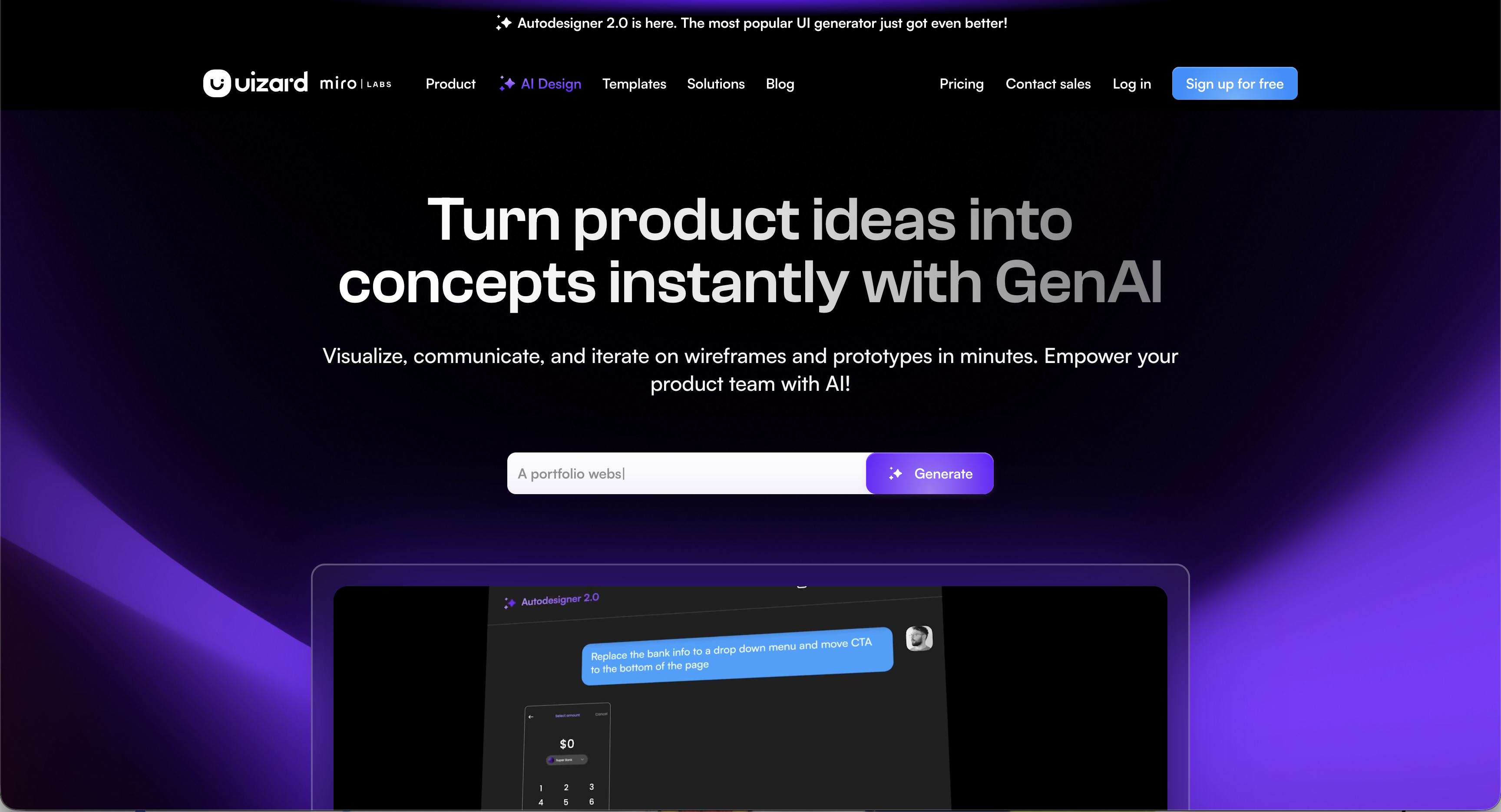
Uizard is built to help founders and teams generate UI mockups and prototypes fast using AI, transforming text prompts, sketches, or screenshots into screen layouts in minutes. Its focus is on rapid ideation and early stage visual design rather than enforcing a strict visual system.
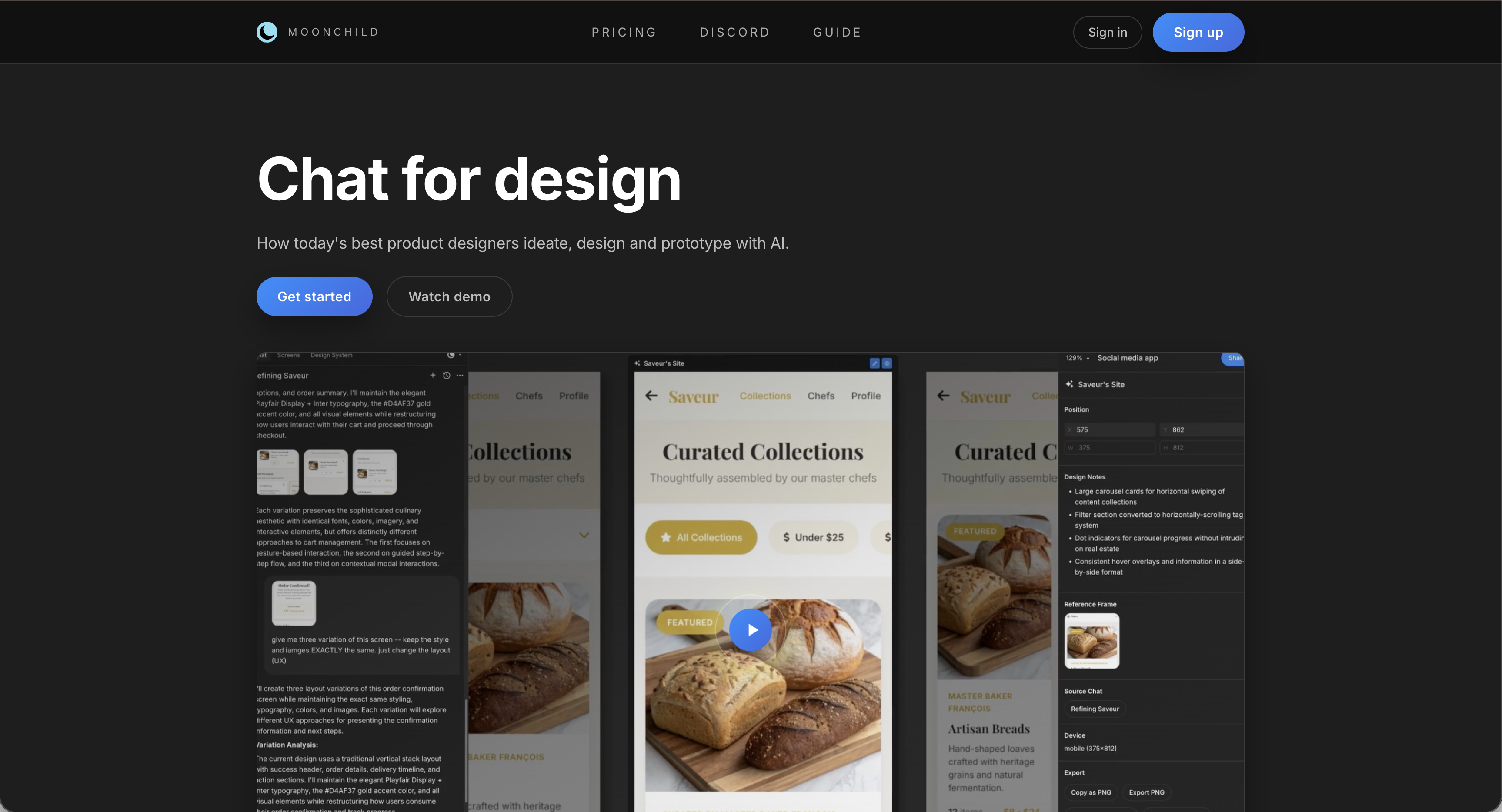
Moonchild AI, on the other hand, positions itself as a tool for deeper design workflows — not just sketch generation but ideation, flows, and design system creation that can be used across your product.
This becomes clearer when you picture a real moment: a designer joins your team three months in. She looks at the product and sees two possible paths. Either the existing screens already follow a consistent pattern and she can refine them, or she has to rebuild 30 screens just to introduce structure that should have existed from the start. That second path is where many founders begin to regret relying only on rapid mockup tools.
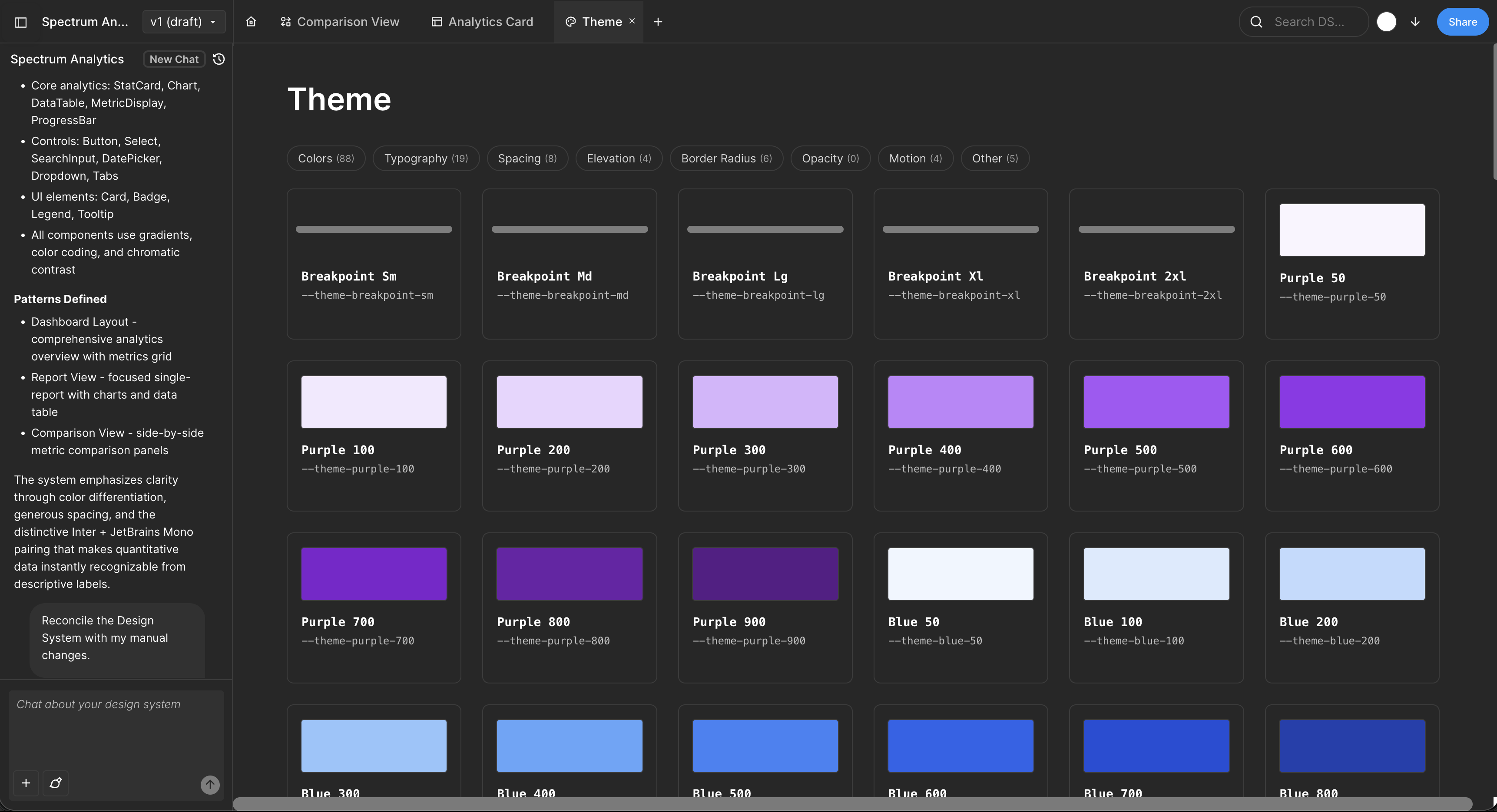
Moonchild approaches generation differently. It doesn't just produce screens quickly — it encourages building around a design system from the beginning. Even if the system starts minimal, screens are generated within shared rules for components, spacing, and color. As the product grows, you're extending a structured framework rather than cleaning up accumulated inconsistency.
Uizard excels at the wrong optimization point
Uizard is very good at what it's designed to do: help a non-designer go from an idea to clickable screens in minutes. There's no need to understand design systems or component logic. You simply describe the interface you want and the tool generates something visual.
For founders without design experience, that can feel transformative. Uizard removes the barrier of needing a designer or learning complex design tools. In the early moment when you're just trying to validate an idea — before funding, before a team — that kind of speed is genuinely useful.
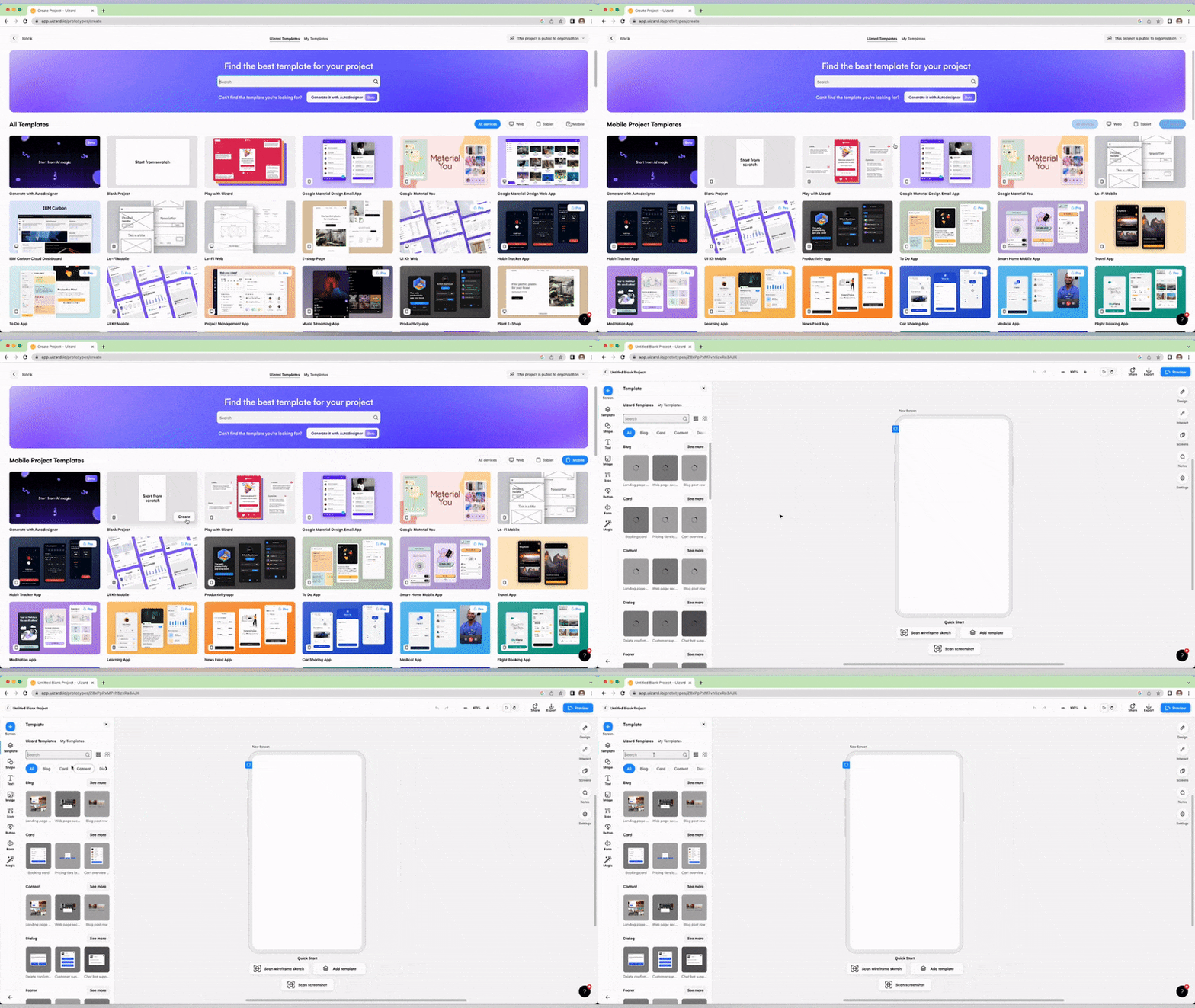
The issue usually appears later, and it's subtle at first. After a few months you might have 30 screens generated with Uizard. Each one was quick to create, but because they were produced independently, small inconsistencies start to accumulate: button sizes differ, spacing patterns don't repeat, colors drift slightly. Users may not consciously notice it, but the product begins to feel visually fragmented.
Then a designer joins the team. What they see isn't a set of screens to polish — it's a product without a system underneath it. The work ahead isn't refinement. It's introducing the structure that should have been there from the beginning.
Moonchild starts with the assumption: you're building something that lasts
Moonchild approaches design from the opposite direction. Instead of generating screens first and worrying about consistency later, it assumes that design system consistency matters from the beginning — even if the system starts simple.
This changes how UI is generated.
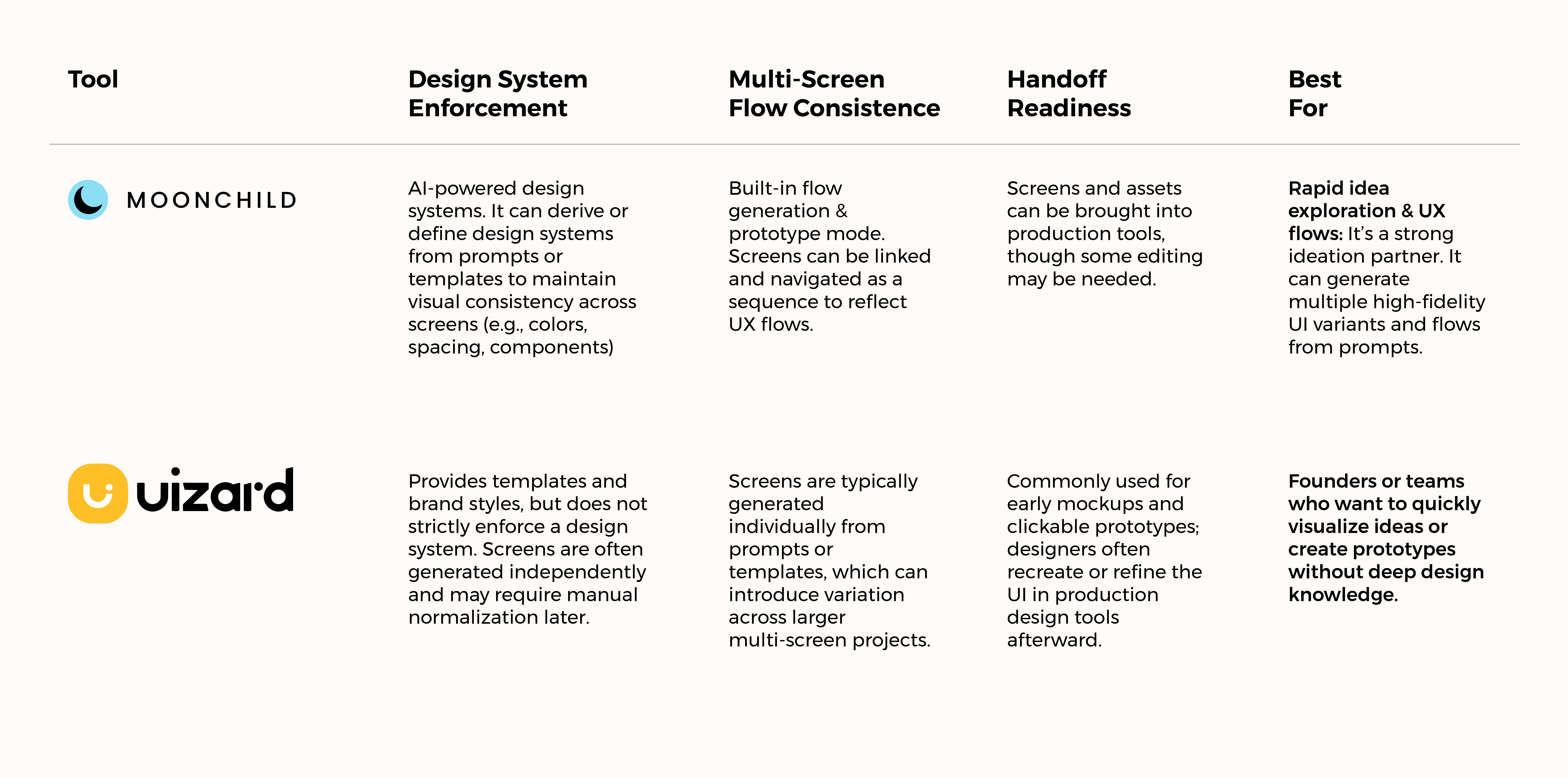
Components first. Buttons, inputs, and cards are treated as reusable components rather than isolated elements. Instead of creating separate versions of the same button, Moonchild generates variations from a shared definition, so a foundation already exists as the product grows.
Consistent spacing. Layouts follow structured spacing scales like 8px, 12px, 16px, and 24px. It may sound rigid, but that rhythm is what keeps dozens of screens visually aligned.
Shared color system. Every screen pulls from the same palette. As you generate more UI, you're applying a consistent visual language rather than inventing new colors along the way.
For founders, this means moving from MVP to a real product doesn't require rebuilding the interface. You're expanding a system, not repairing one.
The cost becomes visible at the inflection point
Uizard timeline
- Weeks 1–4: Very fast. You generate screens in minutes and momentum feels great.
- Weeks 5–12: Small inconsistencies begin to appear. You're still moving quickly, but you start working around structural gaps.
- Month 3–4 (designer joins): A few days are spent rebuilding existing screens to introduce a proper design system.
- Months 5+: Once that system exists, building new features becomes smoother.
Moonchild timeline
- Weeks 1–4: Slightly more deliberate upfront. You're thinking in systems, not just screens — but generation is still fast.
- Weeks 5–12: Every new screen inherits the same structure, so inconsistencies don't accumulate.
- Month 3–4 (designer joins): No rebuild phase. The designer refines and improves what's already there.
- Months 5+: New features automatically follow the existing system, making scaling easier.
Over time, Moonchild's small upfront discipline can save significant rework later. The trade-off just isn't obvious in week one; it becomes clear a few months in.
The inflection point that matters
Around months four to six, many founders reach the same realization: we're not throwing this away; this is the actual product, and it needs to scale.
That's when your tool choice starts to matter. If the UI was built with tools optimized for rapid mockups, you may discover the foundation wasn't designed for long-term growth. If it was built with a system in mind, the structure is already there to build on.
The challenge often appears gradually. After a few months, you might have 30 screens generated quickly with a tool like Uizard. Each screen was fast to create, but because they were produced independently, small inconsistencies start creeping in: buttons vary slightly, spacing patterns don't repeat, colours drift. Users may not consciously notice it, but the interface begins to feel fragmented.
Then a designer joins the team. Instead of polishing the screens, they see a product without a system underneath it. The work ahead isn't refinement, it's introducing the structure that should have existed from the start.
Choose a tool based on the product you're trying to build next, not just the speed you need today. MVPs are temporary. Products last.
The real cost of technical debt you didn't see coming
Most founders don't regret using Uizard because it's slow. They regret it when a designer joins and says, "These screens weren't built with a system in mind. We need to rebuild them before the product can scale."
That moment isn't expensive in dollars — it might only take a few days. But it's expensive in momentum. Suddenly you're doing rework you never planned for. What you thought was a finished MVP turns out to be an early draft.
Moonchild AI is designed to avoid that situation. Not because it's magic, but because generating UI within a consistent system requires a bit more structure upfront — and saves significant cleanup later.
Which teams each tool actually serves
Uizard is the right choice if:
- You're a solo founder testing a hypothesis with pure mockups.
- You have zero design background and don't want to think in systems yet.
- You plan to hire a designer immediately (before inconsistency accumulates).
- You expect to throw away the MVP and rebuild from scratch.
- Speed to clickable prototype is your only metric.
Moonchild is the right choice if:
- You're a founder who plans to iterate and scale this product.
- You've thought about basic design principles (even informally).
- You want to avoid the "rebuild everything" moment at Series A.
- You're designing multi-screen flows, not single prototype screens.
- You want AI to understand your design language and protect it as you grow.
The key insight: Don't choose based on week one speed. Choose based on what your team will look like in 6 months.
Try Moonchild
Want this for your team?
Bring your design system into Moonchild and let PMs, designers, and engineers ship on-brand UI together — without breaking consistency.
Written by
Lotanna NwoseSenior PMM with 7 years experience across multiple teams. Building the new way of using AI to do Product Design work at Moonchild AI.
Related Articles
Best Alternatives to Galileo AI for Real Design Systems
Galileo works well for exploration and early concepts, but relying on it for production UI often introduces rework. Here's how different tools solve different phases of the design process.
Moonchild AI vs Google Stitch for Production-Ready UI Generation
Google Stitch is optimized for research and exploration. Moonchild is designed for consistent, production-focused interface design. Both use AI to generate UI, but they serve different stages of work.
Moonchild AI vs Relume for Sitemap-to-UI Workflows
Relume helps teams plan structure and page relationships. Moonchild generates interface screens that implement that structure in UI form. They address different stages of the same workflow.