Magic Patterns vs Moonchild AI: Which AI Design Tool Should Product Designers Use?
Magic Patterns and Moonchild AI both use AI to accelerate design, but they serve different workflows. This guide clarifies where each tool adds value and which is better for product designers.
What is Magic Patterns?
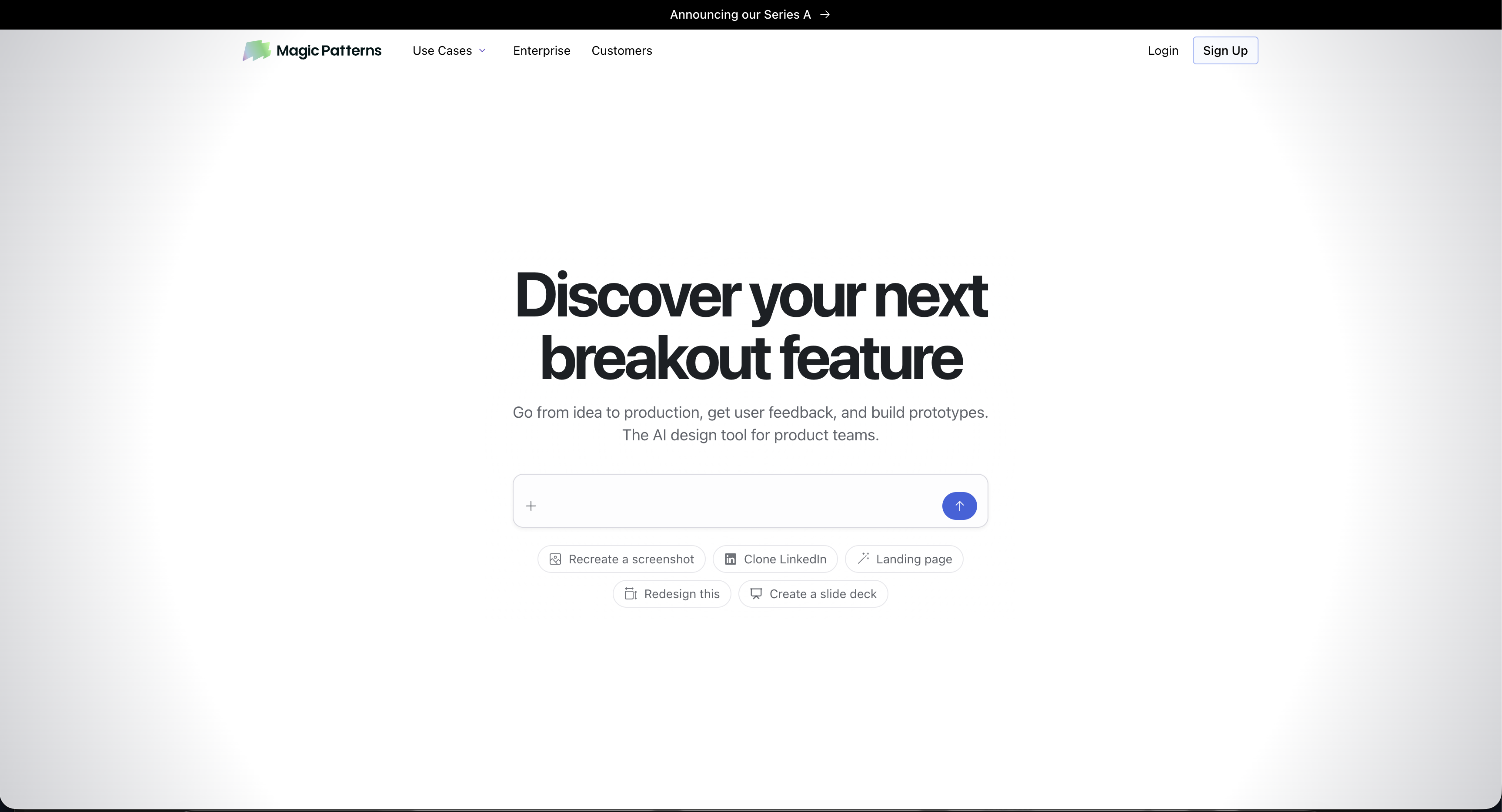
Magic Patterns is a Y Combinator-backed AI design tool that turns text prompts, user stories, and screenshots into UI components and interactive prototypes.
It's designed for cross-functional teams — product managers, engineers, designers, and founders. It supports design system import, multiplayer collaboration, and exports to React, Vue, Tailwind, Figma, and GitHub. It's strong for rapid prototyping, stakeholder-ready demos, and early-stage ideation.
Magic Patterns excels at speed and accessibility, enabling teams to generate and iterate UI quickly without needing a full design brief.
What is Moonchild AI?
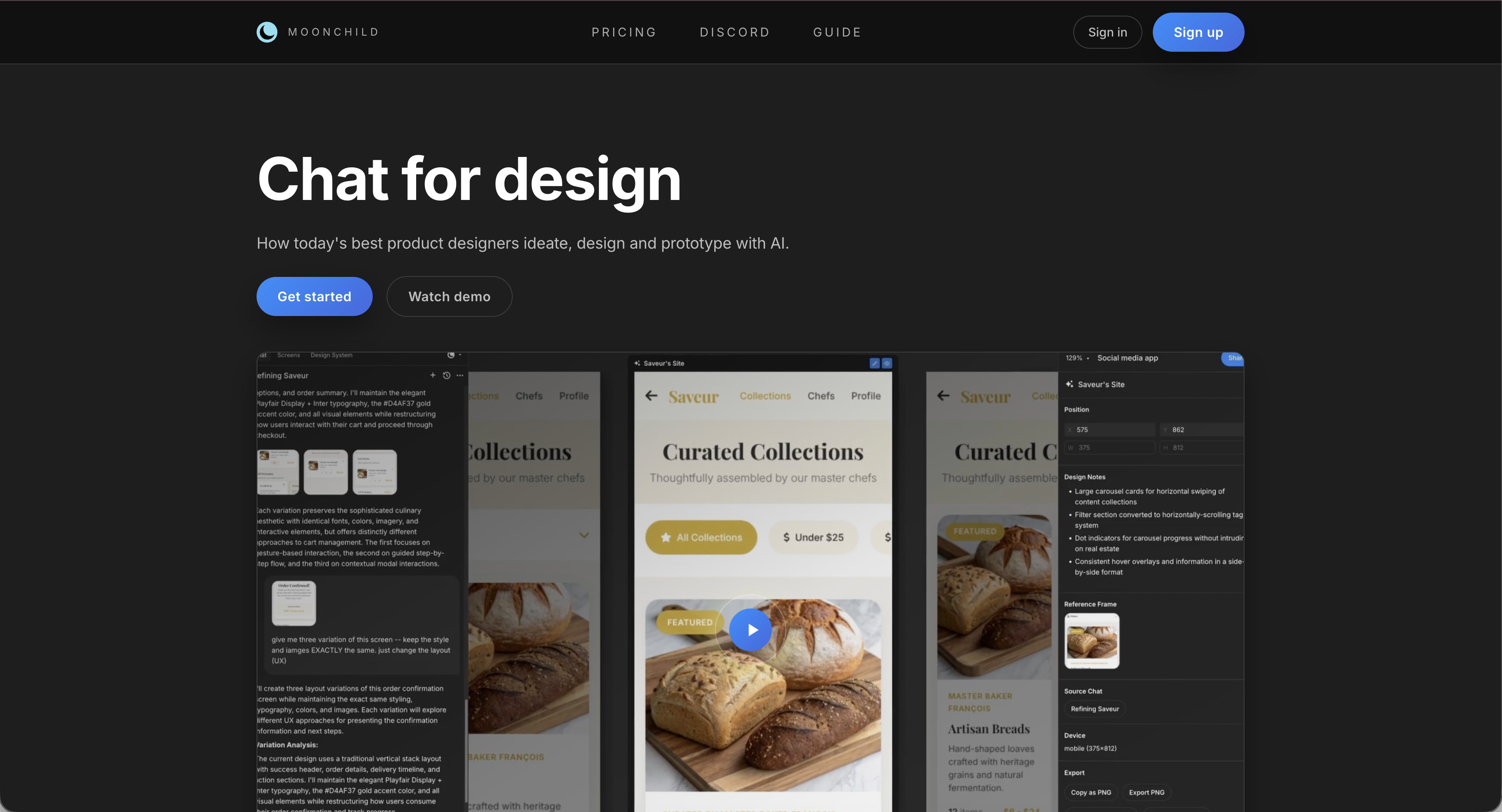
Moonchild AI is purpose-built for product designers working from PRDs or design briefs. It generates multiple design directions from a single brief, includes AI critique evaluating designs against product goals, offers deep Figma integration, and is optimized for strategic alignment rather than purely speed.
Feature comparison
| Feature | Magic Patterns | Moonchild AI |
|---|---|---|
| Core Function | Prompt/user story → UI prototype | PRD/brief → multiple design directions |
| Target User | PMs, engineers, founders, designers | Product designers & design-led teams |
| Design System Support | Upload & match | Design system-aware generation |
| Multi-direction Generation | Not core | Core AI capability |
| AI Design Critique | No | Yes, against product goals |
| Collaboration | Multiplayer canvas | Team-native Figma workflow |
| Figma Integration | Export | Deep native integration |
| Code Export | React, Vue, Tailwind, GitHub | Figma-native handoff |
| PRD Input | Limited (user story) | Full brief ingestion & interpretation |
Where Magic Patterns excels
Magic Patterns offers rapid generation of UI from text or screenshots, a real-time collaborative canvas for teams, cross-functional accessibility for PMs and founders, and a design-to-code workflow with React/Tailwind exports.
Best for: Rapid prototyping, early-stage ideation, and teams needing fast, code-ready UI.
Where Moonchild AI excels
Moonchild AI translates full briefs or PRDs into multiple design directions, provides built-in AI critique that highlights gaps and UX trade-offs, offers deep Figma integration keeping teams in their primary workflow, and focuses on design decisions aligned with product strategy, not just speed.
Best for: Product designers working from requirements, preparing stakeholder presentations, and needing multi-direction exploration and critique.
Key workflow difference: prompt-first vs brief-first
Magic Patterns is prompt-first — it generates a single concept from a UI description. Moonchild AI is brief-first — it generates multiple strategic directions with rationale.
Magic Patterns is fast for exploration, while Moonchild AI is structured for making the right design decisions.
FAQ
Can Magic Patterns generate multiple design directions from a brief?
No. It can produce variants of screens/components but lacks true multi-direction exploration. Moonchild AI does this as a core workflow.
Does Magic Patterns integrate with Figma?
Limited export to Figma. Moonchild AI offers deep native integration.
Which tool is better for professional product designers?
Magic Patterns is useful for rapid prototyping and demos. Moonchild AI is better for design depth, strategic alignment, and stakeholder-ready outputs.
Try Moonchild
Want this for your team?
Bring your design system into Moonchild and let PMs, designers, and engineers ship on-brand UI together — without breaking consistency.
Written by
Lotanna NwoseSenior PMM with 7 years experience across multiple teams. Building the new way of using AI to do Product Design work at Moonchild AI.
Related Articles
Paper vs Moonchild AI: Which AI Design Tool Is Right for Product Designers?
Paper and Moonchild AI both aim to accelerate the process from brief to design — but they serve different purposes. This guide breaks down their strengths, limitations, and ideal use cases.
MagicPath vs Moonchild AI: Comparing AI Design Tools for Product Designers
MagicPath and Moonchild AI both leverage AI to accelerate UI design — but they solve different problems. This guide helps product designers understand where each tool excels.
Best Alternatives to Galileo AI for Real Design Systems
Galileo works well for exploration and early concepts, but relying on it for production UI often introduces rework. Here's how different tools solve different phases of the design process.