Rapid Prototyping 101 with AI: From Idea to Testable Design in Hours
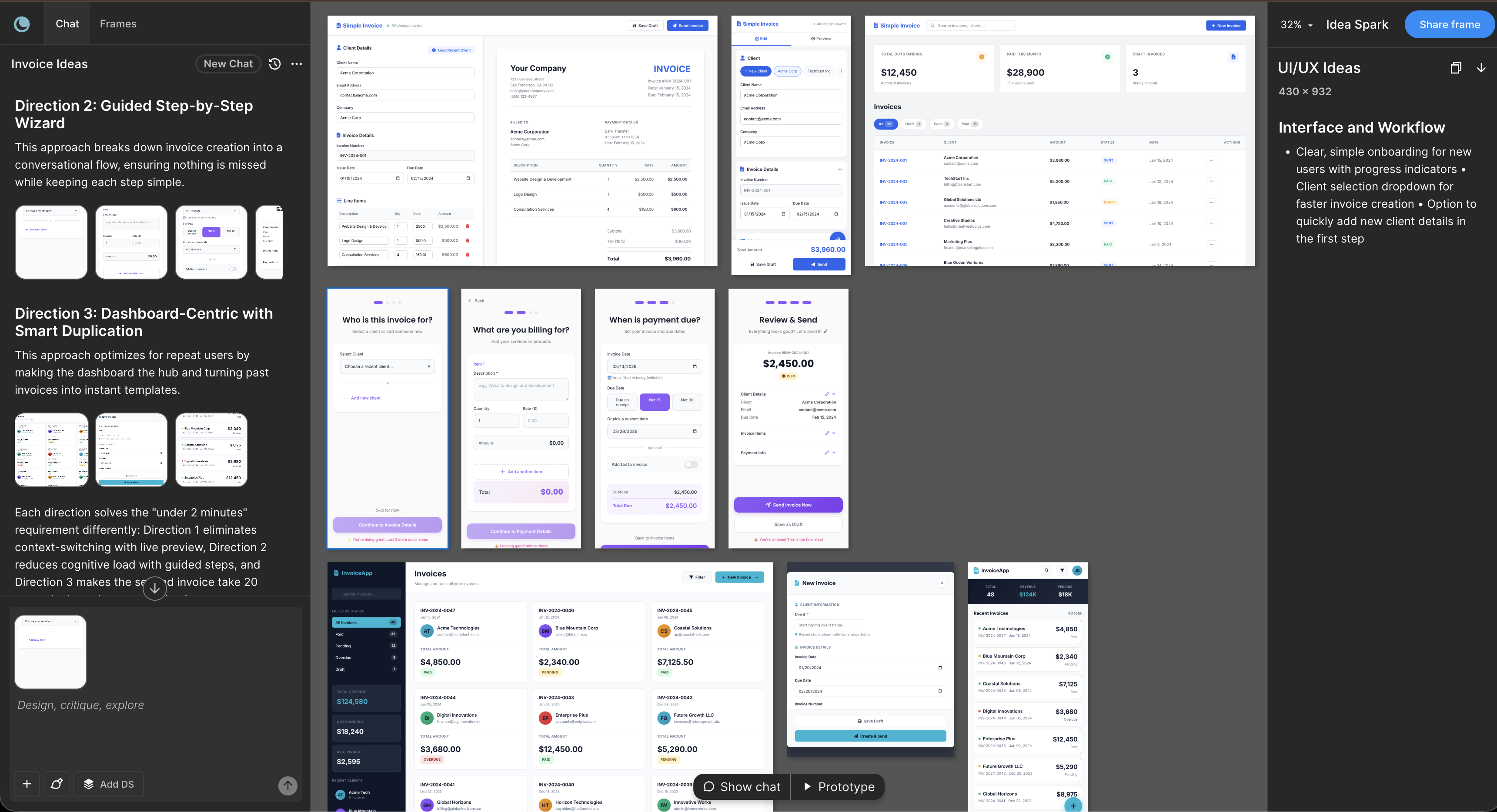
AI tools like Moonchild AI let designers go from brief to testable, multi-screen prototype in under a day. Here's a step-by-step guide to rapid prototyping with AI.
21 articles in this category

AI tools like Moonchild AI let designers go from brief to testable, multi-screen prototype in under a day. Here's a step-by-step guide to rapid prototyping with AI.

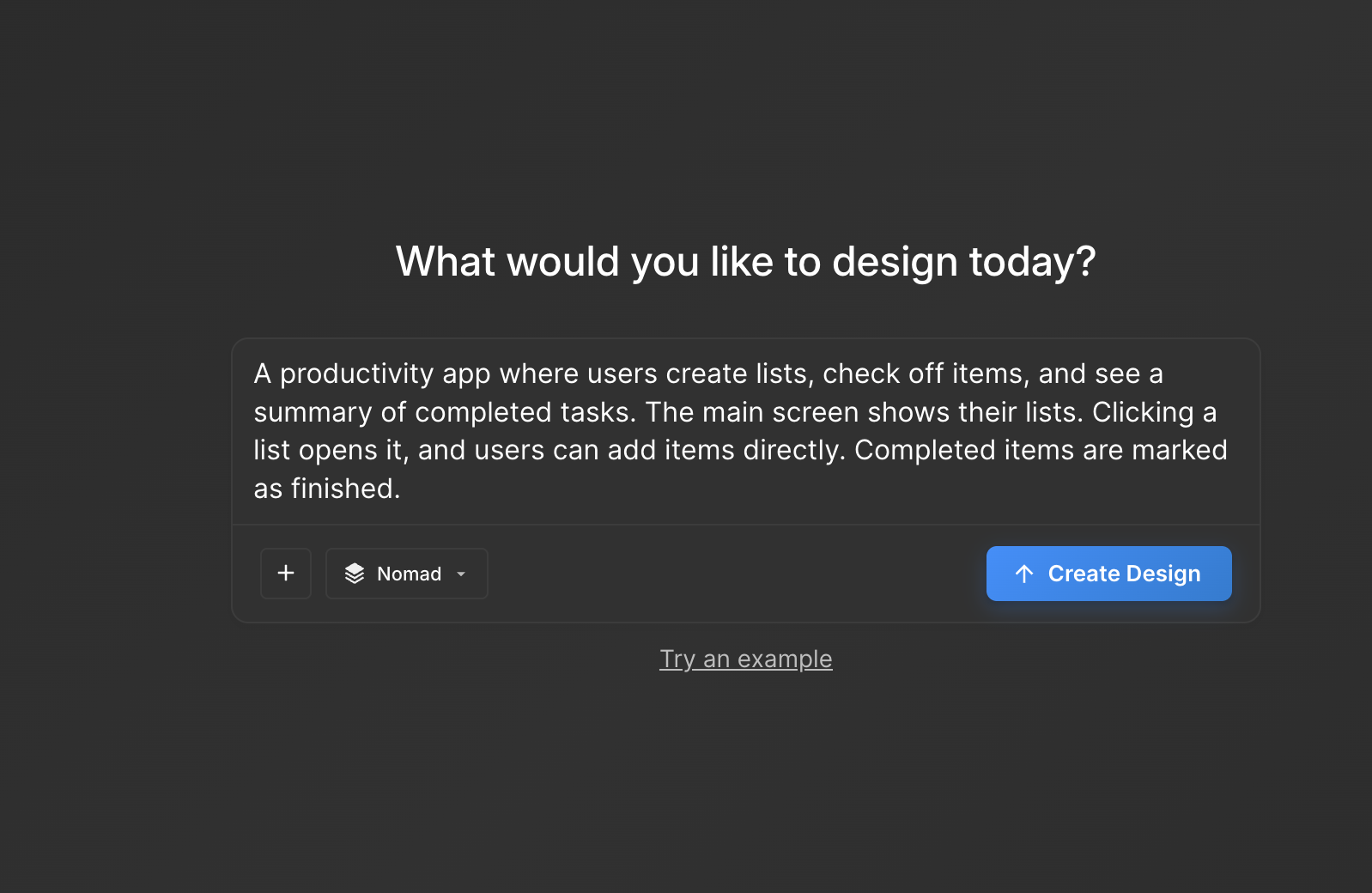
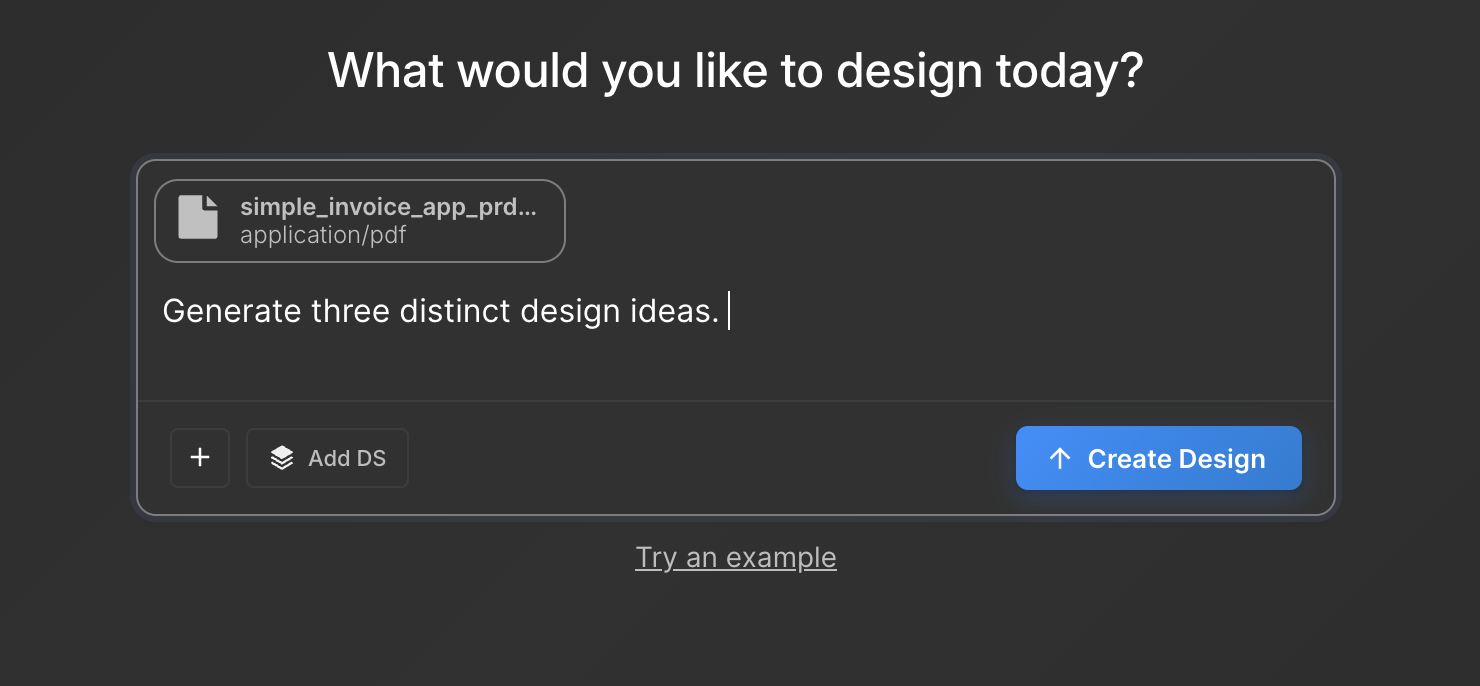
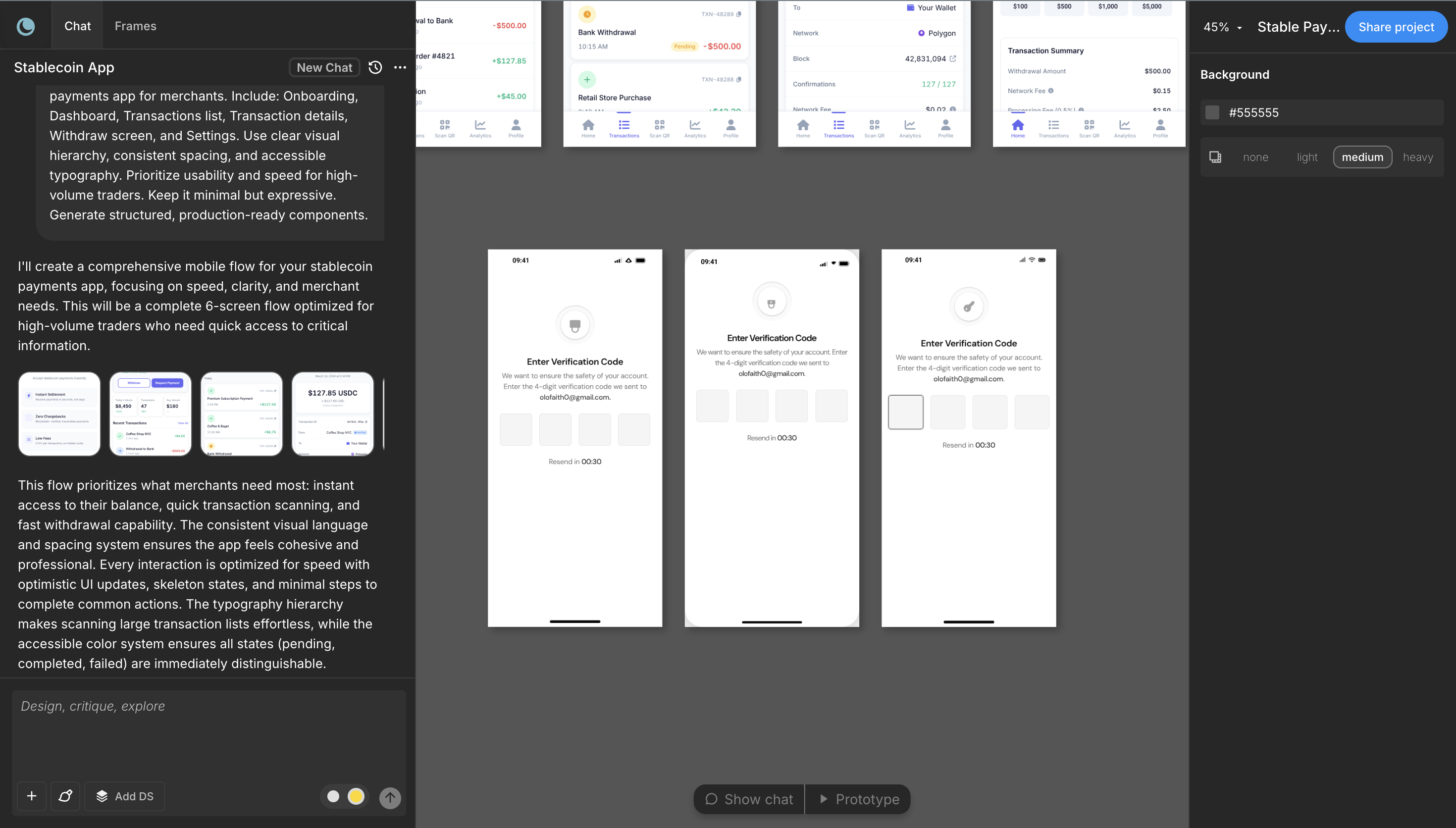
You have a product idea but no time to write a full spec. Here's how to go from a single written prompt to a visual prototype using AI design tools like Moonchild.

A feature spec defines acceptance criteria in text. AI tools like Moonchild can turn that spec into a clickable prototype so your team can validate it visually against each criterion.

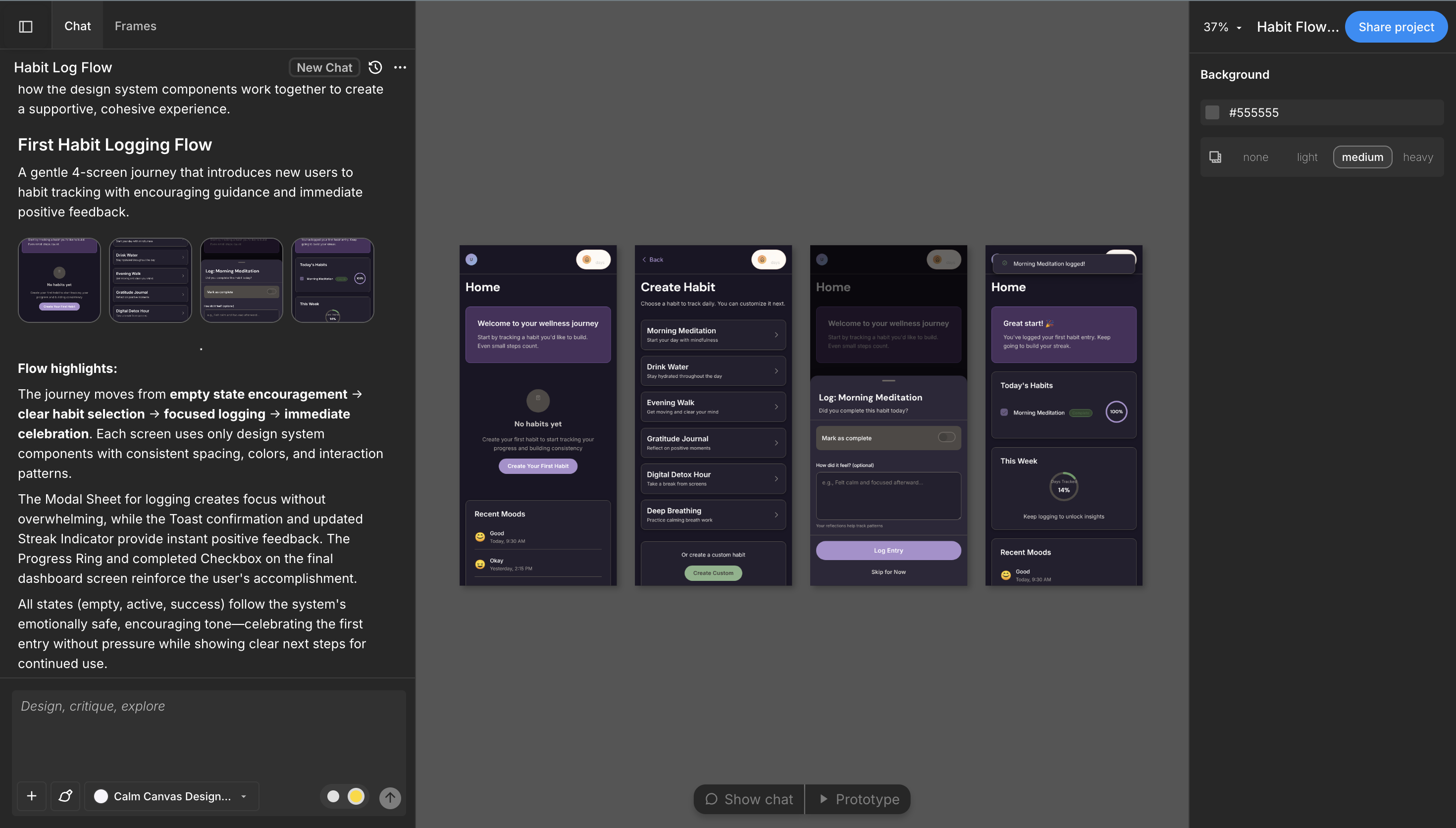
Learn how to use AI to generate complete, consistent user flows with multiple screens that maintain visual hierarchy, navigation patterns, and information architecture across the entire journey.

Presenting a single design and defending it is the old way. Presenting multiple directions and facilitating a structured conversation is how high-performing design teams work.

Turn written product requirements into a clickable prototype in minutes using Moonchild AI. This guide walks through the workflow from PRD to interactive screens.

Learn how to connect your existing Figma design system to Moonchild AI so that generated screens align with your components, tokens, and styles — reducing the gap between AI concepts and production-ready design.

A PRD often describes a feature that spans multiple screens. Here's how to translate those requirements into a connected UI flow using AI, before detailed design work begins.

Learn how product teams use Moonchild AI to go from PRDs to interactive prototypes in minutes. A step-by-step guide covering generation, iteration, design system integration, and developer handoff.

As a PM, you define requirements — but visualizing them usually depends on a designer. Here's how to generate interactive UI prototypes directly from written requirements using AI.

Learn how Moonchild and Figma complement each other. Discover the complete workflow from generation to refinement, design system integration, and multi-team patterns.

Most junior designers dread critique — not because the feedback is harsh, but because they lack a framework. Here are five practical frameworks that make critique actionable and learnable.

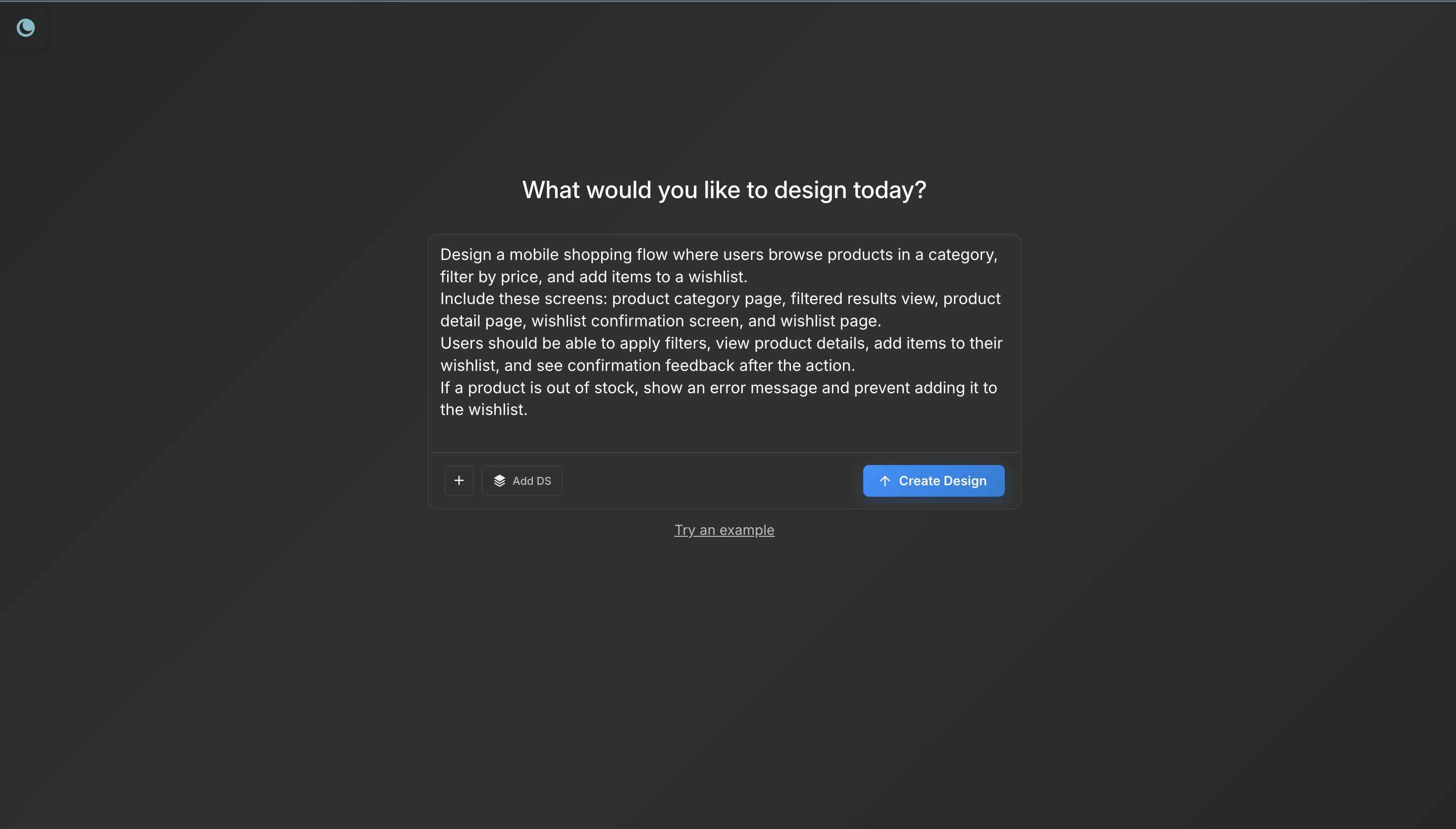
User testing requires screens that feel real enough for users to interact with naturally. Here's how to turn a product prompt into a testable UI flow in minutes with Moonchild AI.
Every interface decision is a hypothesis. Instead of committing to one direction, use AI to generate multiple UI variants, test them fast, and validate the best approach before engineering begins.

The complete guide to going from PRD to interactive prototype using AI. Five stages that compress weeks of design work into days while reducing risk.

Most workflow guides describe an idealized process that doesn't survive contact with real projects. This guide focuses on what the work actually looks like — from brief to pixel-perfect screens.

Moonchild isn't just for generating screens from prompts. You can import existing Figma designs and use them as a starting point for AI-powered exploration and variations.

You've generated screens in Moonchild that your team loves. Now you need them in Figma — not as static images, but as real, editable files. Here's how to do it in seconds.

The complete guide to taking Moonchild AI designs and shipping them as real code using Claude Code, Lovable, Cursor, and Bolt. How the downloadable design system makes every dev tool work better.

A hands-on walkthrough of building a design system with Moonchild AI. Two paths to get started, what the DS editor includes, and how to use your system across every project and dev tool.

The complete guide to generating production-quality UI with AI. Learn the prompt-to-prototype workflow that product designers use to go from requirements to testable interfaces in minutes.