8 Best Rapid Prototyping Tools for Product Teams in 2026
A guide to the 8 best rapid prototyping tools for modern product teams, from AI-first platforms to high-fidelity interaction tools.
19 articles in this category

A guide to the 8 best rapid prototyping tools for modern product teams, from AI-first platforms to high-fidelity interaction tools.

Discover why design systems are inseparable from AI generation. Learn the four maturity levels of design systems and how to build one that works with AI tools to eliminate manual cleanup.

Move beyond the hype. Learn the honest state of AI in product design, the five-stage maturity model, and how roles change when teams adopt AI design tools.

Most AI UI tools treat your design system as optional. Moonchild inverts this — your design system becomes the constraint that shapes generation from the start.

Before using AI to generate UI screens at scale, teams benefit from establishing a design system that defines their visual language. Learn how to build the foundation first with tokens, components, and patterns.

Your product's design system already exists inside your Figma files. Moonchild can analyze existing screens to extract tokens, components, and documentation into a structured, production-ready system.

AI changes the product discovery equation by making visualization cheap and instant. Teams can now generate visual prototypes at the same moment they're writing requirements, shifting discovery from conversation to visual exploration.

AI hasn't replaced product designers — but it has made traditional workflows feel slower. Here's what's changed in research, ideation, prototyping, and critique, and what it means for your work.

In 2026, product design teams use AI-assisted critiques to evaluate work against design intent before human review. Learn how tools like Moonchild AI are changing the design crit workflow.

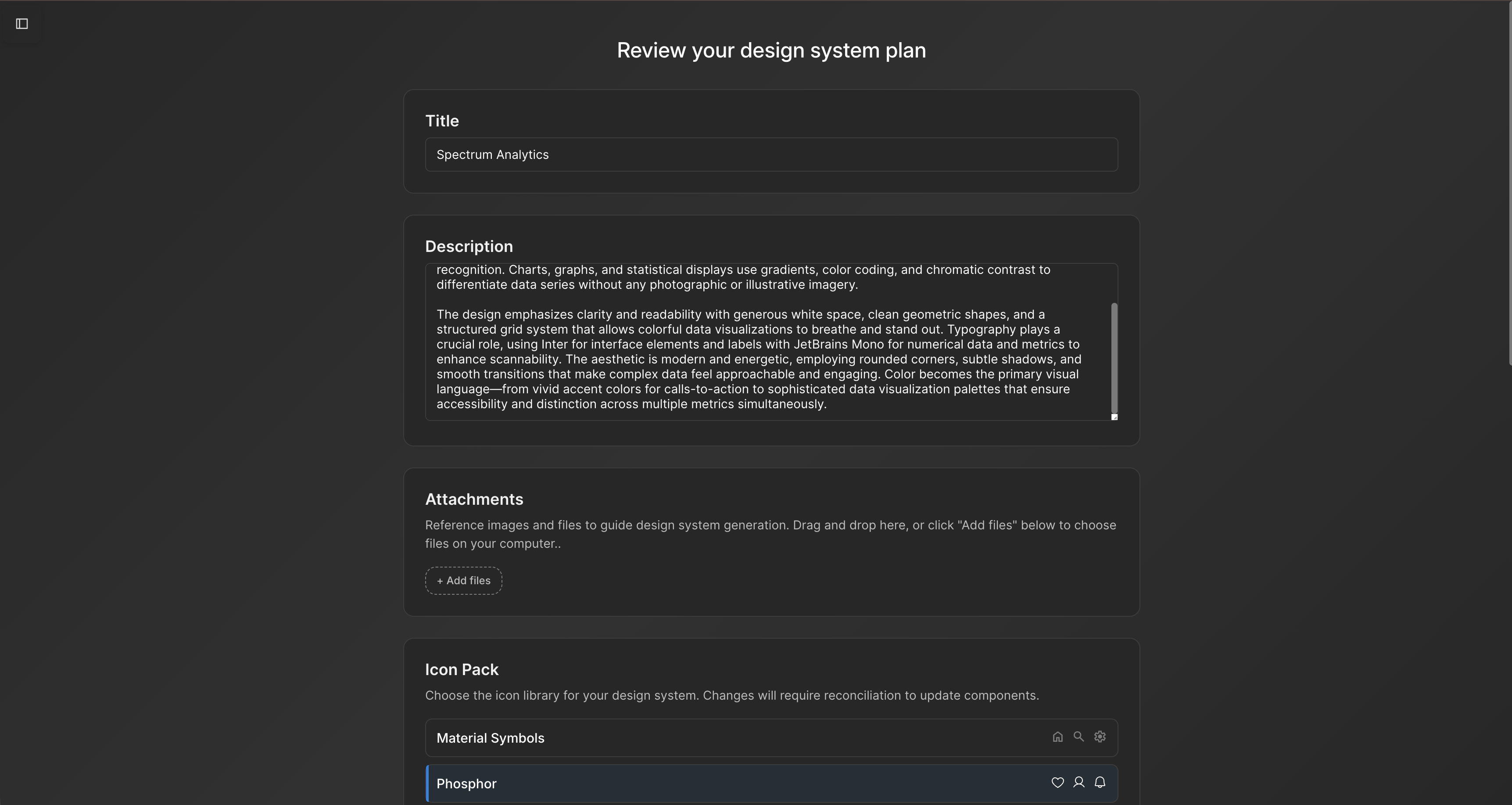
AI-assisted tools can generate a structured design system from brand guidelines and early design work, helping teams define tokens, components, and patterns before designing at scale.

Instead of reconciling AI-generated screens with your design system after the fact, define the system first and let it guide generation. Learn how to set up tokens, components, and patterns for AI-assisted UI workflows.

Many teams have implicit design systems scattered across Figma files. Here's how AI can analyze your screens, extract repeated patterns, and structure them into a formal design system.

Your product's design system already exists inside your screens. Learn how AI can analyze existing UI to extract tokens, components, and documentation into a formalized system.

A comprehensive guide to the 9 best AI prototyping tools in 2026, from design-first platforms to code-first full-stack solutions.

A practical guide to understanding AI UI design tools, evaluating them for your team, and using them effectively. Learn how these tools compress design cycles and what really matters when selecting one.

Explore Moonchild AI's pricing tiers from free to team plans. Understand what generation capacity and features you get at each level and find the right plan for your team's needs.

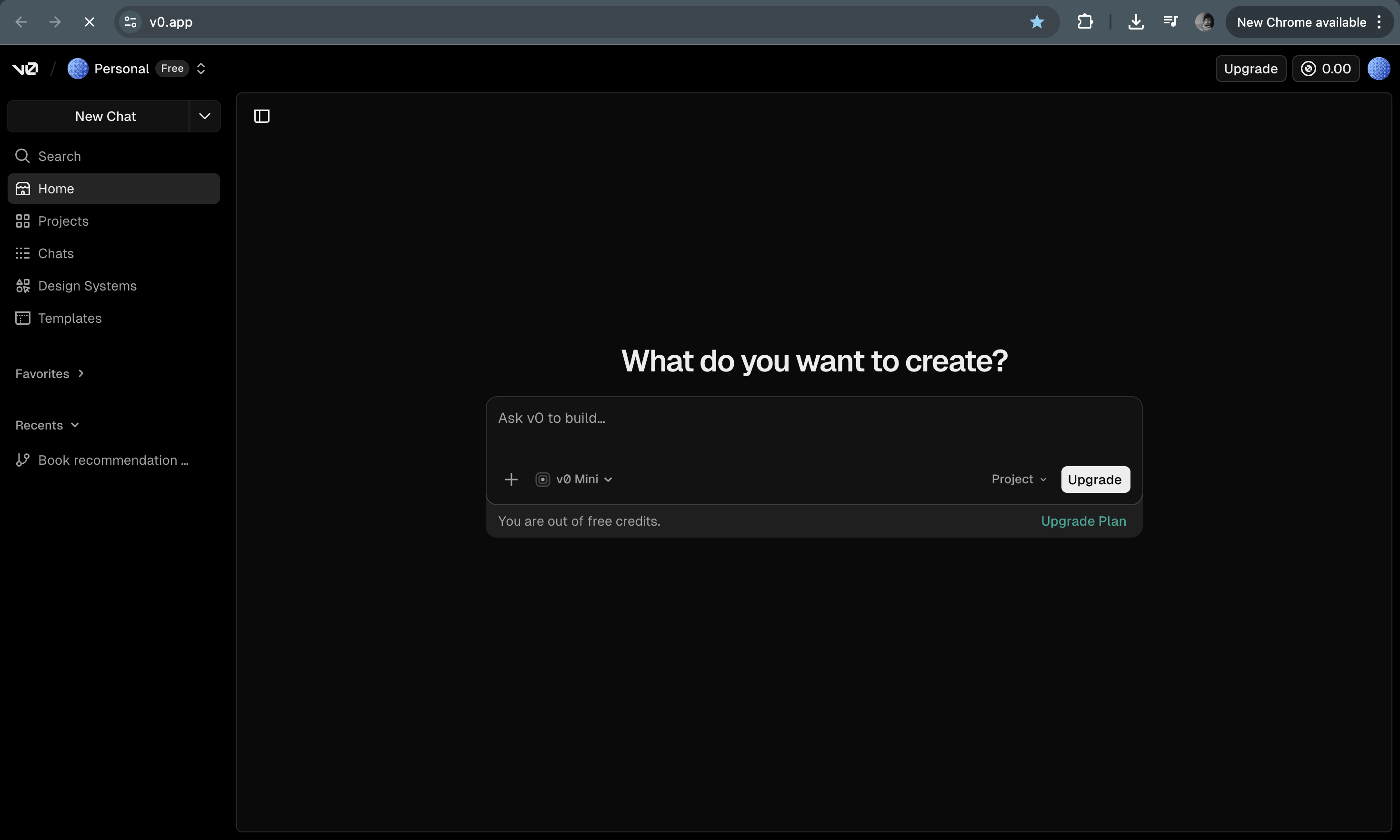
v0 generates React code from prompts — great for developers, but not for designers or PMs. Here are the best alternatives that produce visual output you can actually use.

Most Figma work falls into structure and refinement. Moonchild AI generates the structural foundation upfront, so designers can spend more time on what actually matters.

AI wireframing tools and AI UI generators are often grouped together, but they solve different problems at different stages. Understanding the difference saves you from buying the wrong tool.