Moonchild AI vs Figma Make for Generative UI
Updated March 4, 2026
A designer uses Figma Make to generate button variations. Ten seconds. Great. She links them into a dashboard mockup. Fast. Five screens built. Then her design lead reviews and finds inconsistencies: two screens use components from the design system, three don't. An hour of rework follows. Figma Make sped up individual actions. It didn't prevent the consistency problem.
The gap between Figma Make and Moonchild is about scope. One tool accelerates individual design tasks inside Figma. The other focuses on generating UI flows within design system constraints. Both use AI in the design process, but they address different parts of the workflow.
Task-level speed versus workflow-level speed
Figma Make is genuinely convenient. You're already inside Figma. You can select elements, generate variations, and apply them without leaving the canvas. For small tasks, that's faster than switching to another tool.
But speed at individual tasks and speed across an entire workflow are different things. Generating button variations faster doesn't necessarily make multi-screen flow design faster if designers still need to:
- Manually create additional screens
- Connect those screens into a flow
- Review the work for consistency issues
- Fix designs that don't align with the design system
Those steps still take roughly the same amount of time. The generation step may be faster, but the overall workflow remains largely unchanged.
| Design System Enforcement | Multi-Screen Flow Consistency | Handoff Readiness | Best For | |
|---|---|---|---|---|
| Moonchild | Designed to generate UI using an imported design system so components, spacing, and typography follow the system during generation. | Generates multiple screens for a feature or flow together, which can help keep layouts and components consistent across those screens. | Produces structured UI screens that can be moved into design or development workflows, depending on how teams integrate the output with their design tools and engineering process. | Product teams focused on generating structured UI flows earlier in the design process, especially when working with larger sets of related screens. |
| Figma Make | Works within Figma and can use existing libraries and components, but adherence to the design system depends on how designers apply them. The tool does not strictly enforce component or token usage. | Can generate UI elements or variations, but designers typically assemble and connect screens manually. Consistency across multiple screens is managed through normal design practices and review. | Output remains in the Figma design environment, where developers typically inspect designs, view components, and extract specs using Figma's standard handoff tools. | Designers who want AI assistance directly inside Figma for tasks like generating variations, editing UI elements, or accelerating small design steps. |
Figma Make: AI inside your existing workflow
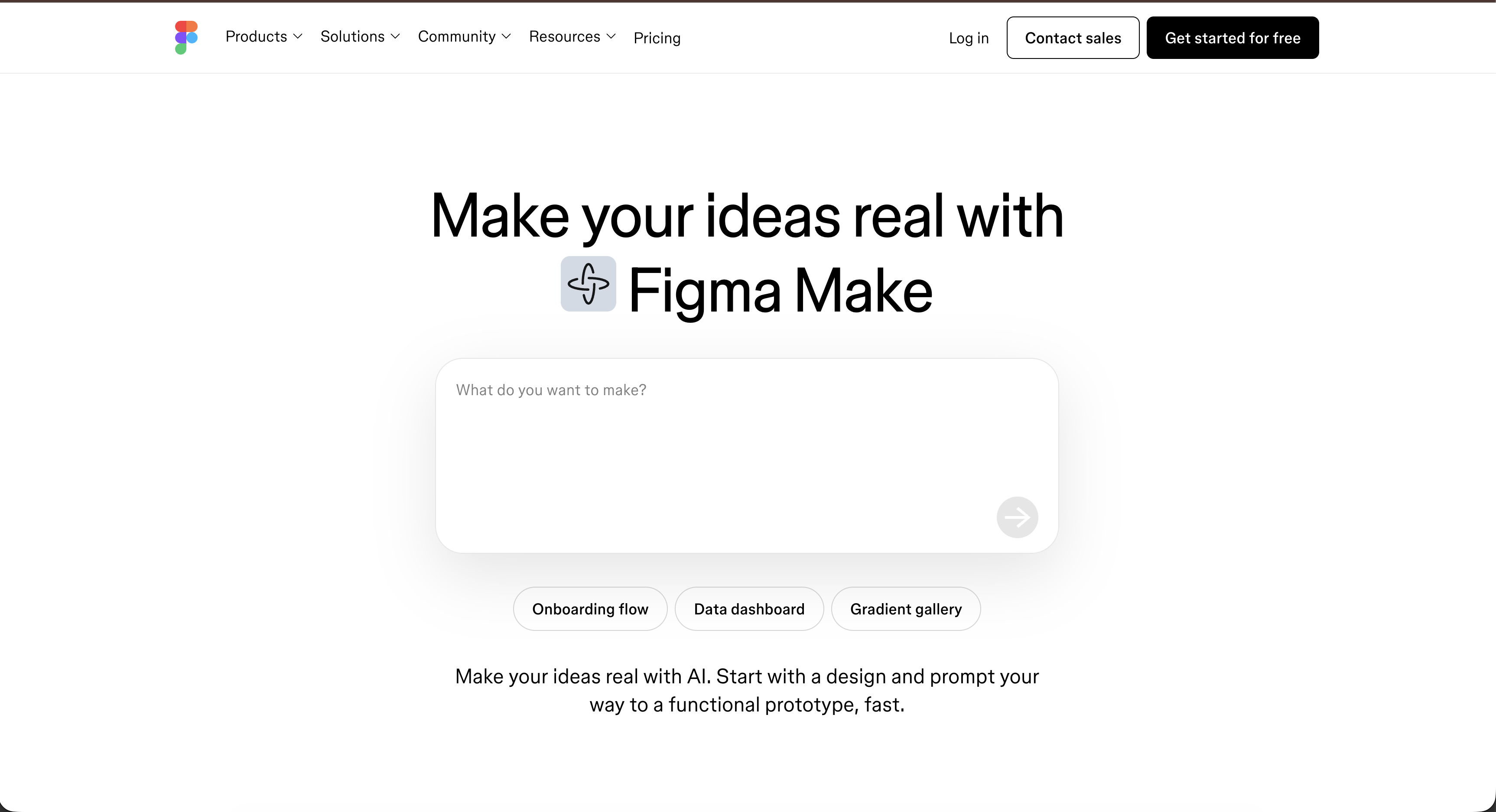
Figma Make's main advantage is its integration with Figma. Designers are already working inside the tool, so they can request variations without leaving the canvas. There's no need to switch tools, upload files, or recreate context.
This is particularly useful for maintaining design momentum. If a designer is building a dashboard and needs several button variations, they can generate them directly within the workflow. In that sense, Figma Make helps speed up small design tasks that occur during the normal design process.
The convenience is real. But convenience doesn't necessarily scale to workflow-level problems. If the bottleneck is designing large product flows — say 20 screens or more — embedding AI inside Figma through Figma Make doesn't fundamentally change how that work is structured.
Designers are still typically:
- Creating screens one at a time
- Manually checking for consistency across screens
- Building the navigation structure themselves
- Reviewing layouts for design system compliance
AI that accelerates individual actions can make certain steps faster, but it doesn't automatically change the overall workflow required to produce a multi-screen product experience.
Moonchild: AI that changes what gets generated
Moonchild takes a different approach. Rather than focusing on helping designers work faster inside Figma like Figma Make, it focuses on generating multi-screen UI flows from structured inputs such as product requirements.
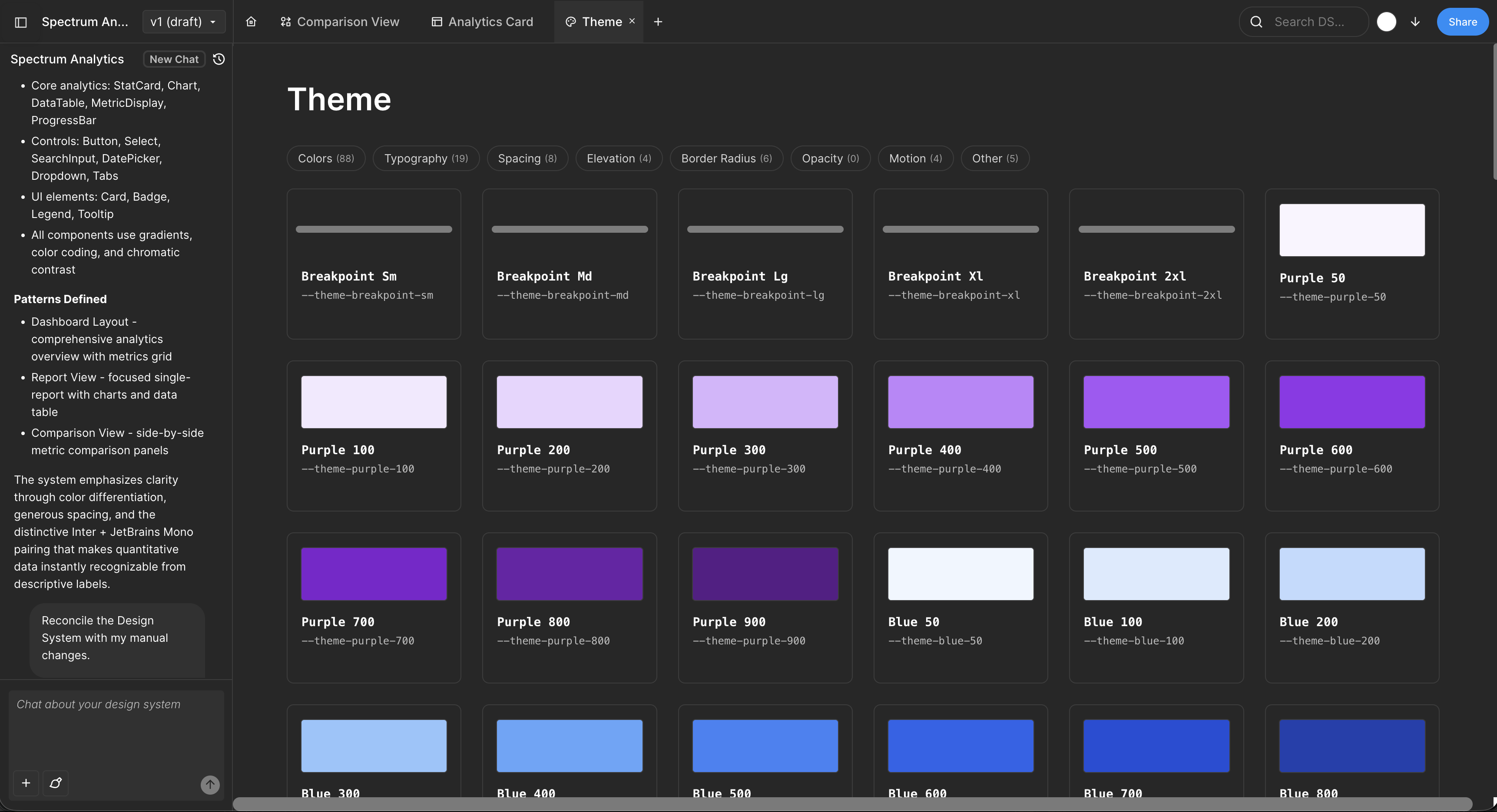
This represents a workflow-level shift. Instead of building screens one by one and assembling them afterward, the generation step produces a complete set of screens for a feature or flow before detailed design work begins.
In that model, the output that moves into tools like Figma can include:
- Multiple screens for a flow generated together
- UI built using components from a defined design system
- Layout decisions such as spacing and typography already applied
- Screens designed to be visually consistent with one another
The goal is to reduce the amount of manual assembly and consistency checking required when designing larger product flows.
This approach isn't about making individual design tasks faster. Instead, it changes how the workflow itself is structured. By generating complete UI flows earlier in the process, the time savings come from reducing the number of manual steps later on, rather than accelerating actions inside tools like Figma or Figma Make.
Design system compliance: embedded versus policed
Figma Make generates UI inside Figma using whatever elements exist in the file, but following the design system is still up to the designer. Teams often need review cycles to check component usage, spacing, and overall consistency.
Moonchild takes a different approach by constraining generation to the design system itself, so screens are produced using the correct components and tokens from the start. Instead of relying on review to enforce compliance, consistency is built into the generation process, which can reduce the amount of manual checking and rework required across a team.
Scope matters more than task speed
The key question is where the bottleneck in your design process actually sits.
If the bottleneck is slow individual design actions — such as generating variations, filling placeholder content, or creating components — Figma Make can help by speeding up those tasks directly inside Figma.
If the bottleneck is designing complete multi-screen product flows — such as onboarding sequences, dashboards, checkout flows, or larger feature sets — tools focused on generating structured UI flows, like Moonchild, aim to address that by changing how the work is produced at the workflow level.
In practice, many product teams find that the larger challenge is coordinating and designing complex multi-screen features quickly, rather than speeding up individual design actions.
Using both tools together
Some teams use both tools by recognizing that they operate at different levels of the workflow.
- Moonchild generates multi-screen product flows from structured inputs.
- Designers bring those screens into Figma for refinement.
- Inside the canvas, Figma Make can then be used to generate variations, adjust details, or speed up smaller design tasks.
In this setup, the tools are not replacing each other — they are supporting different stages of the same workflow.
The workflow inflection point
Tool choice tends to matter more as the scope of design work grows.
Designing 3–5 screens: AI assistance inside Figma can be sufficient because the work is limited and task-level speed improvements are meaningful.
Designing 20–30 screens across multiple flows: The challenge shifts toward coordinating and maintaining consistency across many screens. In these situations, tools that generate structured flows can reduce the amount of manual assembly.
Designing continuously (new flows every week): Over time, repeated design work increases the importance of consistency and system alignment across screens, which can influence how teams evaluate workflow tools.
Many product teams eventually reach this stage as their product grows and new features require larger sets of connected screens.
The real question
Rather than asking which tool is faster, the more useful question is where the bottleneck in the workflow occurs.
- Figma Make focuses on speeding up individual design actions inside Figma.
- Tools like Moonchild focus on generating structured UI flows earlier in the process to reduce manual assembly later.
For teams building complex product interfaces with many connected screens, reducing the amount of manual coordination across screens can have a larger impact than simply accelerating individual design tasks.
Written by
Lotanna NwoseSenior PMM with 7 years experience across multiple teams. Building the new way of using AI to do Product Design work at Moonchild AI.
Related Articles
Best Alternatives to Galileo AI for Real Design Systems
Galileo works well for exploration and early concepts, but relying on it for production UI often introduces rework. Here's how different tools solve different phases of the design process.
Moonchild AI vs Google Stitch for Production-Ready UI Generation
Google Stitch is optimized for research and exploration. Moonchild is designed for consistent, production-focused interface design. Both use AI to generate UI, but they serve different stages of work.
Moonchild AI vs Relume for Sitemap-to-UI Workflows
Relume helps teams plan structure and page relationships. Moonchild generates interface screens that implement that structure in UI form. They address different stages of the same workflow.