How to Turn Existing UI Screens into a Design System with AI
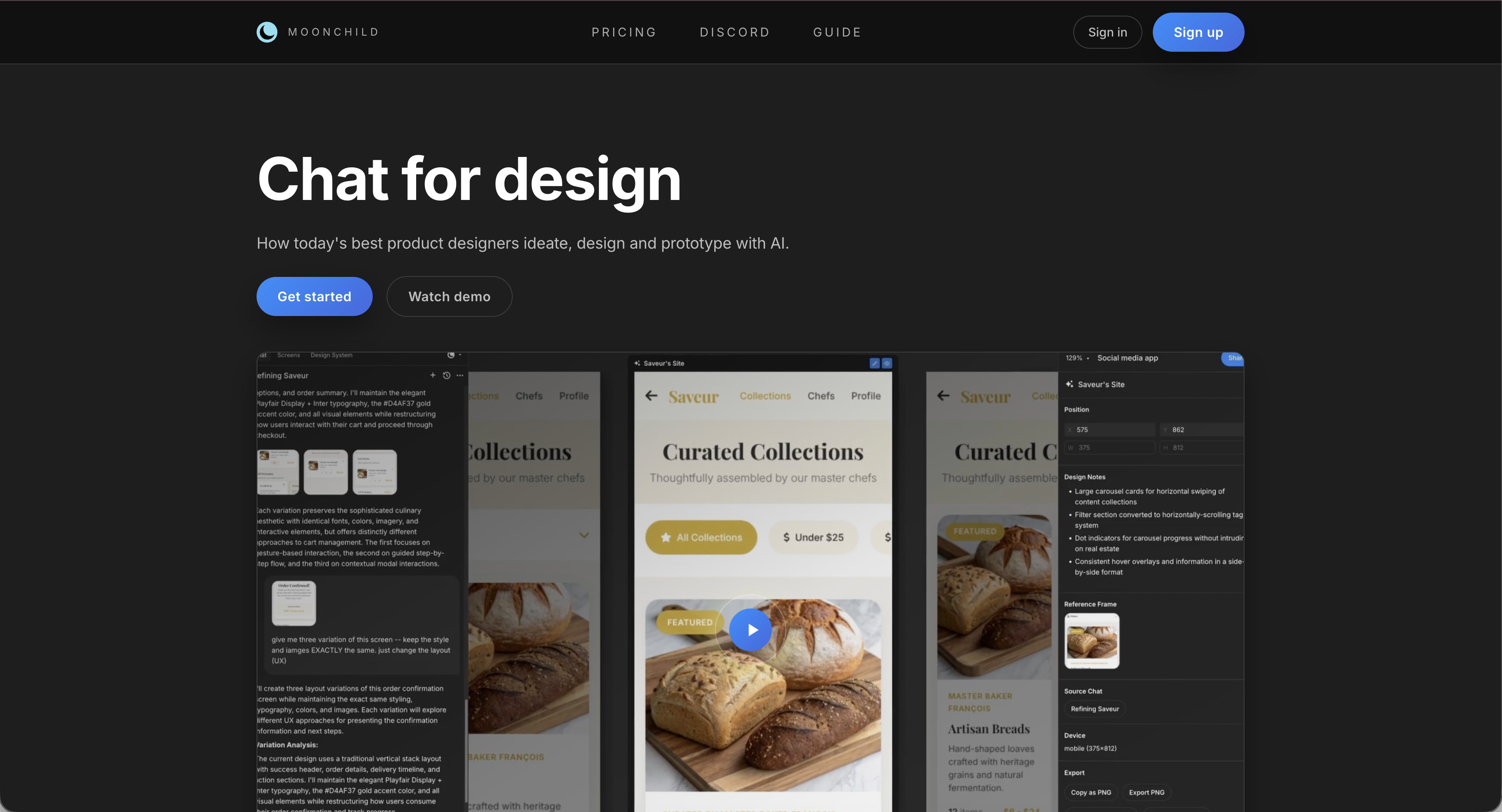
Many products accumulate dozens of screens that reuse the same visual patterns—colors, typography, buttons, and spacing. Even when these patterns are consistent, they are often not formally documented as a design system.
In these situations, the design system already exists in practice, but it remains embedded inside design files rather than organized into tokens, components, and documentation.
Moonchild is designed to help teams analyze existing UI screens and organize those patterns into a structured design system. Instead of building a system from scratch, teams can formalize the patterns already present in their product.
Implicit systems don't scale
In many teams, designers reuse interface patterns based on familiarity with previous screens.
Examples include:
- Reusing a button style from another part of the product
- Matching form layouts from earlier flows
- Applying similar spacing decisions across screens
These patterns form an implicit system. However, when the system is not documented, it can create friction:
- New designers need time to understand existing conventions
- Product discussions require manual auditing of screens
- Developers often rely on visual inspection instead of formal specifications
Explicit design systems address these issues by documenting tokens, components, and usage rules in a centralized structure.
How Moonchild extracts a system from existing screens
Moonchild analyzes design files and organizes repeated patterns into a structured design system.
The process typically includes three phases.
| Phase | Action | Result |
|---|---|---|
| Intake | Analyze selected Figma files | Raw design data |
| Pattern analysis | Identify recurring styles and structures | Detected patterns |
| System structuring | Organize patterns into tokens and components | Structured design system |
1. File intake
Moonchild connects to selected Figma files and analyzes design data such as:
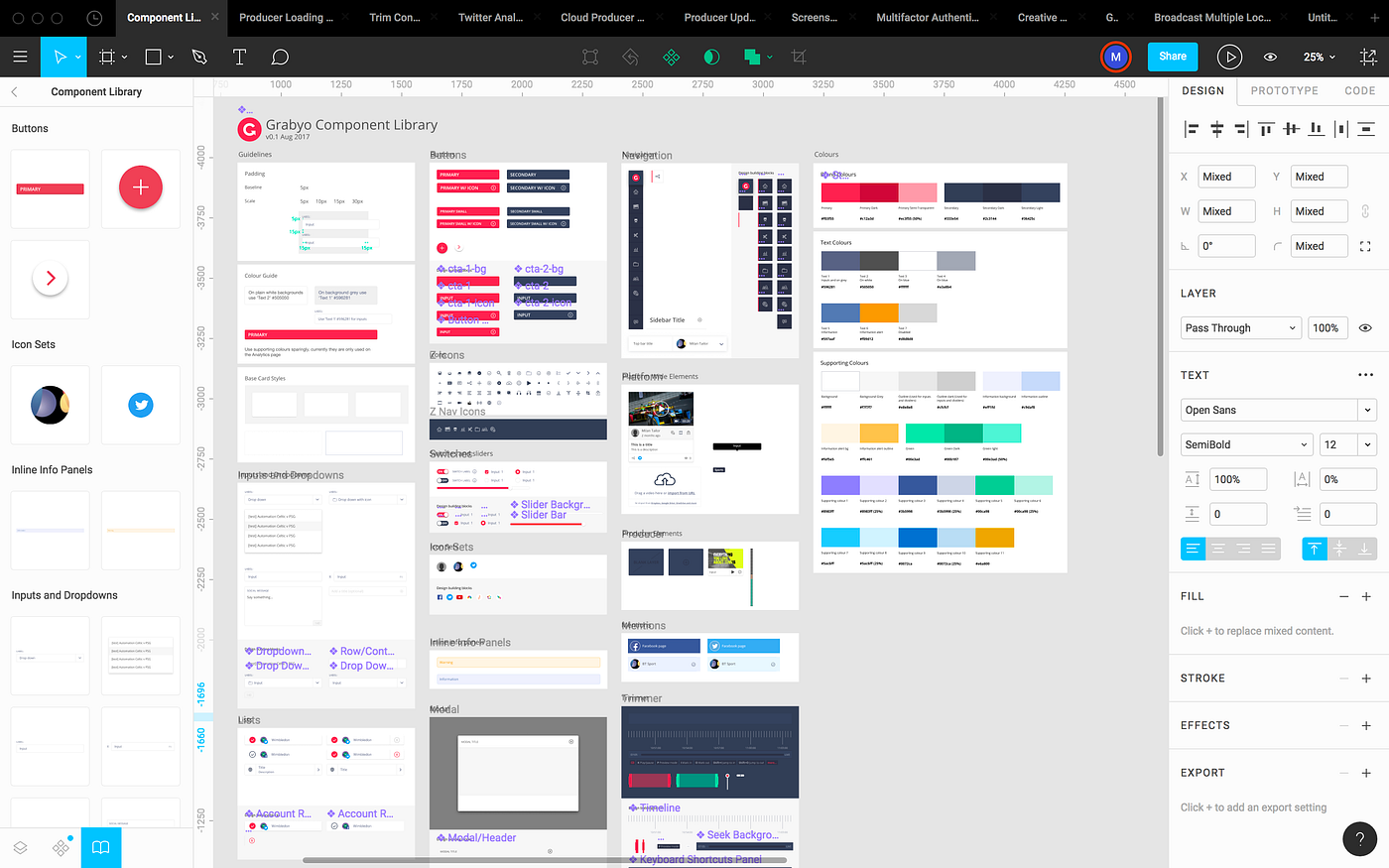
- Frames and layouts
- Colors and fills
- Typography settings
- Components and instances
- Spacing and layout constraints
This allows the system to understand how design decisions are used across the interface.
2. Pattern analysis
After reading the design data, Moonchild identifies patterns across screens.
Examples include:
Color usage — Repeated color values can be grouped into palettes or token candidates.
Typography patterns — Font sizes, weights, and line heights can be analyzed to suggest a consistent type scale.
Component patterns — Repeated UI structures such as buttons, inputs, and cards can be detected and organized into reusable components.
Spacing patterns — Common padding, margin, and layout spacing values can be grouped into a spacing scale.
Accessibility considerations — Color contrast relationships and interaction states can be reviewed to highlight accessibility considerations.
3. System structuring
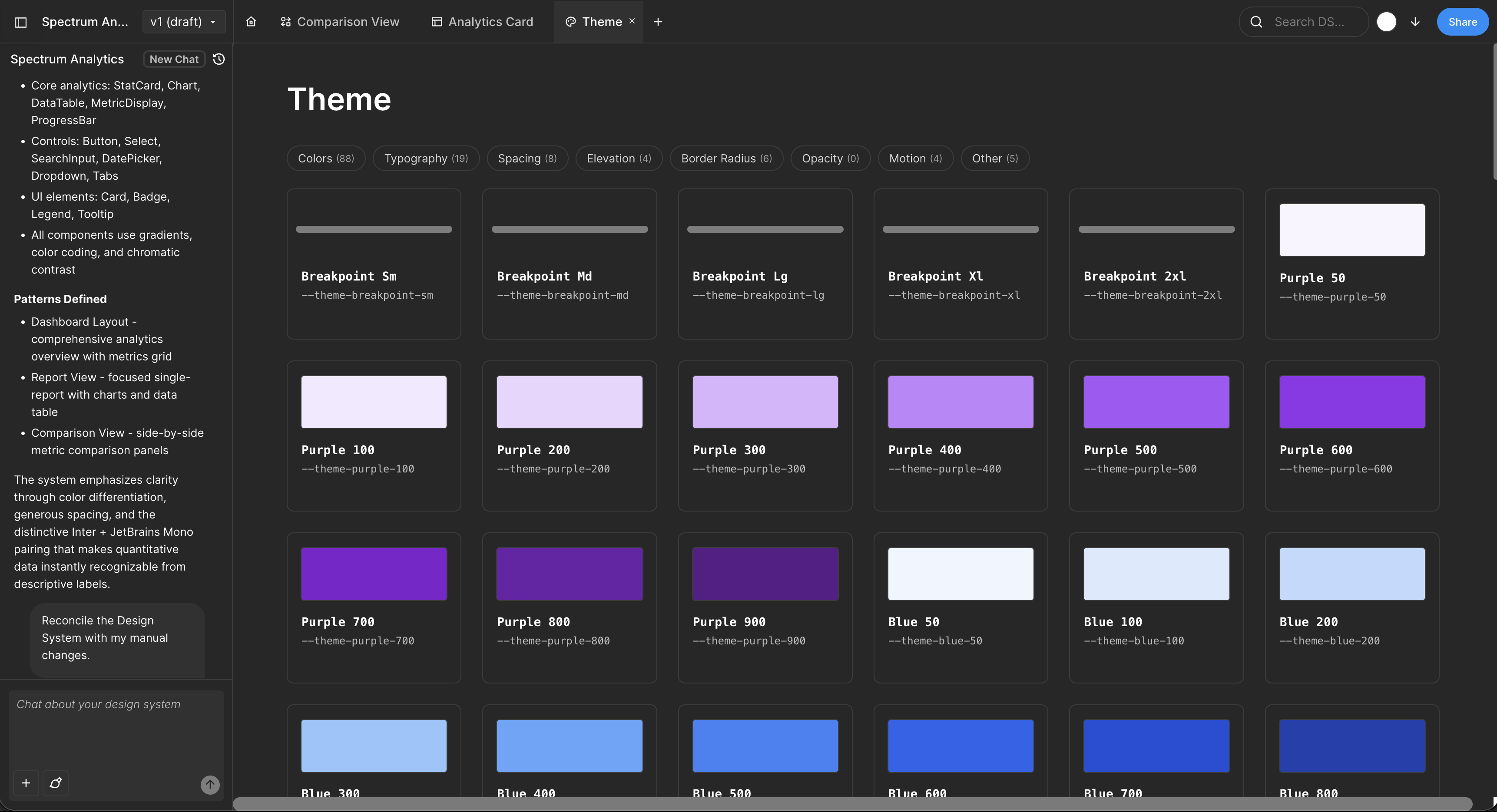
Once patterns are identified, Moonchild organizes them into a formal design system.
Typical outputs include:
Design tokens — Tokens representing foundational values such as color palettes, typography scales, spacing values, border radius, and elevation or shadow levels. These tokens provide a consistent foundation for interface design.
Component definitions — Common interface elements documented as reusable components, such as buttons, form inputs, cards, alerts or modals, and layout primitives. Each component references the system's tokens to maintain consistency.
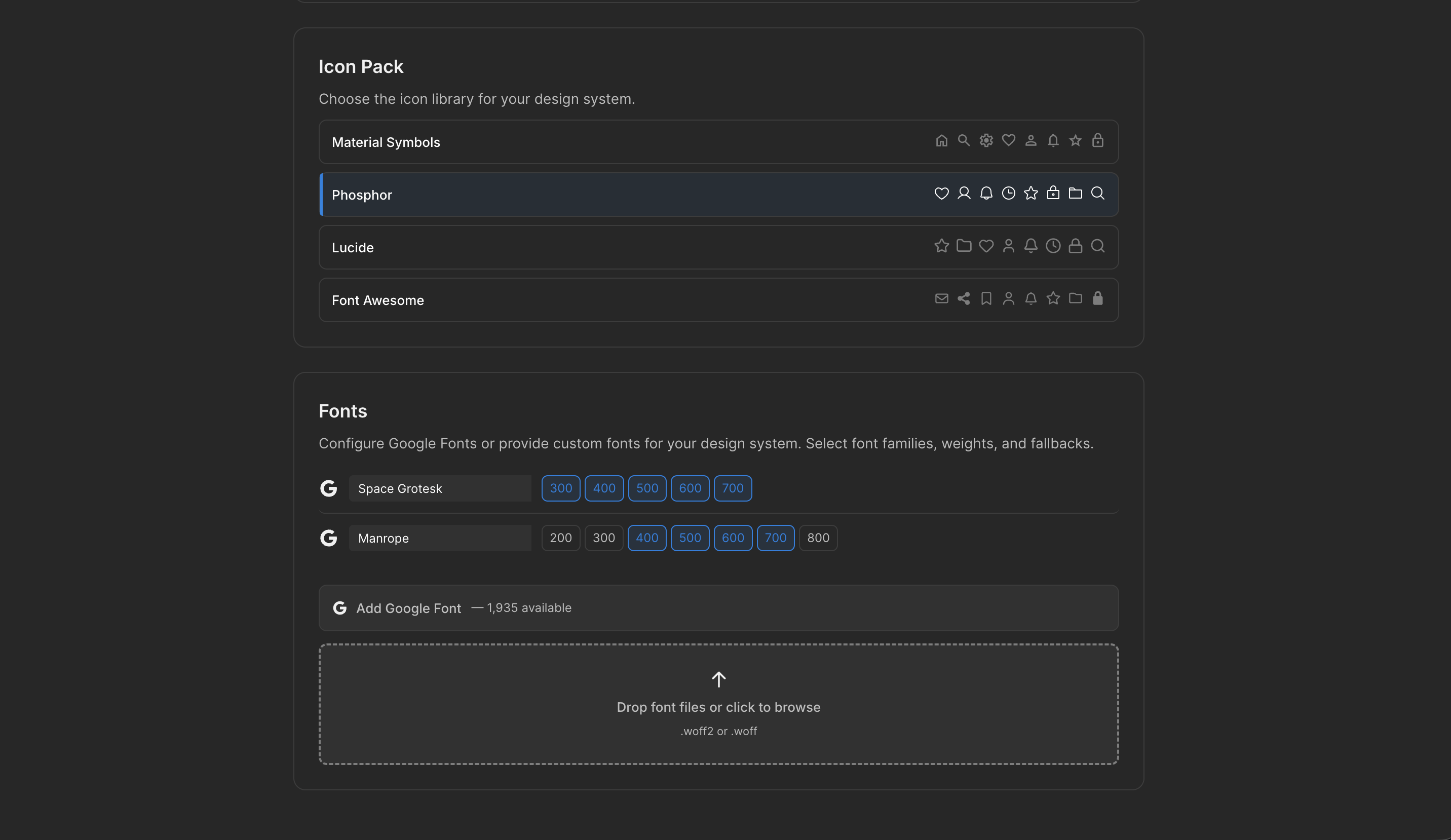
Documentation — Moonchild can generate system documentation describing token definitions, component structures and variants, accessibility considerations, and usage guidelines. This documentation helps designers and developers apply the system consistently.
From extracted system to consistent design
Once the system is formalized, teams can use it as the foundation for future design work.
Designers can reference tokens and components when building new screens, while system-aware workflows can use the extracted system as a constraint for generating new interfaces.
Using the system as a shared reference helps maintain consistency between existing screens and new product features.
Handling inconsistencies in real design files
Most design files contain inconsistencies, such as:
- Slightly different color values used interchangeably
- Multiple spacing values used across screens
- Extra component variants created during iteration
When these patterns are detected, teams can decide how to address them.
| Approach | Description | Typical scenario |
|---|---|---|
| Preserve variations | Keep all detected styles as intentional variants | When differences serve distinct use cases |
| Consolidate | Reduce variations into fewer tokens or components | During design cleanup |
| Use as target | Keep variations initially but enforce the new system going forward | Common for evolving products |
By surfacing these patterns, system extraction can help teams identify opportunities to improve design consistency.
Why formalizing the system matters
Once patterns are organized into tokens and components, teams gain several benefits:
- Designers share a consistent reference for UI decisions
- Developers can implement components based on clear specifications
- Design discussions focus on user experience rather than visual inconsistencies
- Future screens can build on an established foundation
Formalizing the system turns scattered design decisions into a structured framework that supports long-term product development.
FAQ
What if our screens are visually inconsistent?
Extraction highlights the variations that exist in the current design. Teams can decide whether to preserve them, consolidate them, or use the extracted system as the target for future consistency.
Can component definitions be edited after extraction?
Yes. Teams can refine components, adjust variants, and rename tokens to match their conventions.
How do developers use the system?
Tokens and component specifications can be exported into structured formats that development teams can integrate into their workflows.
Does this work with large design files?
Analyzing more screens can help identify recurring patterns because repeated styles appear more frequently.
Does this preserve existing Figma components?
Existing components remain part of the design file, and extraction can incorporate them into the documented system.
Written by
Nicolas CerveauxFounding Design Engineer at Moonchild AI. Bridging design systems and engineering to build the future of AI-native product design.
Related Articles
8 Best Rapid Prototyping Tools for Product Teams in 2026
A guide to the 8 best rapid prototyping tools for modern product teams, from AI-first platforms to high-fidelity interaction tools.
AI Design Systems: The Complete Guide for Product Teams
Discover why design systems are inseparable from AI generation. Learn the four maturity levels of design systems and how to build one that works with AI tools to eliminate manual cleanup.
AI in Product Design: The Definitive Guide for Product Teams
Move beyond the hype. Learn the honest state of AI in product design, the five-stage maturity model, and how roles change when teams adopt AI design tools.