How to Create a Design System Automatically Using AI
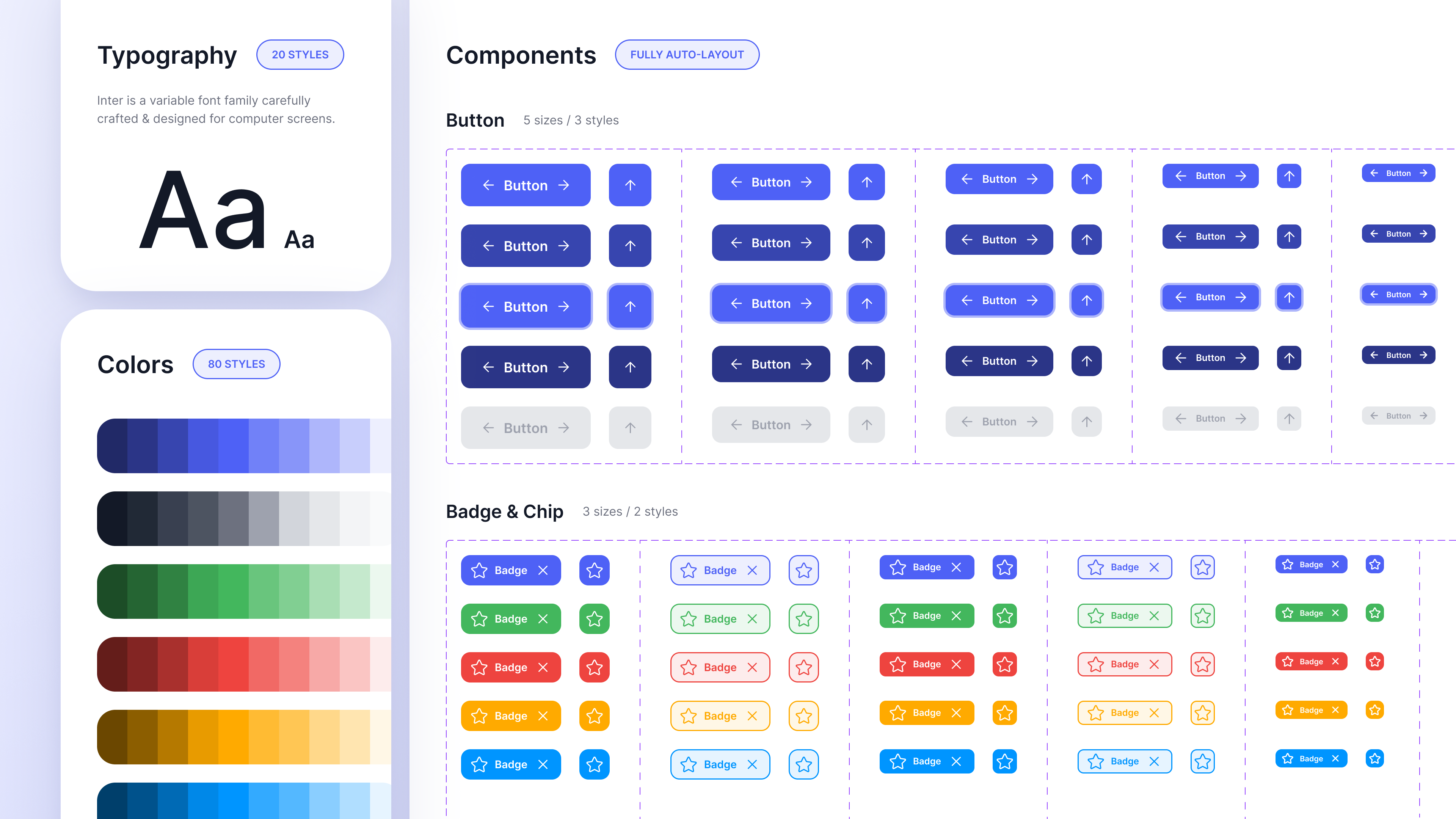
When launching a new product, teams often start with wireframes and brand guidelines but do not yet have a formal design system. Creating one typically involves defining design tokens, building component libraries, establishing layout patterns, and documenting usage guidelines.
AI-assisted tools aim to accelerate this process by generating a design system from inputs such as product descriptions, brand guidelines, and early design work.
Moonchild is designed to generate a structured design system using these inputs.
Generating a design system early in the product lifecycle
In many traditional workflows, teams design screens first and then extract patterns to form a design system later. During this process, multiple variations of colors, spacing, or components may emerge before consistent rules are established.
An alternative approach is to define the design system earlier in the process so that screens are created using predefined tokens, components, and patterns.
AI-assisted generation is intended to support this approach by proposing a system structure before large numbers of screens are designed.
Inputs that can be used to generate a system
AI tools designed for system generation may support several types of input.
| Input Source | Example Inputs | Intended Output |
|---|---|---|
| Brand guidelines | Colors, typography, tone, product description | Tokens, palette structure, typography scale |
| Existing screens or wireframes | Early UI layouts or flows | Extracted component and layout patterns |
| Hybrid input | Brand guidelines + screens | System combining brand and observed design patterns |
Combining multiple inputs can provide additional context for system generation.
Elements typically included in a generated system
A generated design system generally includes several layers.
Design tokens
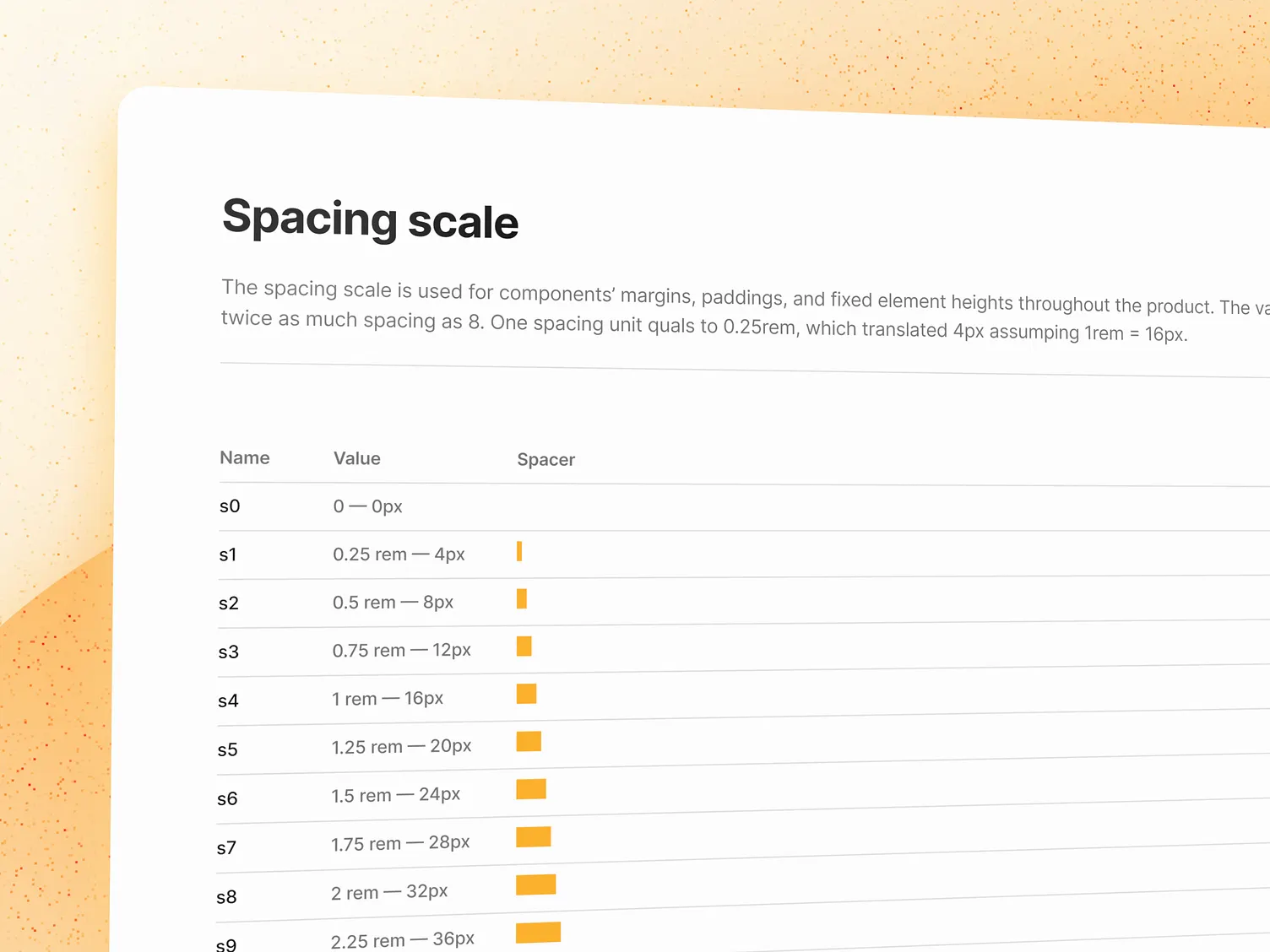
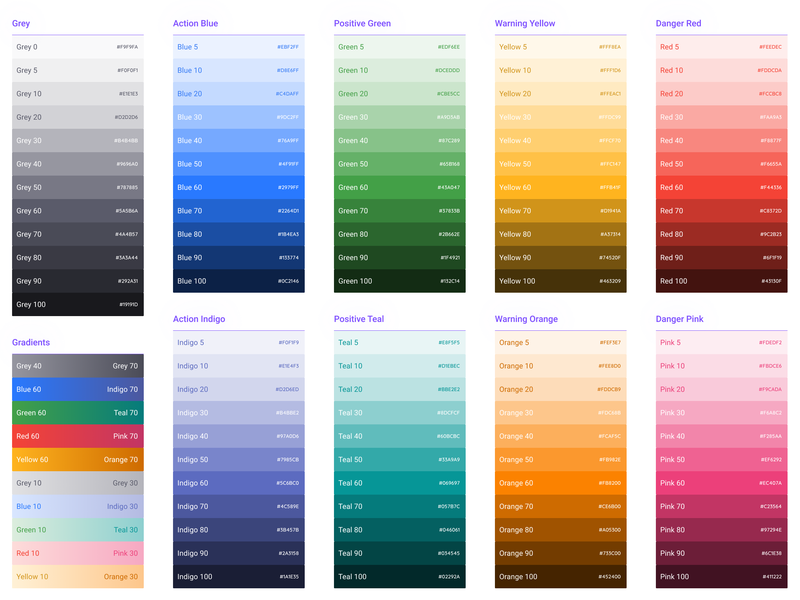
Tokens represent foundational design values such as:
- Colors
- Typography
- Spacing
- Border radius
- Elevation or shadow levels
These tokens provide a structured way to maintain consistency across interfaces.
Component library
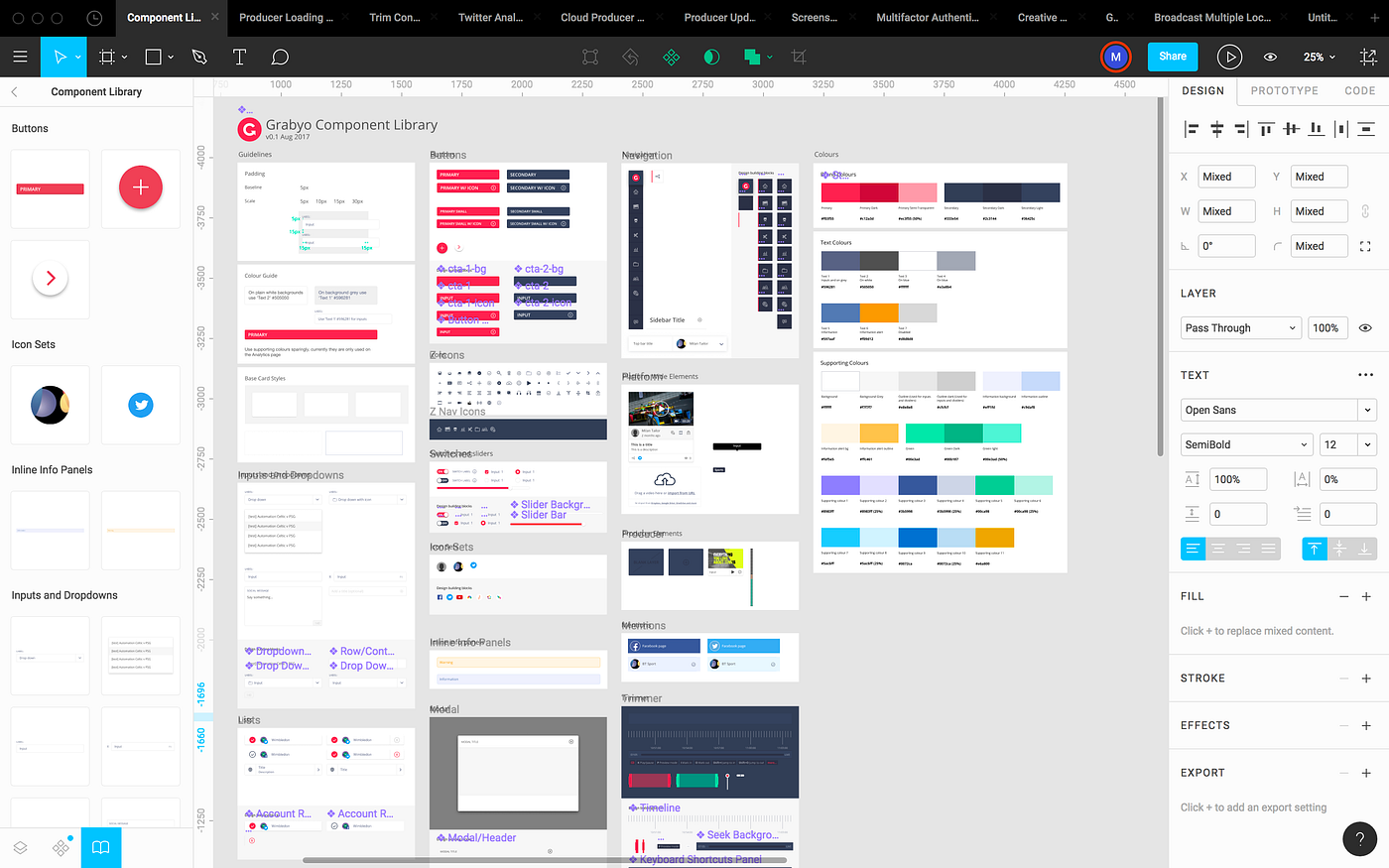
Generated systems may include definitions for common UI components such as:
- Buttons
- Inputs and form elements
- Navigation patterns
- Feedback components (alerts, modals, badges)
- Layout primitives
Components typically reference tokens for their styling.
Documentation
Many design systems include documentation describing:
- Token definitions
- Component variants and states
- Accessibility considerations
- Usage guidelines
Some AI tools generate initial documentation automatically to help teams adopt the system.
Using the generated system for screen design
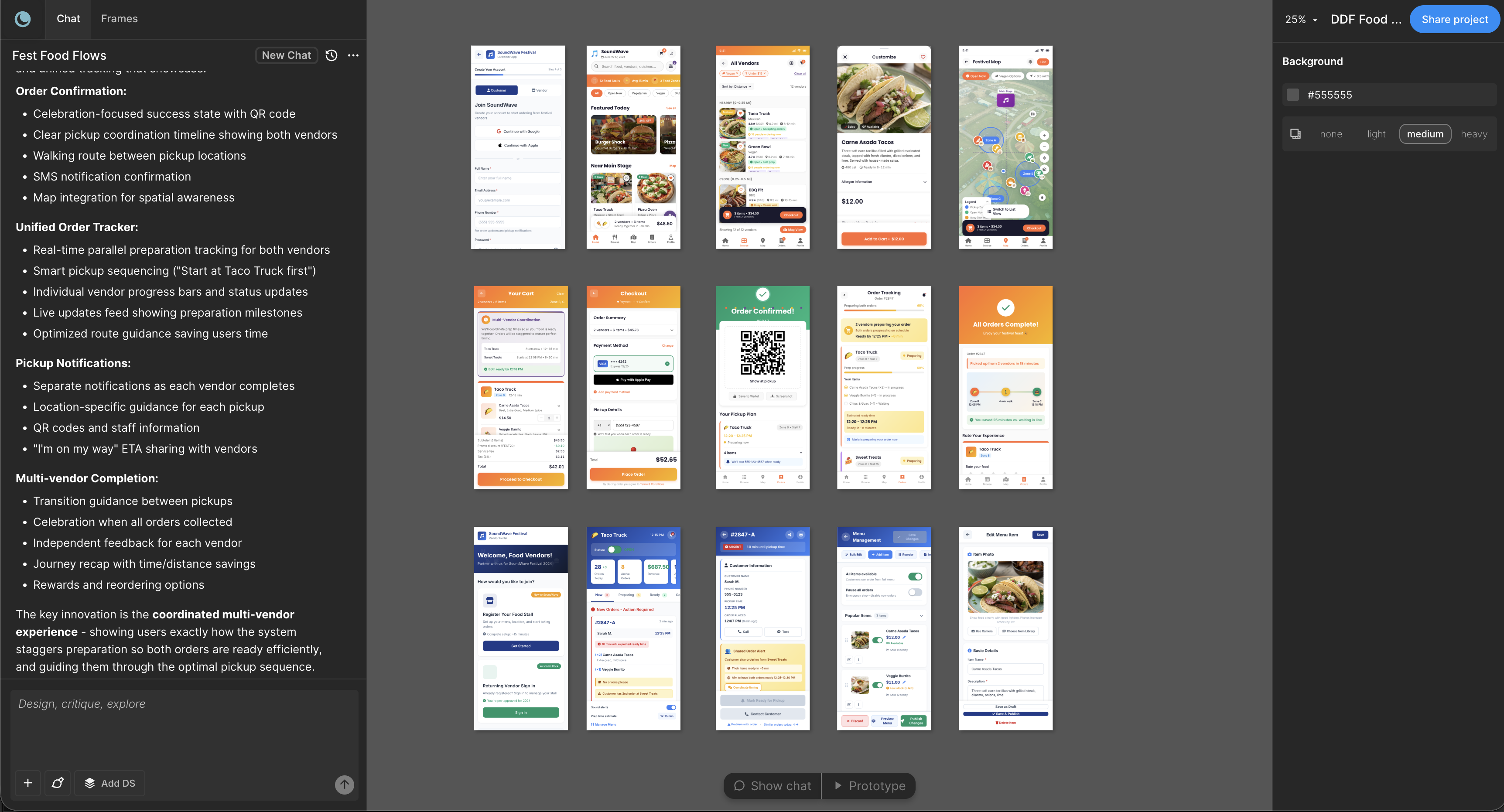
Once a design system exists, it can be used as a foundation for designing or generating product screens.
In workflows that support system-aware generation, new interfaces can reference the system's tokens and components. This approach helps maintain consistency between screens and reduces the need for later refactoring.
Importance of input quality
The quality of a generated system depends significantly on the quality of the inputs.
For example:
- Detailed product descriptions provide context about the type of interface being built.
- Clear brand guidelines help define color palettes and typography.
- Example screens or wireframes help identify layout patterns and component structures.
Providing specific information generally helps the system produce more relevant outputs.
Customizing a generated system
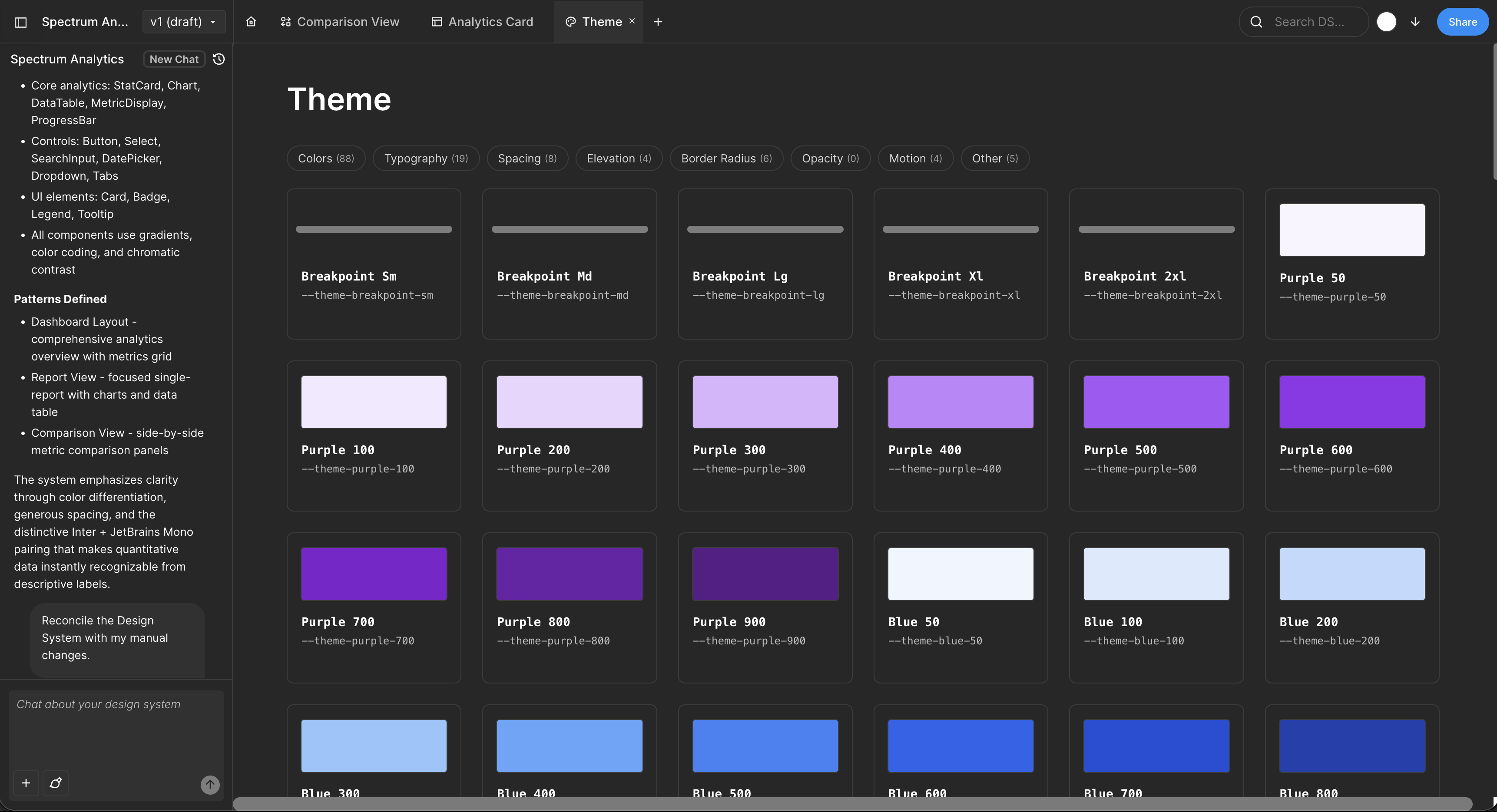
Generated systems typically serve as a starting point rather than a final artifact. Teams may refine them by:
- Renaming tokens
- Adjusting color or typography values
- Adding or removing component variants
- Reorganizing categories
- Introducing additional tokens for product-specific needs
Exporting the design system
Design systems generated by AI tools can usually be exported into formats compatible with design and development workflows.
Common outputs may include:
- Figma variables or components for design teams
- Design token files (JSON) for token-based workflows
- Documentation artifacts describing system usage
These outputs allow teams to integrate the generated system into existing design and development processes.
FAQ
Is an AI-generated design system complete?
Generated systems usually provide a starting framework. Teams often refine tokens, components, and documentation to better match product requirements.
Can the system be customized later?
Yes. Tokens, components, and documentation can typically be edited after generation.
What happens if the brand changes later?
Updating token values allows teams to propagate changes through designs that reference those tokens.
How do teams share the system?
Design systems are commonly distributed through design tools such as Figma along with token files and documentation.
Can this approach work for complex products?
Yes. Systems can evolve over time as additional components and patterns are added.
Written by
Nicolas CerveauxFounding Design Engineer at Moonchild AI. Bridging design systems and engineering to build the future of AI-native product design.
Related Articles
8 Best Rapid Prototyping Tools for Product Teams in 2026
A guide to the 8 best rapid prototyping tools for modern product teams, from AI-first platforms to high-fidelity interaction tools.
AI Design Systems: The Complete Guide for Product Teams
Discover why design systems are inseparable from AI generation. Learn the four maturity levels of design systems and how to build one that works with AI tools to eliminate manual cleanup.
AI in Product Design: The Definitive Guide for Product Teams
Move beyond the hype. Learn the honest state of AI in product design, the five-stage maturity model, and how roles change when teams adopt AI design tools.