Generating a Production-Ready Design System from Existing UI
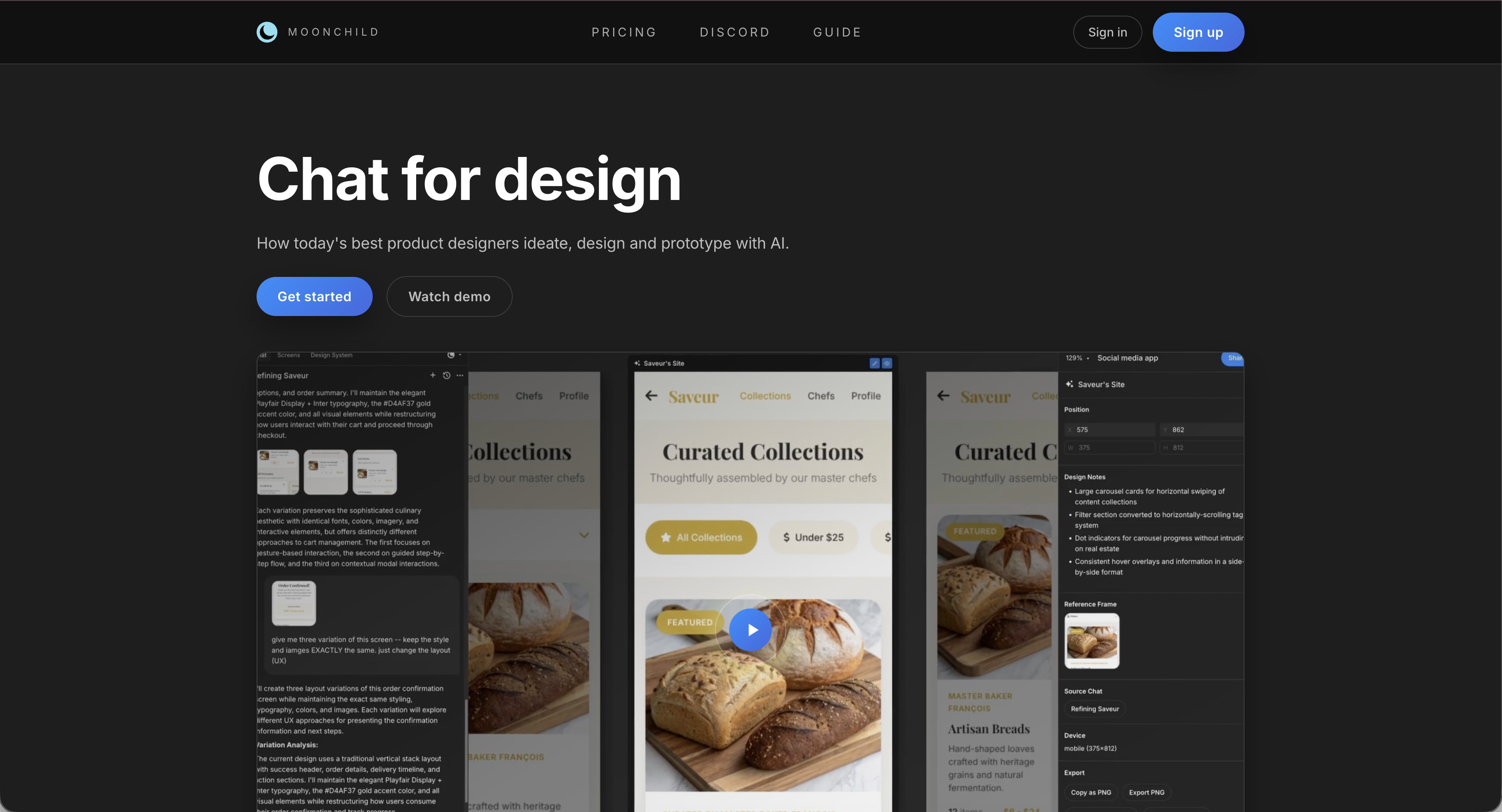
Your product already has dozens of screens. Many of them reuse the same colors, buttons, typography styles, and spacing patterns. In practice, the design system already exists—but it often lives inside individual Figma files rather than in a structured, documented format.
Extracting that system manually usually requires reviewing screens, cataloguing components, identifying color usage, and formalizing tokens and patterns.
Moonchild is designed to accelerate this process. By analyzing Figma files, it identifies repeated patterns and organizes them into a structured design system including tokens, components, and documentation.
The goal isn't to invent a new system. It's to formalize the one that already exists in your product.
Your design system already exists — it just isn't formalized
Many product teams reach the same stage: dozens of screens have been designed, but there is no documented system.
Design systems often emerge implicitly:
- Reused buttons gradually become informal components
- Repeated colors function as tokens
- Spacing and typography patterns appear across screens
Without documentation, however, these patterns remain difficult to maintain. New designers learn them informally, and developers must interpret design decisions without clear references.
Reverse-engineering the system makes those patterns explicit. Once documented, the system can be versioned, shared across teams, and used as the foundation for future design work.
How Moonchild analyzes existing UI
Moonchild's extraction workflow generally involves three stages.
1. File intake
Moonchild connects to selected Figma files and analyzes design properties such as:
- Color fills and styles
- Typography settings
- Components and instances
- Layout constraints and spacing values
This allows the system to understand how visual styles are currently used across the product.
2. Pattern analysis
After reading the design data, Moonchild identifies recurring patterns across screens.
Examples include:
Color usage — Repeated color values can be grouped into palettes or token candidates.
Typography patterns — Font sizes, weights, and line heights can be analyzed to suggest a consistent type scale.
Component patterns — Repeated UI structures such as buttons, inputs, and cards can be detected and organized into reusable component definitions.
Spacing patterns — Common padding, margin, and layout spacing values can be grouped into a spacing scale.
Accessibility indicators — Color contrast relationships and interaction states can be analyzed to highlight accessibility considerations.
3. System structuring
After patterns are identified, Moonchild organizes them into a structured design system.
Typical outputs include:
Design tokens — Tokens representing colors, typography, spacing, radius values, and elevation or shadow levels. These tokens can be exported into token-based workflows.
Component definitions — Common interface elements such as buttons, inputs, cards, alerts and modals, and layout primitives. Each component references the system's tokens to ensure consistent styling.
Documentation — Moonchild can generate system documentation describing token definitions, component variants and states, accessibility considerations, and usage guidance.
What "production-ready" means in practice
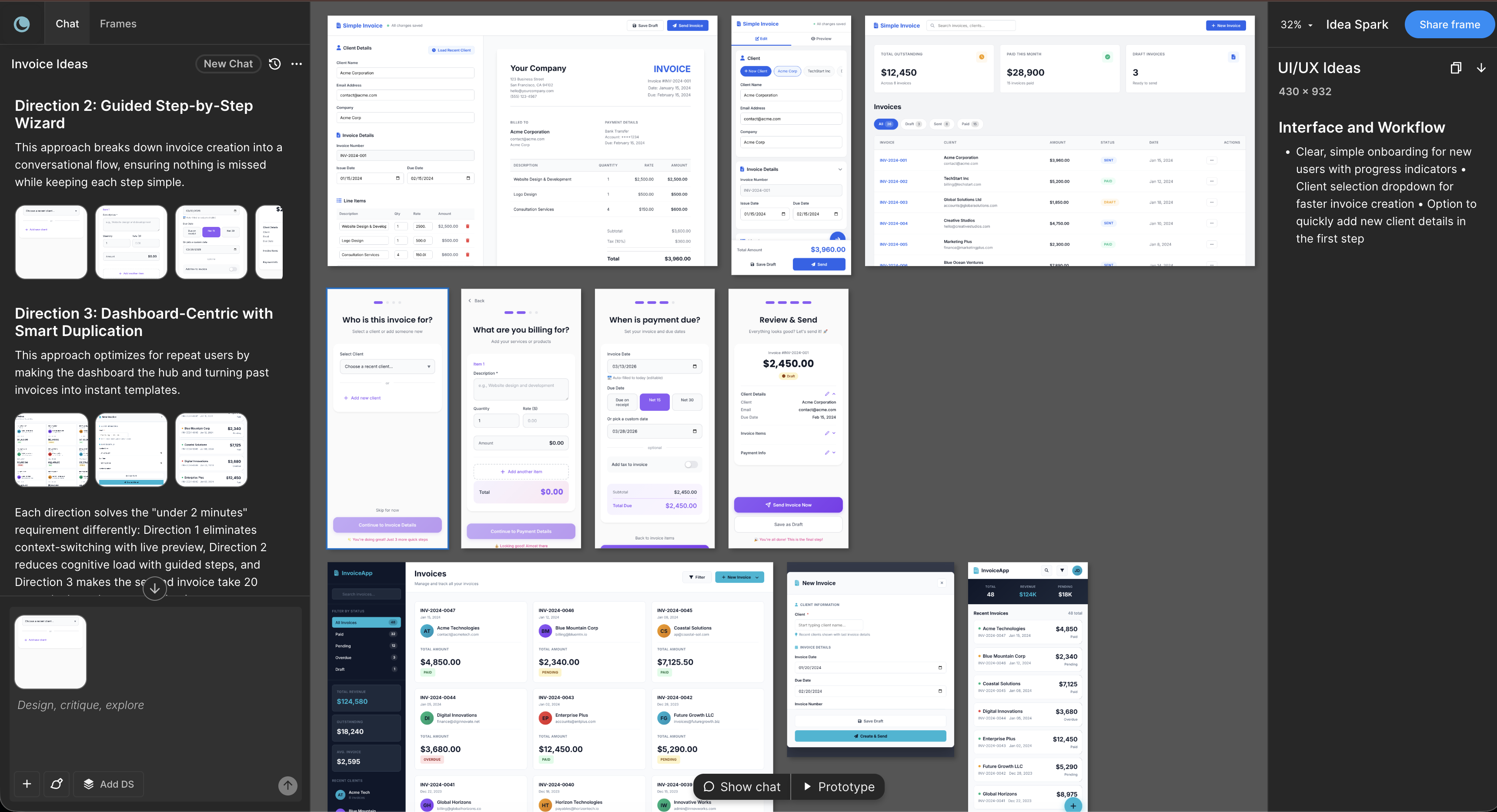
When Moonchild extracts a design system, the output is intended to be immediately usable within design and development workflows.
This generally means:
Exportable — Tokens and component definitions can be exported to formats compatible with common design and development tools.
Structured — The system organizes design decisions into clear tokens, components, and patterns rather than scattered values across screens.
Reusable — Once formalized, the system can serve as the foundation for designing or generating new screens.
Versionable — Teams can treat the extracted system as a baseline and evolve it over time.
Using the extracted system for future screens
Once a system has been extracted and refined, it can guide future design work.
Designers can reference the system when creating new screens, and workflows that support system-aware generation can use the system as a constraint to ensure new interfaces follow existing patterns.
This helps maintain visual consistency between older screens and newly designed interfaces.
Handling inconsistencies in real products
Real design files often contain inconsistencies, such as:
- Multiple similar color values used interchangeably
- Slightly different spacing values across screens
- Extra component variants created during rapid iteration
When Moonchild identifies these patterns, teams can decide how to handle them.
| Approach | Description | Typical Use |
|---|---|---|
| Keep variations | Preserve multiple values as intentional variants | When variations serve different purposes |
| Consolidate | Standardize around fewer tokens or components | During design cleanup |
| Use as target | Keep variations initially but enforce the new system going forward | Common approach for evolving products |
Surfacing these inconsistencies can help teams prioritize design governance decisions.
Token naming and system clarity
Design systems are easier to analyze when tokens use semantic naming conventions.
Semantic naming uses names like color/primary/500, spacing/md, and button/small — describing the role of a value within the interface rather than its literal appearance. Literal naming uses names like blue-500, size-32, and gap-16. Semantic names can make design systems easier to understand, maintain, and reuse.
FAQ
What if our existing UI is inconsistent?
Moonchild highlights inconsistencies so teams can decide whether to consolidate them or treat them as intentional variations.
What if components exist across multiple Figma files?
Analyzing multiple files can help build a unified view of tokens and components used across a workspace.
Can the extracted system evolve over time?
Yes. Teams can update tokens, add components, and refine documentation as the product grows.
What formats can the system be exported to?
Design tokens can typically be exported into structured formats used by design and development tools.
Can the system be edited after extraction?
Yes. The extracted system acts as a starting point that teams can refine and adapt.
Written by
Nicolas CerveauxFounding Design Engineer at Moonchild AI. Bridging design systems and engineering to build the future of AI-native product design.
Related Articles
8 Best Rapid Prototyping Tools for Product Teams in 2026
A guide to the 8 best rapid prototyping tools for modern product teams, from AI-first platforms to high-fidelity interaction tools.
AI Design Systems: The Complete Guide for Product Teams
Discover why design systems are inseparable from AI generation. Learn the four maturity levels of design systems and how to build one that works with AI tools to eliminate manual cleanup.
AI in Product Design: The Definitive Guide for Product Teams
Move beyond the hype. Learn the honest state of AI in product design, the five-stage maturity model, and how roles change when teams adopt AI design tools.